


MahaB82A
Brainiac
June 3, 2022
Answered

Video not showing any frames

  • June 3, 2022
  • 1 reply
  • 312 views

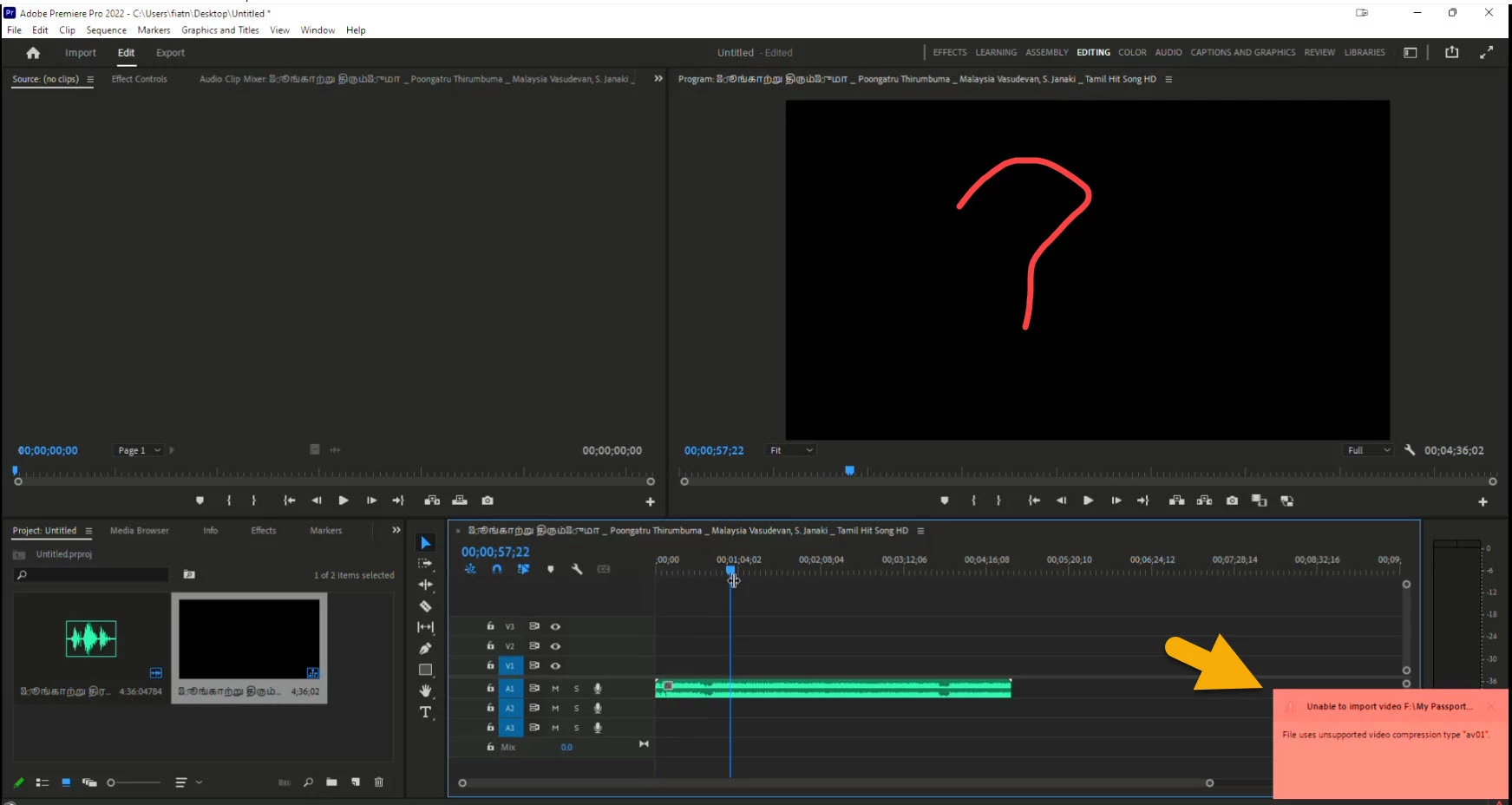
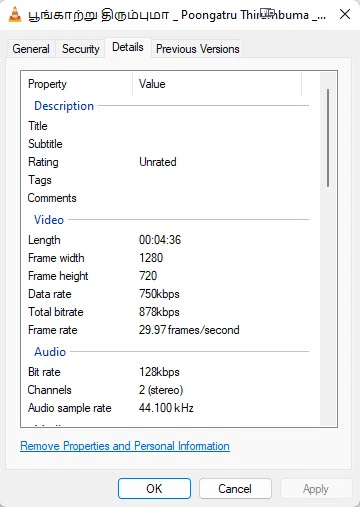
A video is not showing any frames in the PPr but audio only comes. It plays in media palyer without any issues. There is a error message in the RHS lower corner, I cannot understand it. What is the reason?


Details


This topic has been closed for replies.
Correct answer Steve Griffiths

Premiere Pro does not support the video 'codec' of the file you are trying to import. You'll need to find another application to convert the video to something Premiere Pro can recognise. Try 'Handbrake' - it's free.

1 reply

Steve GriffithsCorrect answer
Inspiring
June 3, 2022

Premiere Pro does not support the video 'codec' of the file you are trying to import. You'll need to find another application to convert the video to something Premiere Pro can recognise. Try 'Handbrake' - it's free.

MahaB82A
MahaB82AAuthor
Brainiac
June 10, 2022

Thanks.