


Voice audio with echo after speeding up
Good morning folks! I edited a quick interview in which I had to speed up in 20% to make it faster for Instagram content. The thing is that some parts of the audio came out with some "echo" or "stutter", I dont know exactly how to define that. I'll tell how I edited that and I'll also upload a part of the interview that clearly shows the issue. Any suggestions about how to fix that? Thanks a lot 🙂
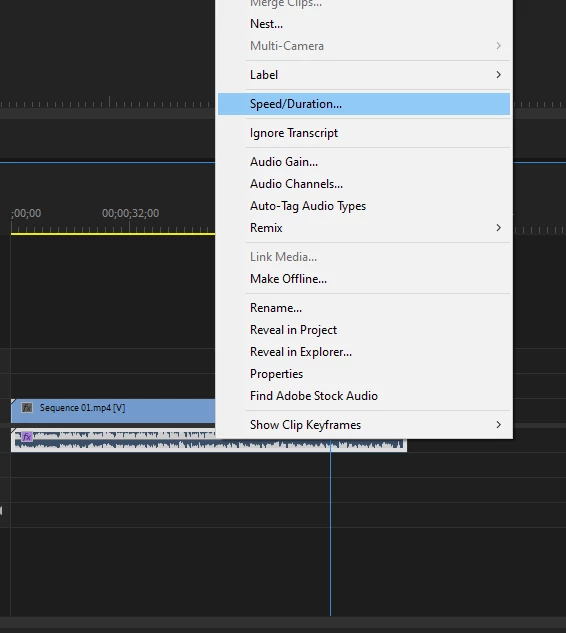
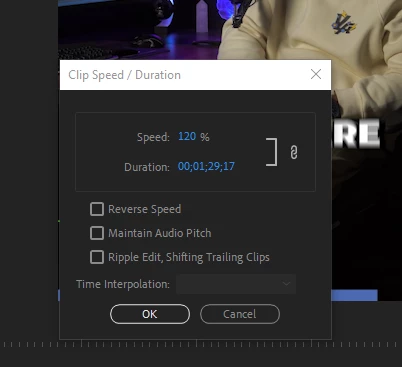
1- at the sequence, I changed the Speed/Duration for 120% and DID NOT CLICK on "Maintain Audio Pitch", I don't like how it comes out if you change the pitch this way
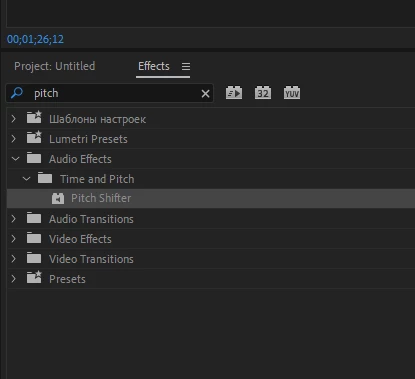
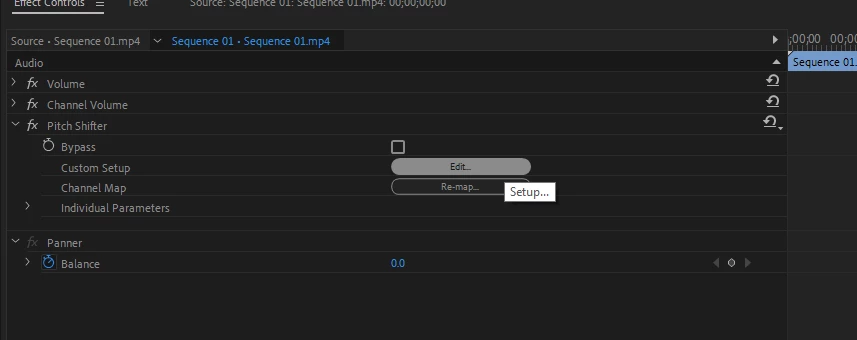
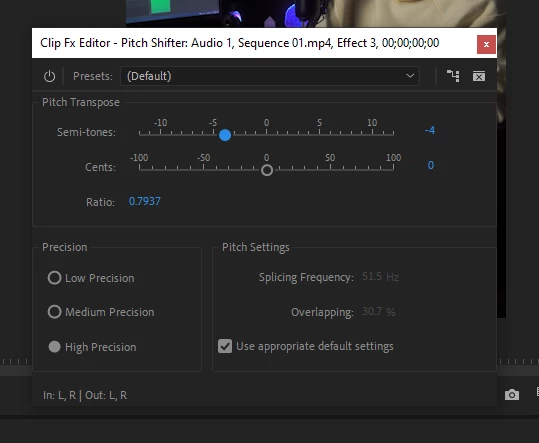
2-I applied a Pitch Shifter effect at the track and got it 4 semi-tones lower. That fixed the pitch issue, it sounds good in general, except for some very short parts in which there is this "echo/stutter". Coincidentally or not, they're located exactly where I cut some parts of the video, when the following one starts.
 AdChoices