


Answered
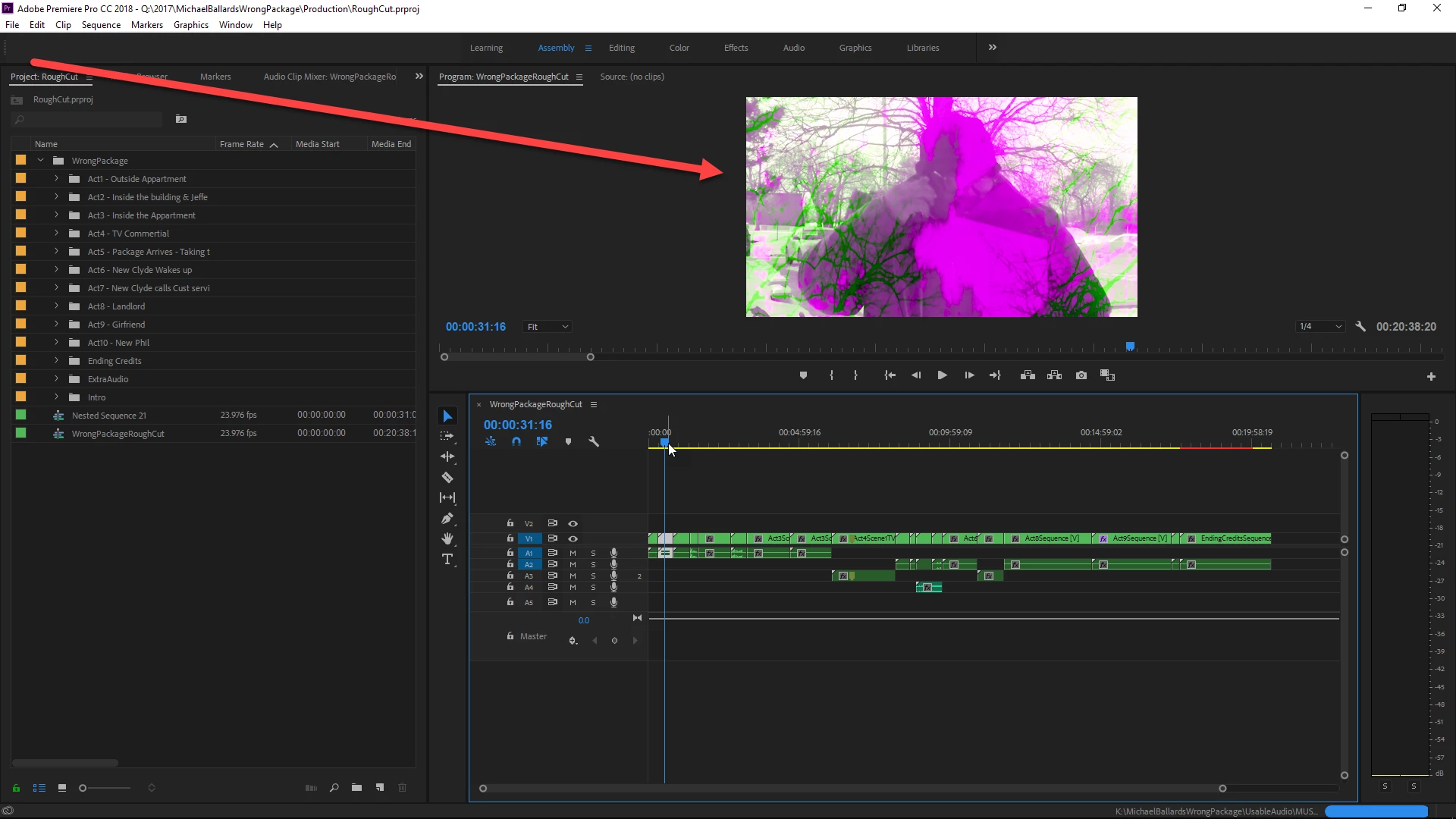
Weird color shift/ color ripping with MP4 source files
Ok, this is really strange and i'm not sure how to describe the situation.
I have some mp4 and mov source files in my timeline. When i play or scrub through the MP4 parts of the time line i get this weird color shift or color ripping affect. When i play or scrub through mov files the video looks fine. Now, when i open the same mp4 with vlc, that same source file plays fine with no ripping. When i try to export the same ripping appears in the created video. Additionally, this happens on certain computers. So for instance, this happens on my work computer, but not my macbook pro. Recently it started happening on my desktop at home. It wasn't doing this, then this morning it started.
Any help?
 AdChoices