



Welcome to Adobe MAX 2022 and Premiere Pro (v.23.0)!

October 18-20
Register Here. Attend virtually, or join us in Los Angeles for the live conference!
MAX FAQ: Find out more. See what you can learn.
MAX Sessions: Pick from a huge variety of digital video & audio courses.
Welcome to Adobe Premiere Pro (v.23.0)!
 The October 2022 release of Adobe Premiere Pro (v.23.0) is now available for download from the Creative Cloud desktop app. This update includes numerous bug fixes, new features, and performance improvements.
- The product team recommends the update for all users.
- If you are experiencing any issues, please create a new post explaining your problem so we can help.
- If you have a bug to report or any complaint, please do that on User Voice.
There are numerous features in the new version of Premiere Pro. Check them all out here!
Built for editors and designed for creativity, the 23.0 release of Premiere Pro presents the best titling toolset available. Streamline title and graphics workflows with refinements such as the ability to bulk edit title clips in the Timeline, flexible alignment controls, and more.
The release incorporates foundational work on stability and performance, like faster Motion Graphics templates and GPU-accelerated Lumetri scopes.
With support for the new ARRI ALEXA 35 and AAF on Apple silicon, interoperability and format support are expanded.
Operating system requirements have been updated. As of this release, Premiere Pro no longer includes Legacy Titler.
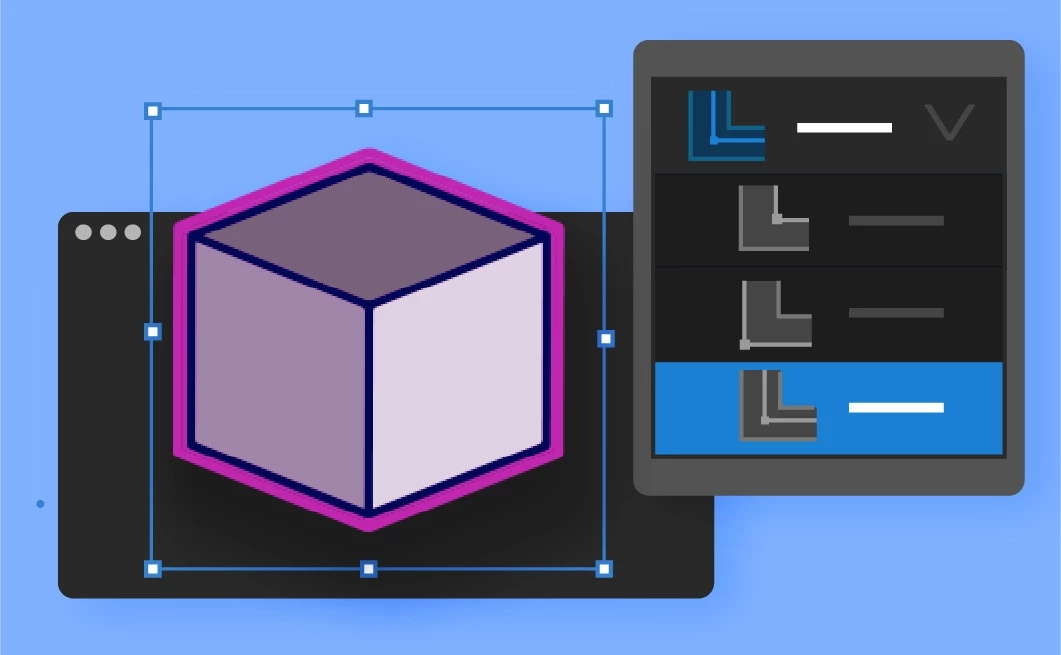 Inner and outer strokes for graphics: Select between inner, centered, or outer strokes for more control when adding decorative elements to graphics and text in Premiere Pro. More info here.
 Flexible alignment controls: Line up text and shape elements with one click when designing titles in the Premiere Pro Program Monitor. More info here.
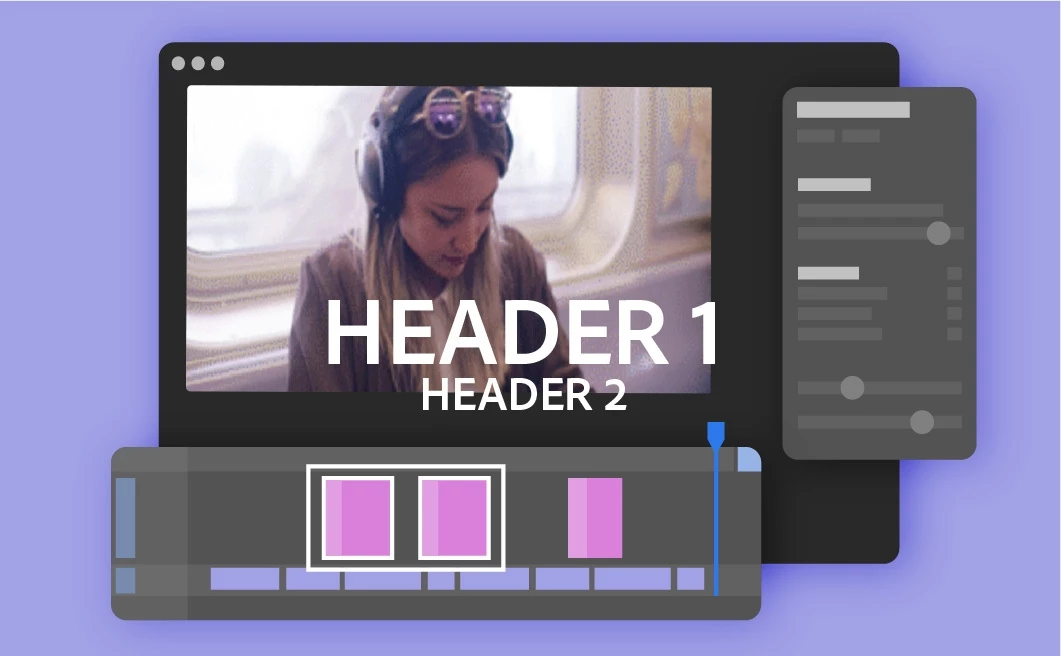 Bulk edit titles on the Timeline: Select multiple title clips in the Timeline to efficiently change attributes like fonts or font size, colors, and backgrounds. More info here.
 2x Faster Motion Graphics templates: Motion Graphics templates created in After Effects now use Multi-Frame rendering for 2x faster performance. More info here.
 Improved performance for AVC Intra: 10-bit AVC Intra formats are now up to 2x faster on Apple silicon, thanks to GPU acceleration. More info here.
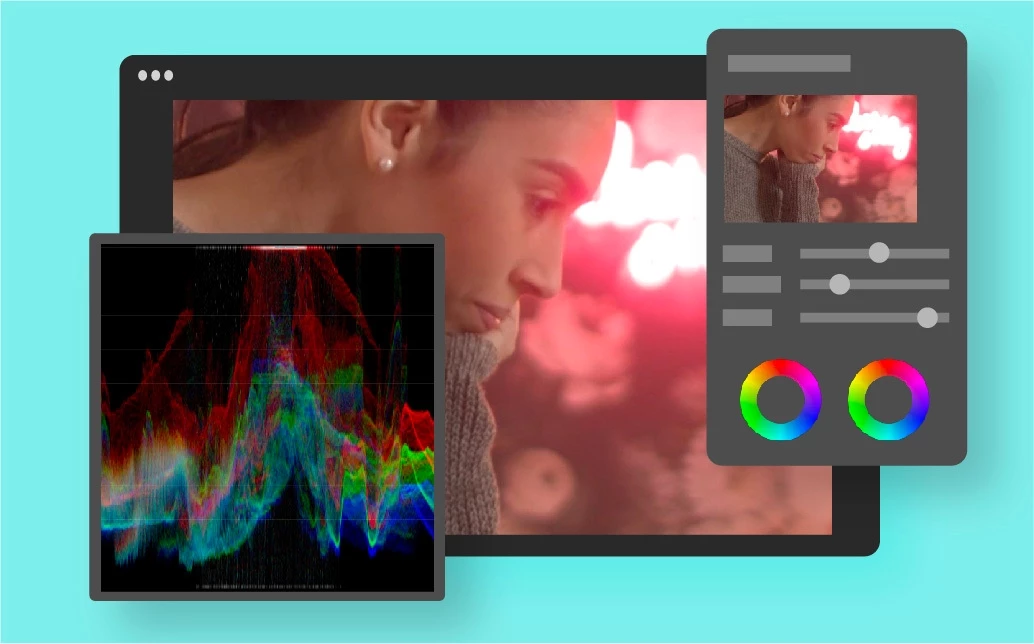 GPU acceleration for Lumetri scopes: GPU acceleration ensures smooth performance when working with Lumetri scopes. More info here.
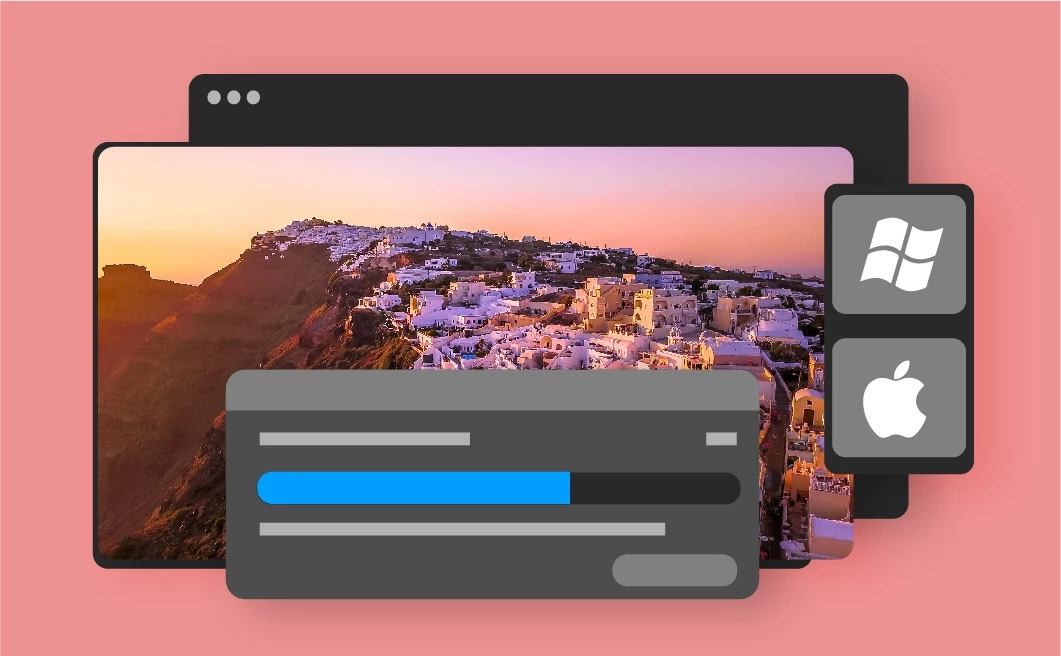 Improved Previews on Windows and macOS: Apple ProRes is now the default codec for previewing most video formats, providing better-quality previews for rendered content. More info here.
 AAF support for Apple silicon: AAF support extends interoperability for Premiere Pro users working on Apple silicon Macs. More info here.
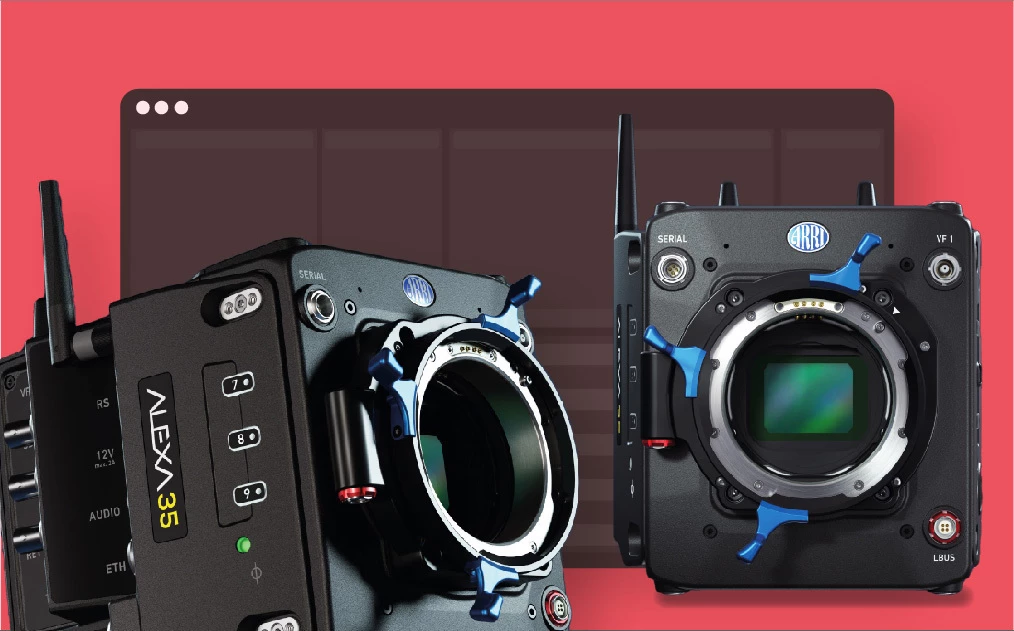 ARRI ALEXA 35 camera support: Premiere Pro supports the ARRI ALEXA 35 camera, including ARRIRAW and ProRes capture formats. More info here.
For full details, see this page in the User Guide.
Premiere Pro Beta New Features
Check out the new features in Premiere Pro Beta. Very excited to see "Assemble rough cuts from transcripts" added to the feature set!
Assemble rough cuts from transcripts: You can now generate transcripts of your footage during import or from the Text panel. You can then select text sections and add them to your sequence, creating a rough cut. More info here.
Premiere Pro (v.23) Video Presentations
Feature One: If video content from the Product team is available at press time, it goes here.
Adobe Premiere Pro Beta Program Information
How does one download Adobe Premiere Pro Beta and provide feedback? See the following video.
System Requirements
Please check system requirements for any changes to the new version that may relate to your computer system: System Requirements.
What's fixed?
See the Fixed Issues page.
Known Issues
Premiere Pro: Known issues for Adobe Premiere Pro (v.23) are beginning to surface. You can stay updated on these issues on the Known Issues documentation. For more information on known issues, click here.
 AdChoices