




Welcome to Premiere Pro 24.6!
Welcome to Premiere Pro 24.6!

Hello, and welcome to the August release of Adobe Premiere Pro! Premiere Pro 24.6 is now available from the Creative Cloud desktop app. The new features include the following:
This update is recommended for all users.
If you are experiencing any issues, please create a new post explaining your problem so we can help. If you have a bug to report or have any complaints, please do so on the Bugs forum.
Complete List of New Features in Adobe Premiere Pro 24.6
Premiere Pro 24.6 Features
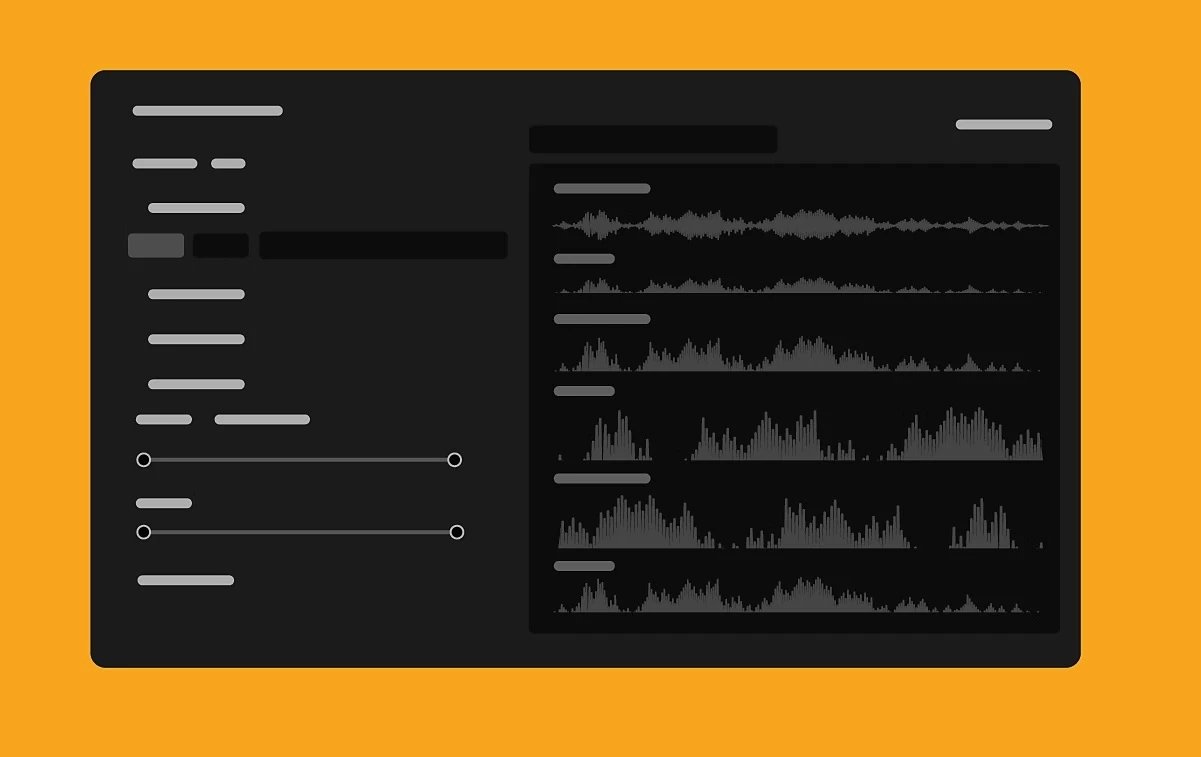
In Premiere Pro 24.6, you can search directly for sound effects in the Essential Sound panel – including thousands of free files from Adobe Stock. If you need to sync video and audio files, you can now also natively work with Linear Timecode (LTC). Plus, we've added support for Canon EOS R5 Mark II and EOS R1 cameras. It's the perfect time to update! 😊
Learn about best practices for updating Premiere Pro.
 Access free stock audio inside Premiere Pro
Search for sound effects directly inside Premiere Pro, including thousands of free files from Adobe Stock. Filter music or sound effects using "free" or "premium" categories and license tracks while editing.
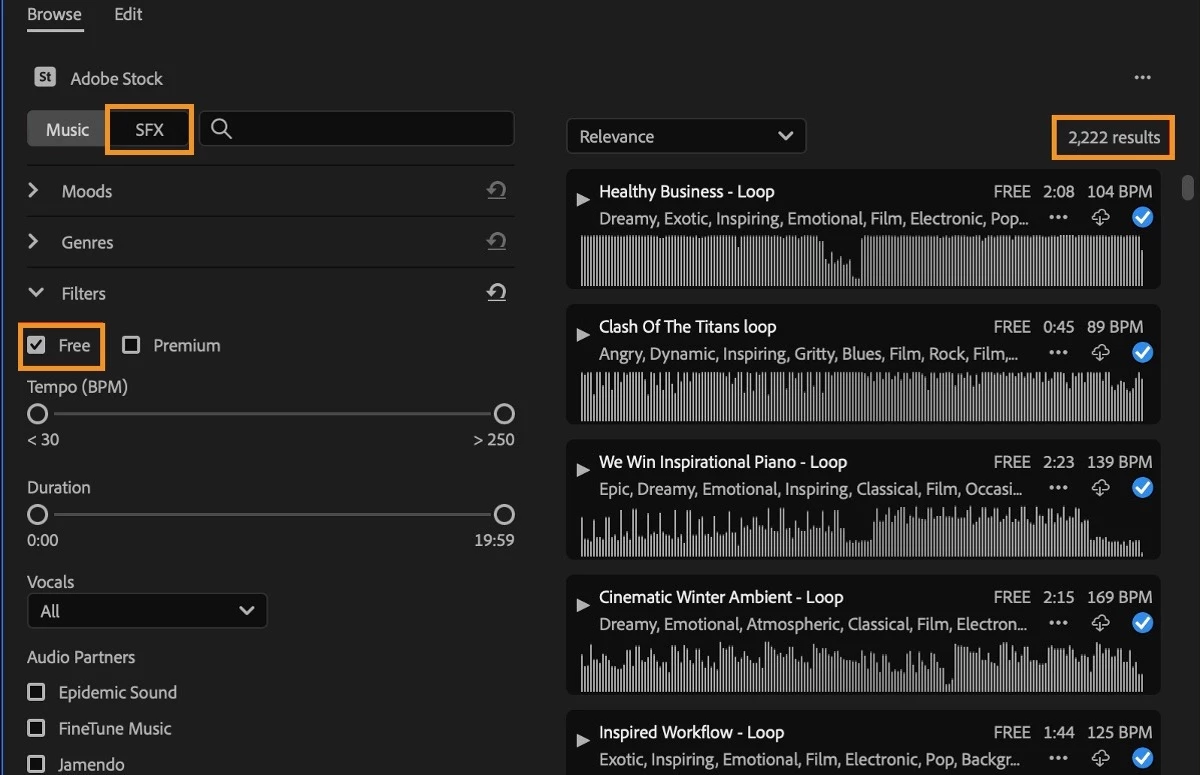
With Timeline Sync, you can press play on a music track or a sound effect in the Essential Sound panel to start media playback on the timeline. This allows you to preview the cues in the context of your edit to honestly give a sense of which track works best.
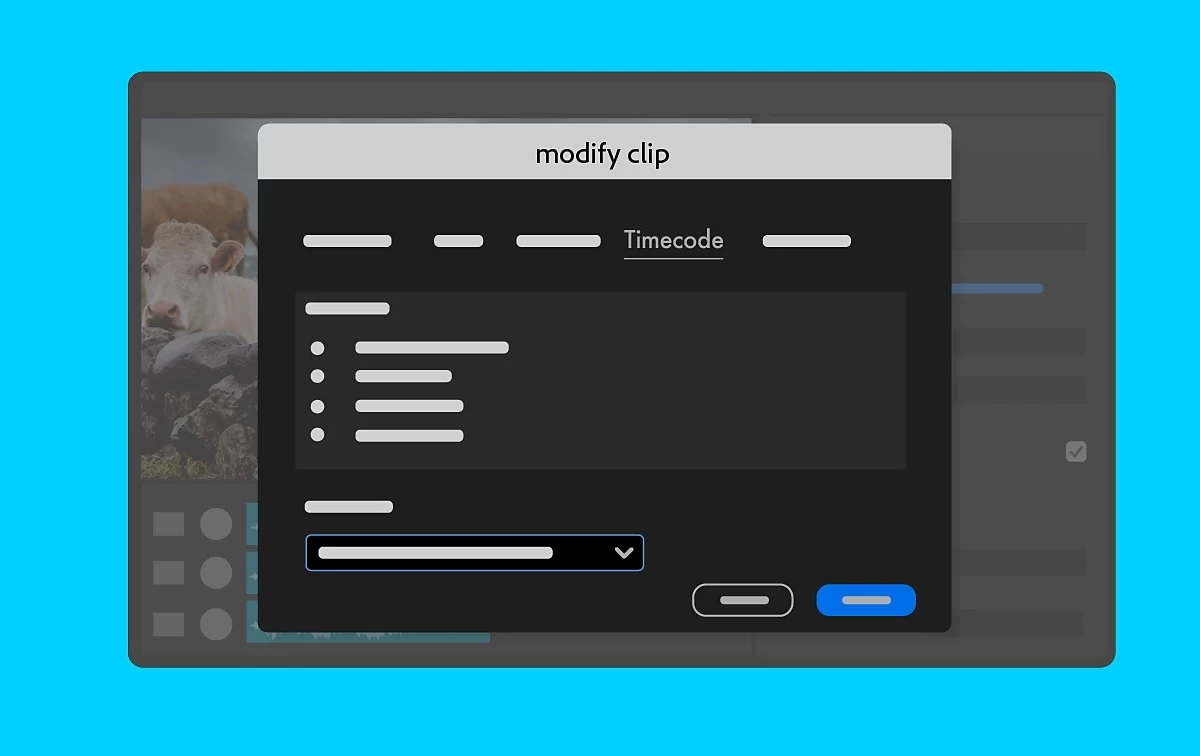 Linear Timecode (LTC) support
With native Linear Timecode (LTC) support, you can quickly and accurately sync multiple video and audio sources from devices that encode timecode in the audio signal. You can use LTC to synchronize clips or create multi-camera source sequences.
LTC has become more popular and valuable since many newer, more affordable devices don't support recording timecode as metadata in the video file. A standard solution is to store timecode data in an audio track. While this track is audible to the human ear, it's a high-pitched sound that contains data instead of a "normal" sound. Many lower-cost timecode syncing devices can generate LTC.
It works natively with Canon EOS R5 Mark II and EOS R1 cameras. You can import files and start editing right away.
Additional updates
The Obsolete Effects folder and plug-ins, Obsolete Transitions folder and plug-ins, and presets built from the Obsolete Effects are now removed. These effects and transitions have faster, more modern alternatives in Premiere Pro or offered by third parties. These effects are responsible for significant project slowdowns and performance bottlenecks. In addition to all the modern options to the obsolete effects and transitions within Premiere Pro, you can also use third-party effects, transitions, and filters.
Premiere Pro Beta
Check out the latest features and discussions about Premiere Pro Beta in the forums here.
Resources
 AdChoices