

Answered

This topic has been closed for replies.
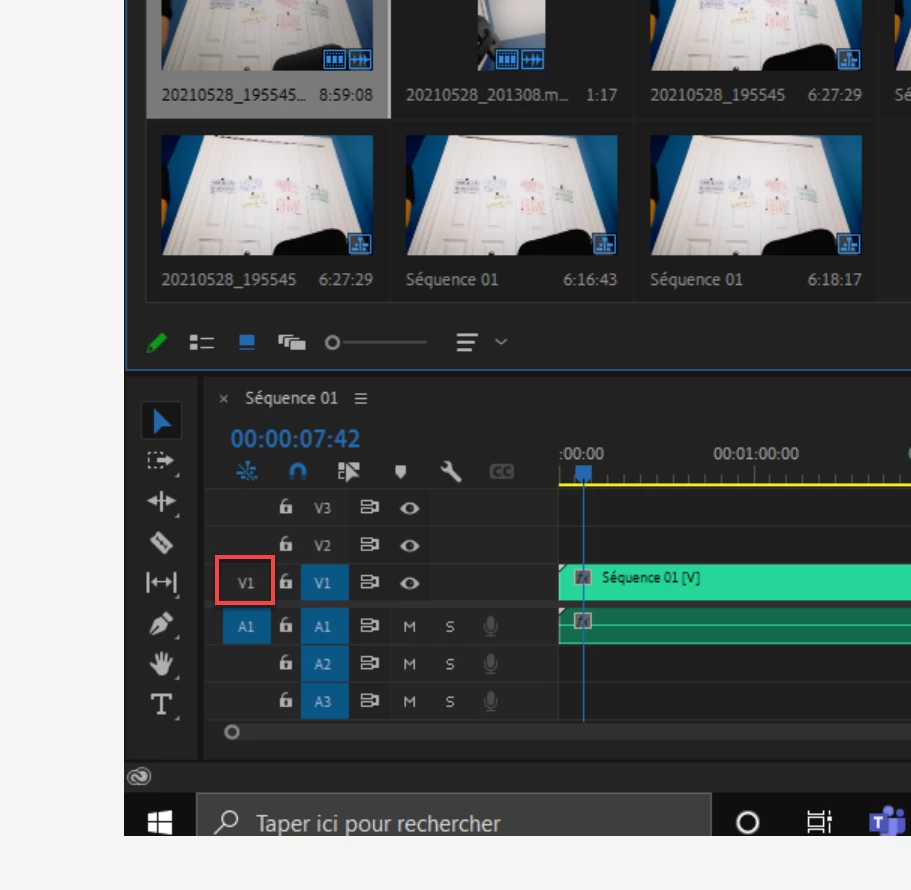
Most common user error is not source patching the track.
Solved by first opening clip in Source Monitor, set in and out point. Then drag/insert into timeline.
Sign up
Already have an account? Login
To post, reply, or follow discussions, please sign in with your Adobe ID.
Sign inSign in to Adobe Community
To post, reply, or follow discussions, please sign in with your Adobe ID.
Sign inEnter your E-mail address. We'll send you an e-mail with instructions to reset your password.
 AdChoices