



Working with stills from Blender in Premiere Pro CC 2020
I'm a Premiere Pro newbie, please excuse the basic question. The main reason I'm going to be using Premiere Pro is to work with footage from Blender, a 3D art and animation program. So, in Blender, I have a test file with a sphere flying across the screen. I exported 120 frames of it. At 30 frames a second, which is what I want, it's 4 seconds.
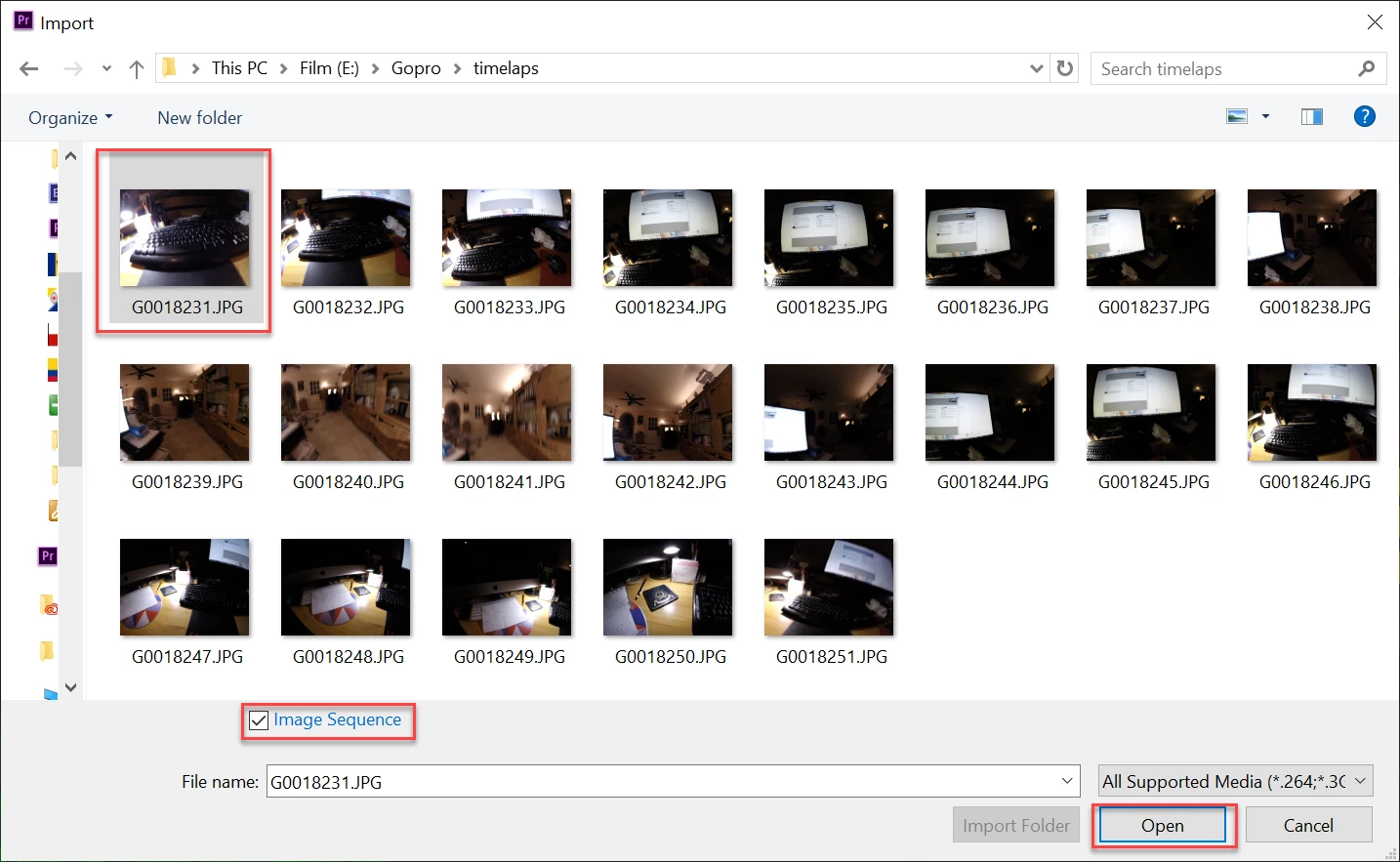
Now, in Premiere, I've imported all 120 PNG frames of it into a bin. Then I'm making a clip out of them. The clip winds up at 8 seconds, (2 frames per still image), no matter how much I beg and plead with the program to do otherwise.
In Preferences, I have "Still Image Default Duration" set to 1 frame. I also have "Indeterminate Media Timebase" set to 30fps. I don't know what other options I can play with to get this to work out correctly. Help?
 AdChoices