


Question
Wrong audio channel mapping when exporting to Final Cut Pro XML
How to reproduce it:
- Load the attached 5.1 wav file in Premiere, by default it should look like this on the timeline:
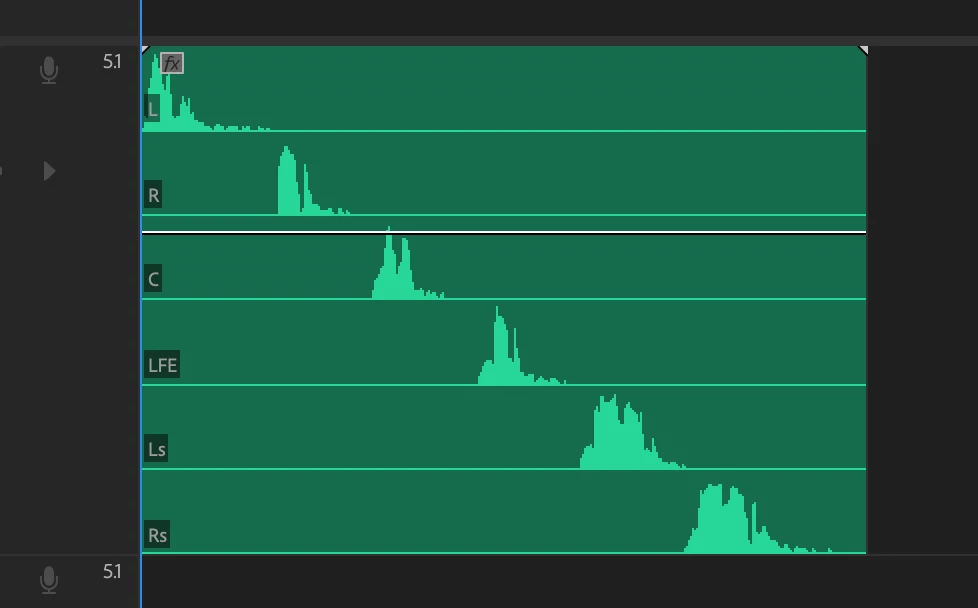
- Change the audio channel mapping of the project item and, for example, swap the L and R channels, like so:
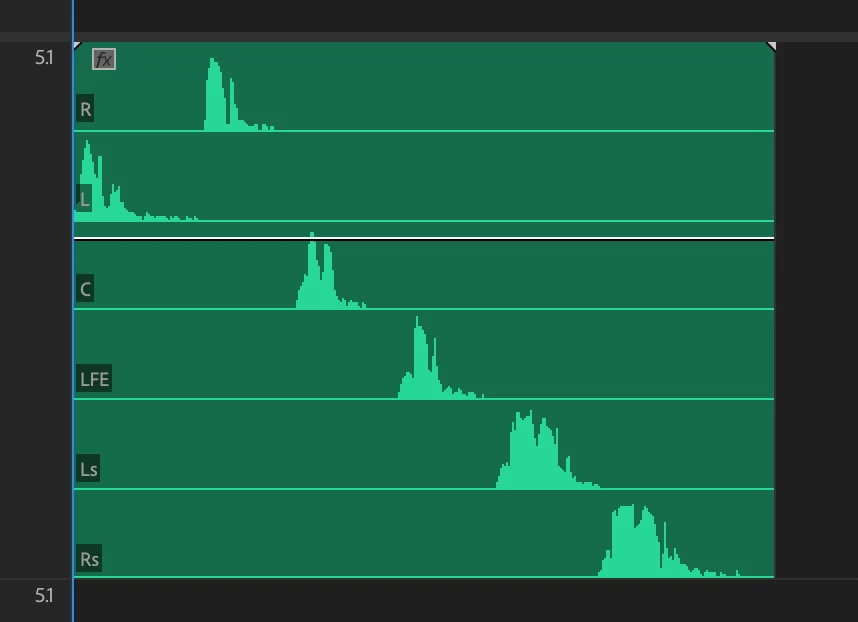
- Export the project to Final Cut Pro XML;
- Import the Final Cut Pro XML project back into the current one. The channel mapping is wrong:
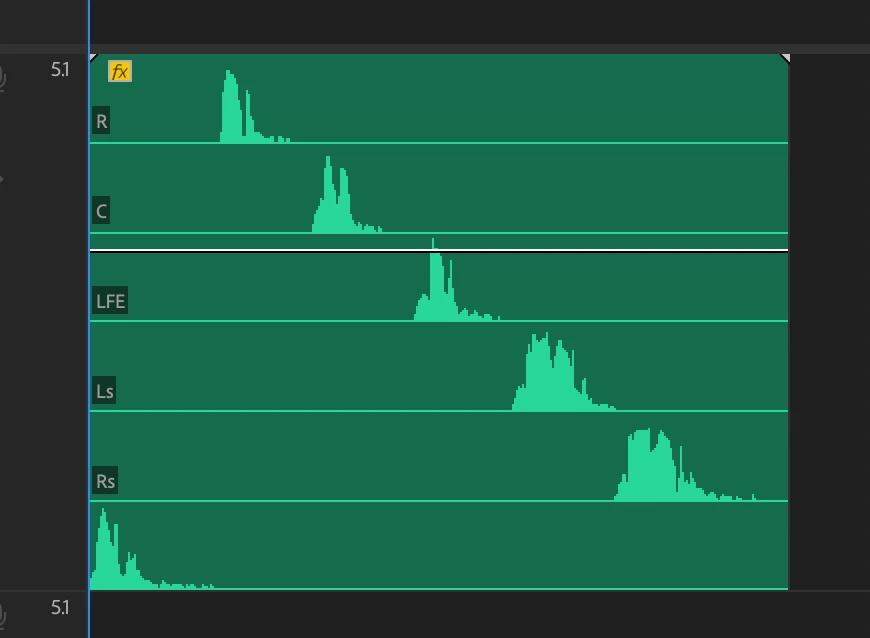
Is this a known limitation of the XML exporter?
 AdChoices