


Known Participant
March 8, 2021
Question

Wrong Size of video when uploading to computer

  • March 8, 2021
  • 5 replies
  • 1970 views

Hello fellow PR users,

I'm very much a newbie and exploring the use of PR. I made my first video and learned a lot and now working on my second but have encountered a problem I cant find a work around on. 


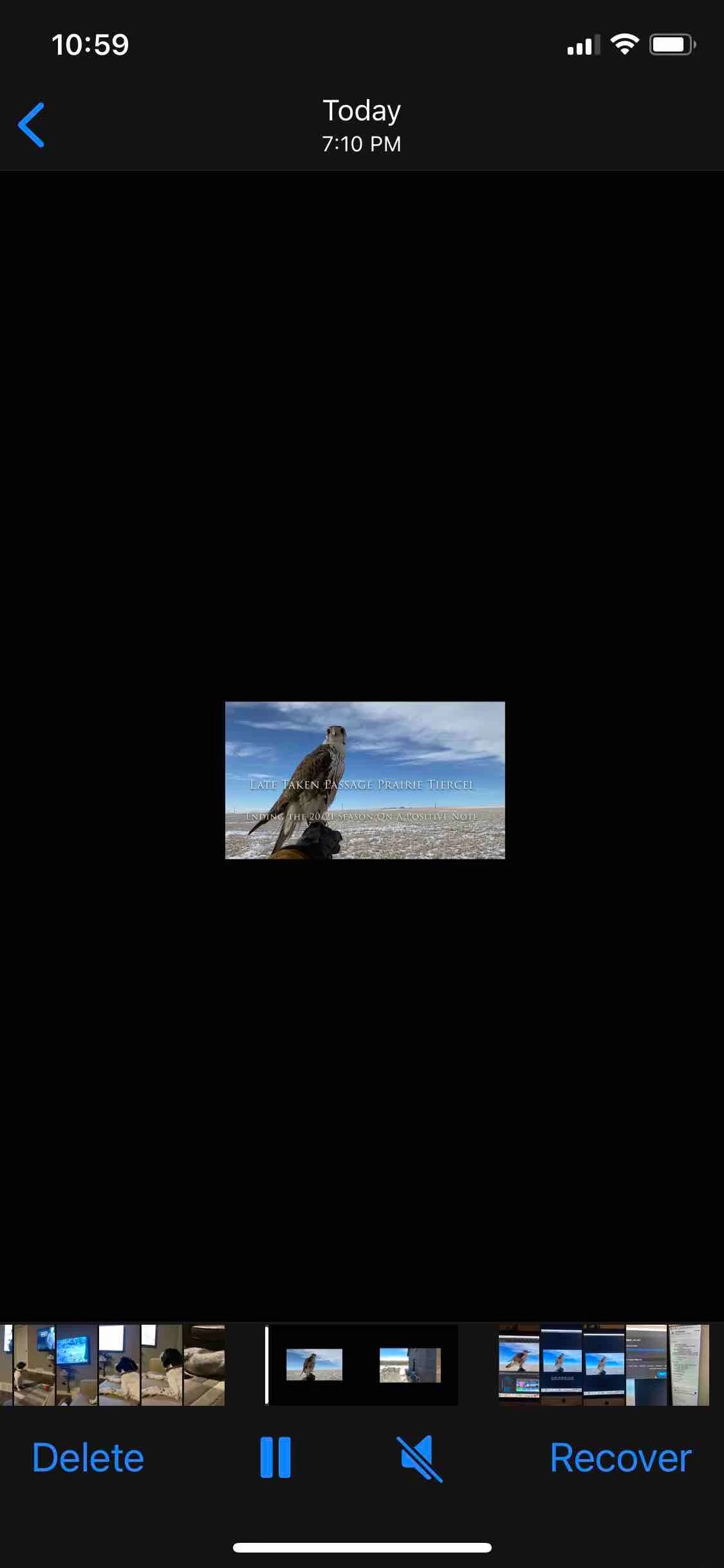
After completing the video using several video clips and still images I uploaded it as I did the first one prior (using exact same material/clips) however it is like a thumbnail of the original.  Its like 1/4 size for some reason yet when it plays in PR and on timeline and program it is perfect.


Obviously a user issue but something I did during creation has caused this yet I cant find out what. I did have issues with various video clips in 1080 or 4K and stills that are high resolution images and making them all fit the screen. I resized each video/image in editing bar and adjusted to fit. I dont think this is the issue and like I said they all play perfectly. The second problem i enountered was when adding script to videos and getting them centered which i changed and recentered etc. I cant see how I would have reduced the size though in doing this and why it could affect ALL material used since I only changed certain clips. 


ANyone got any ideas on how I can upload the full size file ? I've spent hours trying to figure it out before reaching out to bother those of you on here with much more knowledge. 


thanks in advance

Mark
 

This topic has been closed for replies.

5 replies

MyerPj
Community Expert
Community Expert
March 10, 2021

Basically what I was saying.

falcnrAuthor
Known Participant
March 10, 2021

By way of closure and perhaps learning for others, I have found out the cause of the problem I was experiencing. It has to do with how I edited and manipulated the images in my timeline. It was nothing to do with how I was exporting. Being new to the software I was trying different work arounds and I was also not sizing each video or photo to fit the program screen so while it played fine it was not until I exported it did I discover the problem.  It also pays to pay attention in particular with jpeg images I import to make sure that i scale correctly in post processing in Lightroom.  Anyway I figured it out and learned a lot.  There's lots of tutorials to show you how to do the basics but nothing to caution you on common mistakes or how to avoid them. Its a fantastic software but unforgiving at times and doesn't warn you when your about to screw it up   ;o)

falcnrAuthor
Known Participant
March 8, 2021

Thanks John, much appreciated. I will view these tonight.


I thought I was getting the hang of the basic functionality of creating a video but it seems any efforts to find work arounds to editing challenges usually ends up with knock on effects you dont find out about until uploading and then I have difficulty is finding exactly out how I created it in the first place. 


Thanks

Mark 

John T Smith
Community Expert
Community Expert
March 8, 2021

>have difficulty is finding exactly out how I created it in the first place


Pen + Paper = Reminder notes while working

gerikp
Community Expert
Community Expert
March 8, 2021

It's most likely you picked an export preset that you didn't intend to use. When you export a video and the settings box opens up you can choose different export settings. Just as an experiment select H264 in Format and then select "Match Source - High bitrate" in Preset. Export that out and see if you get a different result. After you get this sorted you can start to explore the different presets and figure out the use cases for the different ones.


falcnrAuthor
Known Participant
March 8, 2021

Now we're talking Neil. Where did you access this export settings ? I don't see any such window or certainly with so many options and therefor didnt inadvertantly select something as I dont have many choices (see image below of drop down).  Most of my exports will be either to FB or Youtube but neither how up. 


I export in "high quality 1080 HD" as this is what i'm told the likes of Youtube uses ...or 1080 anyway.  

falcnrAuthor
Known Participant
March 8, 2021

sorry I responding to Gerik 

R Neil Haugen
Legend
March 8, 2021

What were your export settings? Drag/drop a screen grab of the Export dialog box.


Neil

Everyone's mileage always varies ...
falcnrAuthor
Known Participant
March 8, 2021

Hi Neil,


I use the icon on the top right of my PR screen and export as 1080 file to my desktop of my computer. 

FY I all videos were minimum 1080 or 4K and the still images are high resolution files. The total video is 1.12GB (13 minutes) but the viewing size is tiny for some reason.  Didnt experience this on my first attempt with first video i made.