


carrie-ooo
Participant
October 7, 2020
질문

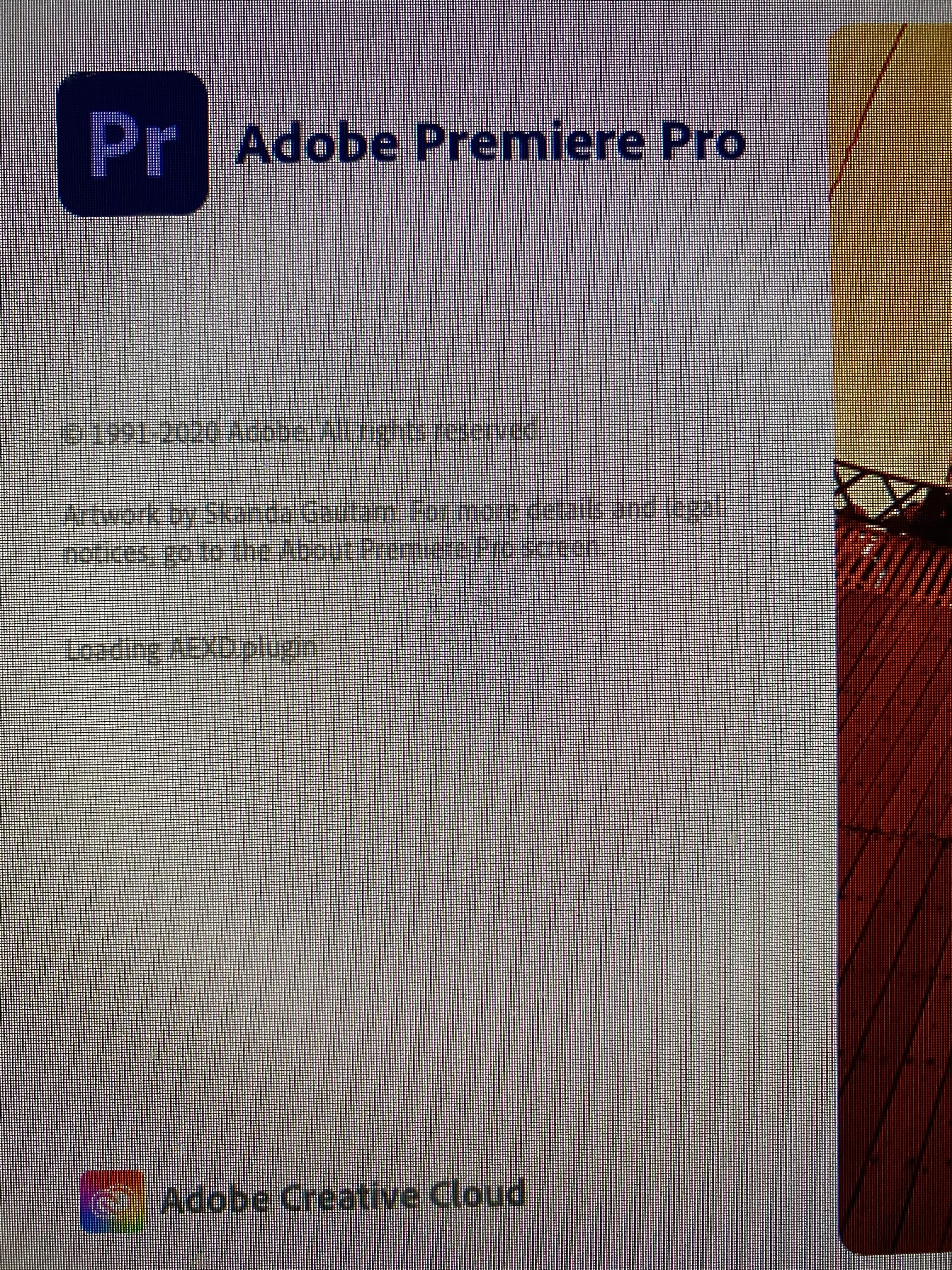
Premiere Pro 2020 stuck at loading when starting up on macOS Catalina

  • October 7, 2020
  • 2 답변들
  • 1026 조회

It is stuck on AEXD.plugin...forever.  

While I am NOT a whiz or an expert on putting in code or change this and that in there or everywhere  :), can someone provide a specific direction on how to by-pass this, please? 
이 주제는 답변이 닫혔습니다.

2 답변

Ann Bens
Community Expert
Community Expert
October 7, 2020
Participant
February 20, 2021

I have the same problem: Premiere hangs at aexd.plugin and won't start.  Reinstalled MacOS, Creative Cloud, Premiere Pro. Ran cleaner twice. Downgraded to 13.x and it worked fine.  14.0 and up do not load and hang at the same point.


Found that I could start and use Permiere 14.9 if I:

Deleted: Library/Application Support/Premiere Pro

Deleted: Library/Application Support/Common

Deleted: Documents/Adobe

Restarted Computer

Started Premiere while holding Option+Command+Shift

Hit “Yes” to clear cache and plugins


But even that only let Premiere start and work twice, and then the same thing.  While I'm glad I can get it to work, I really can't figure out what the issue is. Something is being written somewhere that creates the hang.  Premiere works fine on iMac and MacBook Pro.  


Big Sur 11.2.1

MacPro 2019 3.2 Ghz 16-Core Intel Xeon W

AMD Radeon Pro Vega II Duo 32 GB

carrie-ooo
carrie-ooo작성자
Participant
October 7, 2020
Please download the attached file to view this post