


Copy link to clipboard
Copied
I am attempting to set my timecode to 00:59:54:00 for my ProRes 422 HQ Export:

But the export is disregarding the "Set Start Timecode" and instead carrying over the starting timecode from the sequence:
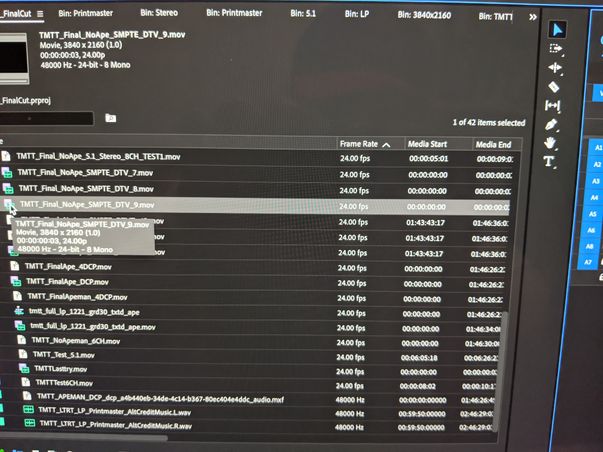
I have never had this issue before, and it seems to have been introduced in the update from 9 days ago. Is anyone else having this issue? I have a delivery that's due on my film, and I would appreciate any feedback/assistance.
Thanks!


 1 Correct answer
Update to this:
In case anyone else runs into this issue, I seem to have found a workaround by exporting via Media Encoder instead. The Set Start Timecode works properly only when I export through Media Encoder, not directly out of Premiere Pro.

 10
Replies
10
10
Replies
10
 Correct answer by
Maceo0101
AUTHOR
Correct answer by
Maceo0101
AUTHOR
Copy link to clipboard
Copied
Update to this:
In case anyone else runs into this issue, I seem to have found a workaround by exporting via Media Encoder instead. The Set Start Timecode works properly only when I export through Media Encoder, not directly out of Premiere Pro.

Copy link to clipboard
Copied
Doesn't work in either case for me.
I have mt TC start set to 00;58;30;00 and it starts it at zero no matter what on export. Getting very angry as this is killing me on delivery to spec to the network.

Copy link to clipboard
Copied
Same here! Seems like a simple feature, and yet it doesn't work at all. Did you figure something out?

Copy link to clipboard
Copied
Here we are, five months later and the issue still remains. Can someone from official support please step in? The export of the timecode from the timeline via direct export or Media Encoder does NOT work.
Copy link to clipboard
Copied
Whjy doesnt it match timecode in my timeline which is 29.97 Dropframe. Instead it exports starting at ZERO and non-drop! WTF!

Copy link to clipboard
Copied
I have this problem with any of the 2023 versions. I tried the "export via AME" workaround and it worked on one sequence but not a second (a dupe of the first with minor changes).

Copy link to clipboard
Copied
This is a major flaw that has yet to be addressed and a fundamental basic function in the industry? Why is this even a thing?
Copy link to clipboard
Copied
seems to be a PRO RES HQ issue on PC. on MAC works fine, using another codec on PC also works fine. TRhis needs to be fixed now!
Copy link to clipboard
Copied
Well, I am on Mac Big Sur and exporting to ProRes HQ and I have the problem. When inspecting the problem files with MediaInfo, I see some oddities in the TC area. I have not tested a different codec though I did want to.
The fact that CC2024 is out probably means this is a dead issue. But I need to stay on Big Sur for various reasons meaning CC2022 is the last viable version if you need to work in a professional environment.
Copy link to clipboard
Copied
MAC on 2024 seems be ok but it was a small test file an not the project in question. Other codecs it worked fine but PRORES HQ is my deliverable to a network so this is a porblem. Basic funtions need to work.


Get ready! An upgraded Adobe Community experience is coming in January.
Learn more
 AdChoices