



Kevin-Monahan
Community Manager
Community Manager
July 14, 2022
Answered

FAQ: How to create a reverse speed effect for Premiere Rush

  • July 14, 2022
  • 1 reply
  • 31537 views

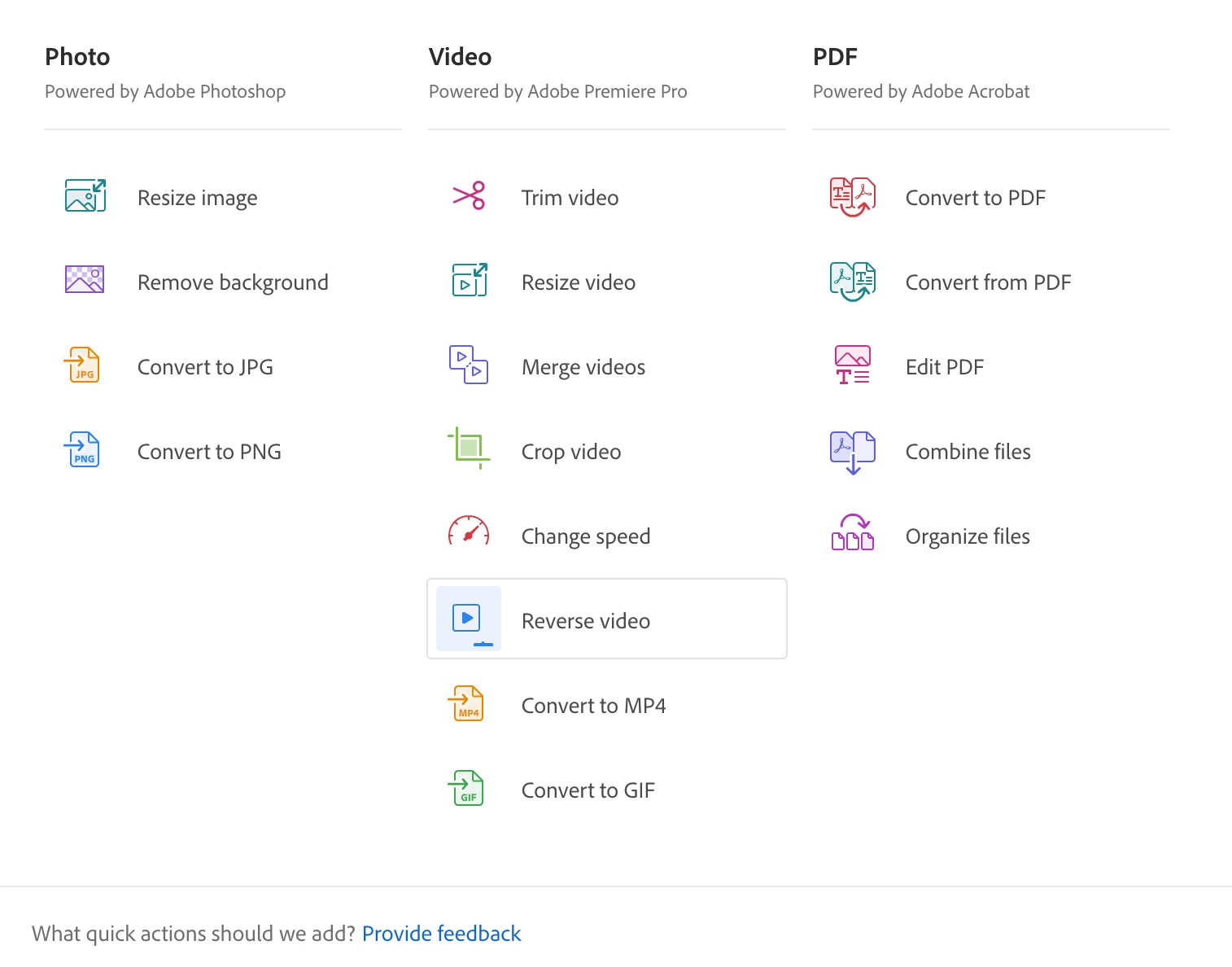
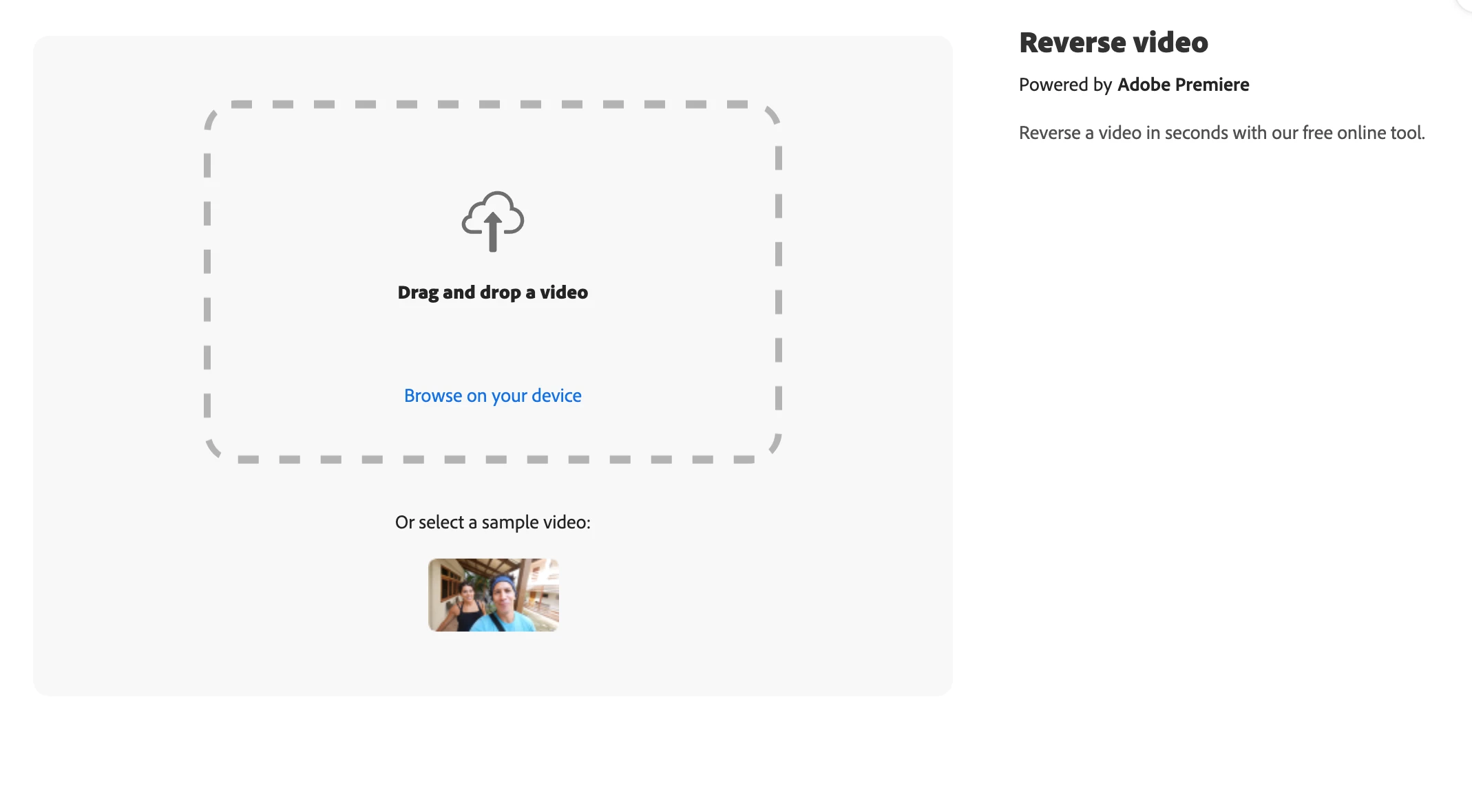
FYI: Need a reverse speed effect for your video clips? Unfortunately, this is not possible directly within Rush, but you can run clips through the Creative Cloud App's "Quick Actions" for video. You can also use Creative Cloud Express from the browser. One of these quick actions is to reverse the video. Drag the clip into the drop zone, make choices around speed and sound, process the clip by pressing the Download button, then import the resulting clip into Rush. I have tried this, and it's straightforward to do.


Although the effect is not natively inside Rush, at least you can do what you want with an Adobe tool you can access. I hope the info helps.
 

You can upvote this feature request if you want to see the effect natively within Rush.

Correct answer kfox315

Hi Kevin, we are obviously not seeing the same thing... I took a screenshot so you can see this option is not available where I am looking. I am on the web version of Adobe Express and you can see all options for 'Video' in 'Quick Actions'. 


I ended up using Premier Pro to reverse my video clip as I exhausted all my options with Adobe Express and Rush.


I'd love to know if I am looking in the wrong place or we don't have the same options. 


tldr: Here is the direct link to reverse videos: https://express.adobe.com/tools/reverse-video


------------


I feel like there are gremlins at play with finding the reverse video option via Adobe Express web. I searched and searched all last night and into today with no luck.


Clicking the link above is what finally got me to it. Why I couldn't reach it by googling and going into the Adobe Express site? No idea.


This is how I found it:

https://www.adobe.com/express/feature/quick-actions#edit-your-videos


Here is the direct link to reverse videos: https://express.adobe.com/tools/reverse-video


*when I tested the reverse video link (even after just using it) I got a blank page with nothing on it. Going into it a second time got it to work again. I wonder if clearing your cache would be useful. Something definitely is being funky with it.

1 reply

New Participant
April 16, 2024

I followed your instructions but 'Reverse Video' is not an option in Quick Actions... 

Kevin-Monahan
Community Manager
Community Manager
April 24, 2024

Hi,

I'm still seeing it there. Click the "See More" button. Then, scroll down on your browser.


Thanks,
Kevin

Kevin Monahan - Sr. Community & Engagement Strategist – Pro Video and Audio
New Participant
April 24, 2024

Hi Kevin, we are obviously not seeing the same thing... I took a screenshot so you can see this option is not available where I am looking. I am on the web version of Adobe Express and you can see all options for 'Video' in 'Quick Actions'. 


I ended up using Premier Pro to reverse my video clip as I exhausted all my options with Adobe Express and Rush.


I'd love to know if I am looking in the wrong place or we don't have the same options.