Participant
March 17, 2023
Answered

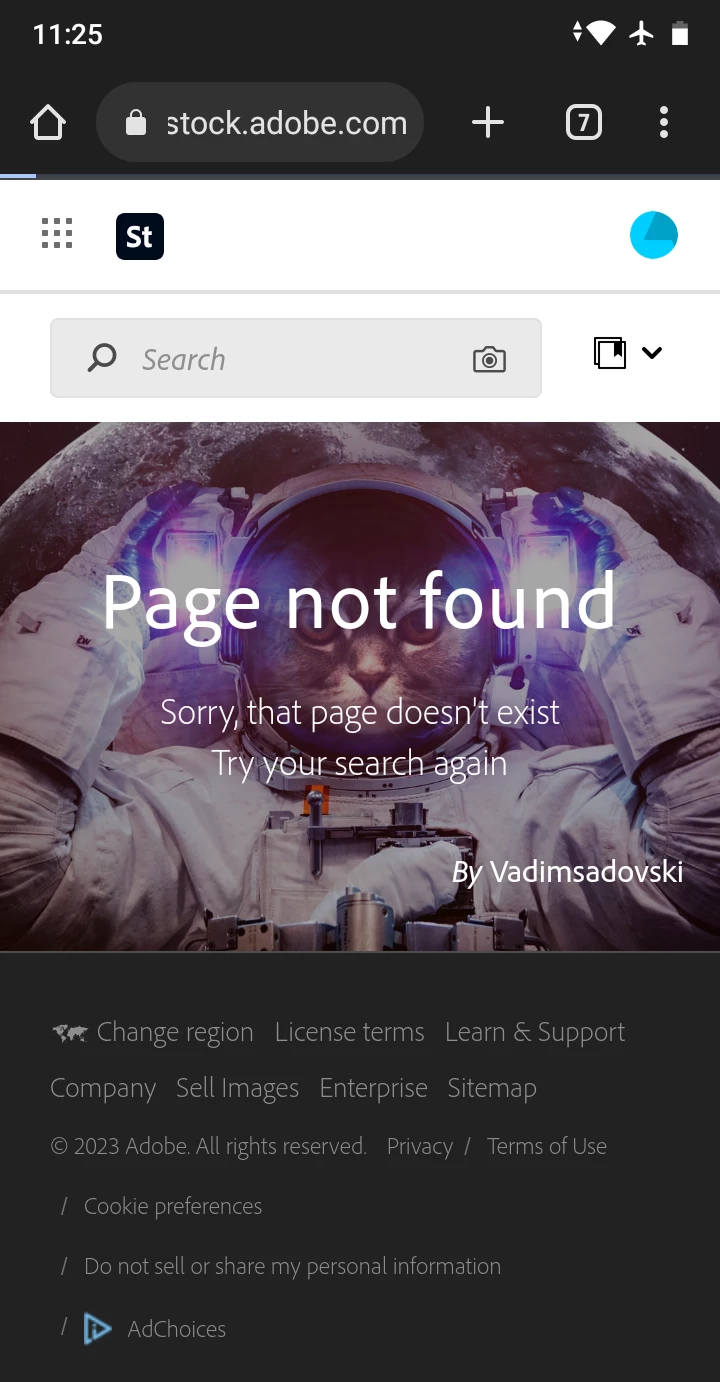
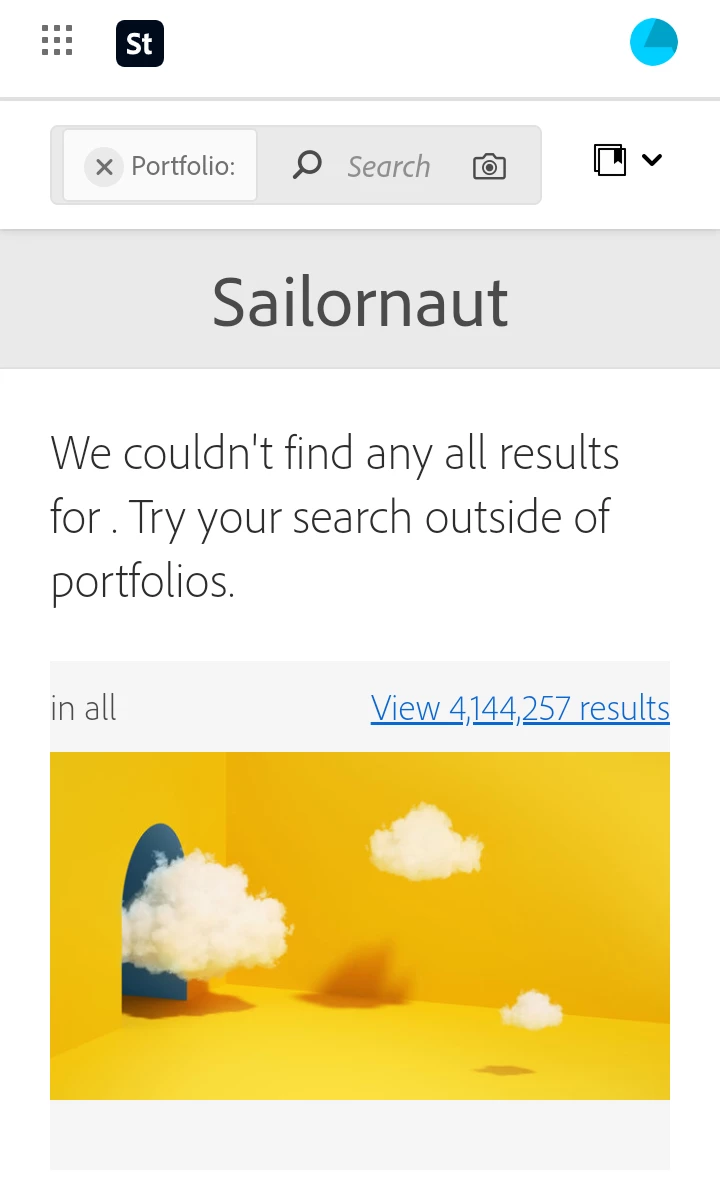
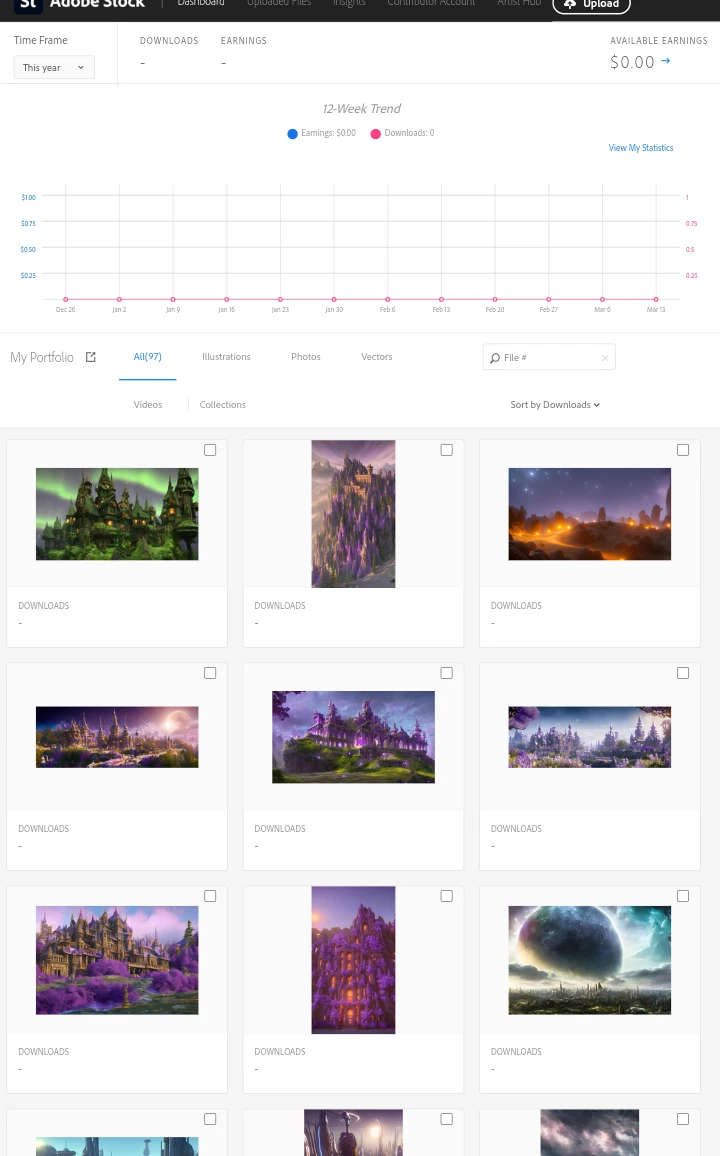
Approved images not showing up in public profile
  • March 17, 2023
  • 3 replies
  • 312 views

 [Moderator moved the thread to the correct forum]

This topic has been closed for replies.
Correct answer Abambo

Well, two points.

  1. I see the assets, and so I suppose that you live in a restricted country. To confirm that, you will need to tell use the country you are in.
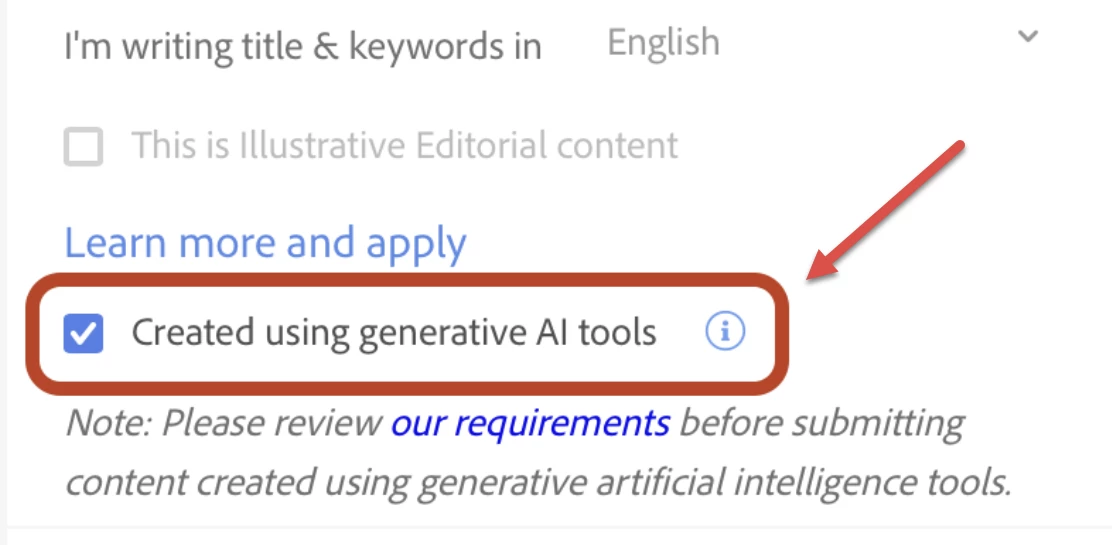
  2. Your assets are looking well like generative AI. If that is the case, you would be in violation of the terms and requirements for generative AI. As I doubt that you can cure that in the aftermath, you would need to delete the assets and resubmit. The problem lies with the title and keywords. Generative AI submission guidelines - Adobe Support Community - 13549435 


    The title and keywords can be cured afterwards, but the tick mark is IMHO only available during the upload process. Being in violation of the terms could earn you blocking of your account.


3 replies

Abambo
Community Expert
AbamboCommunity ExpertCorrect answer
Community Expert
March 17, 2023

Well, two points.

  1. I see the assets, and so I suppose that you live in a restricted country. To confirm that, you will need to tell use the country you are in.
  2. Your assets are looking well like generative AI. If that is the case, you would be in violation of the terms and requirements for generative AI. As I doubt that you can cure that in the aftermath, you would need to delete the assets and resubmit. The problem lies with the title and keywords. Generative AI submission guidelines - Adobe Support Community - 13549435 


    The title and keywords can be cured afterwards, but the tick mark is IMHO only available during the upload process. Being in violation of the terms could earn you blocking of your account.


ABAMBO | Hard- and Software Engineer | Photographer
Legend
March 17, 2023
Participant
March 17, 2023


FILE # 579920894

FILE # 579920407