


Participant
November 1, 2022
질문

Template is not showing what it would be supposed to look like

  • November 1, 2022
  • 3 답변들
  • 242 조회

I am almost sure that it is a tiny think I overlook.
I got this futuristic background from the adobe stocks and it should look like this:
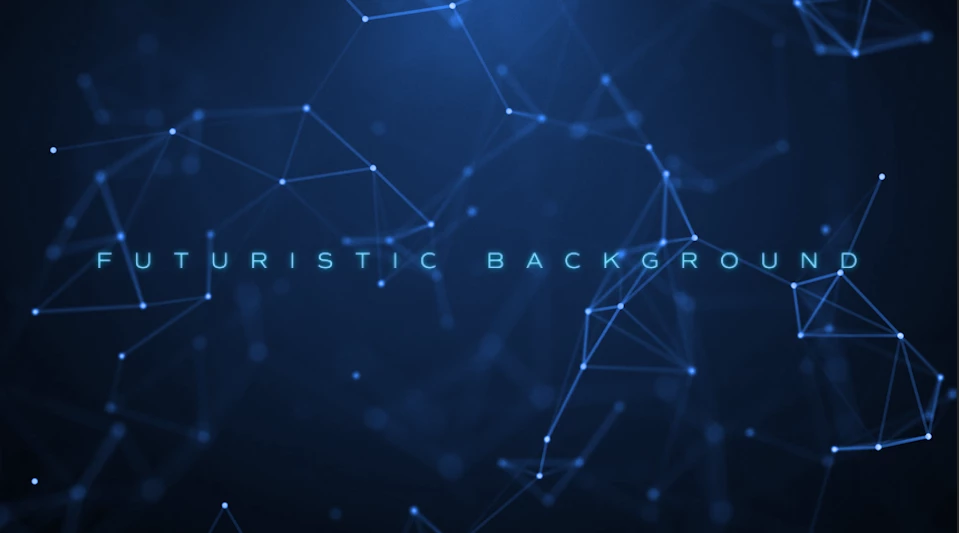
But in Premiere if I add it to my project it only looks like this
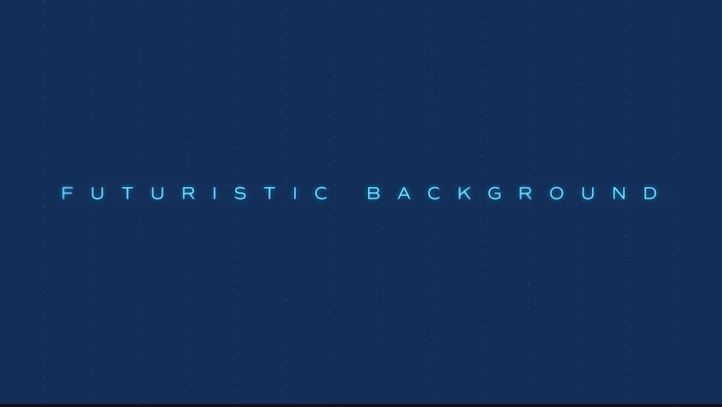

What option do I miss?


이 주제는 답변이 닫혔습니다.

3 답변

WendellaBee
Adobe Employee
Adobe Employee
November 1, 2022

Please provide the asset ID number so we can investigate the issue.

SamWilsonTV작성자
Participant
November 1, 2022

You mean this number?

208290798


Peru Bob
Community Expert
Community Expert
November 1, 2022

Moved to the Stock forum.

Ishan Y
Inspiring
November 1, 2022

Hey Alexander,


Welcome to the community! Did you see any error messages related to missing plugins or media? Where did you download the plugin from? Let us know. We're here to help.


Thanks,

Ishan

SamWilsonTV작성자
Participant
November 1, 2022

🙂 Thanks for the warm welcome. No no errors and fonts downloaded. I am only since today using the full Adobe package, so I am fairly new to all the options you have there with the stock things.

Downloaded it from the stocks directly... it's a mogrt file