Participant
September 11, 2022

Substance Painter Materials look bad in unity

  • September 11, 2022
  • 3 replies
  • 1282 views

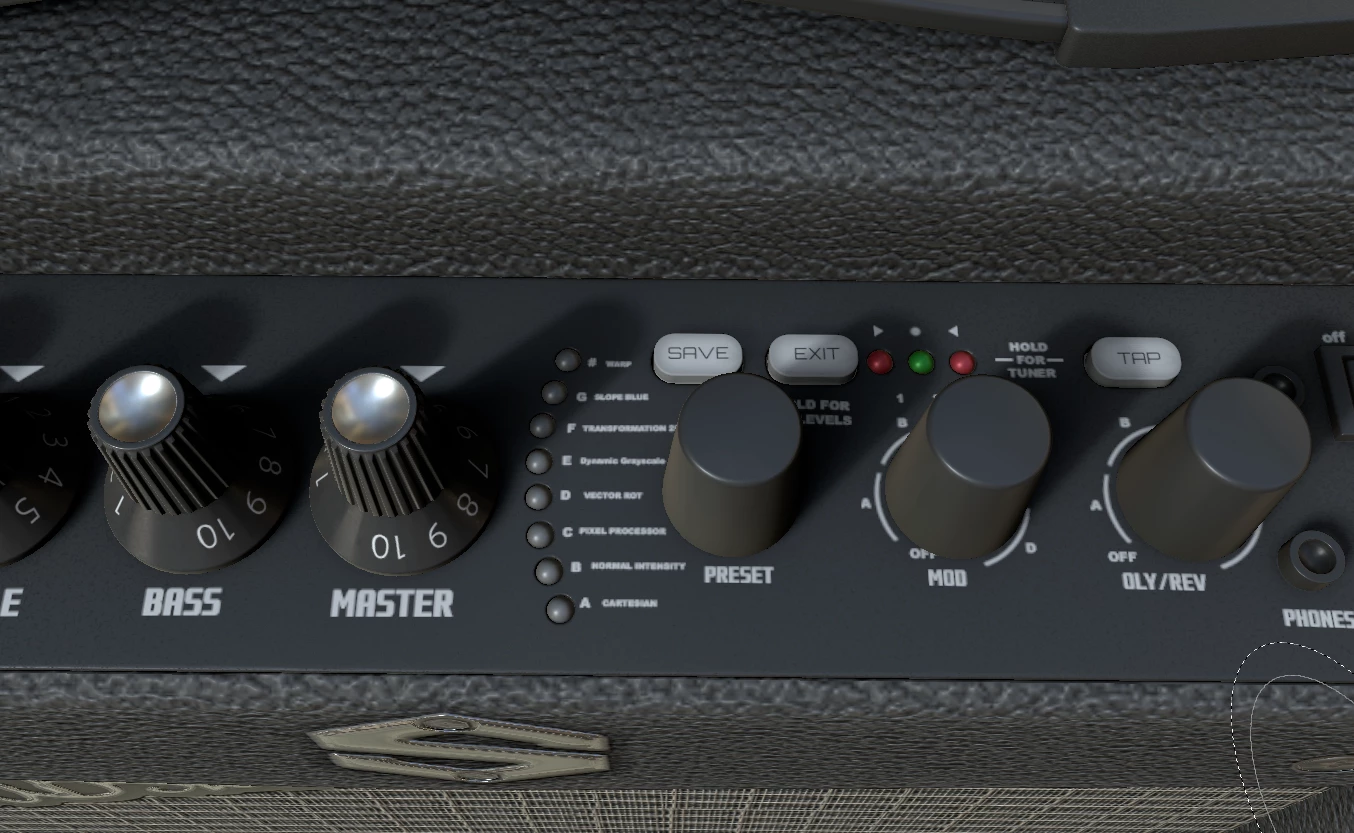
Hi, I'm a novice in Substance 3D Painter. I took the Substance 3D Painter 2019 essentials training cource by Wes McDermott (LinkedIn Learning - the Guitar amp).  The finished project file was provided (SP v 8.1.3) and looks great: 
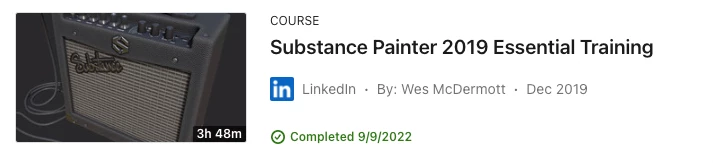
I exported the textures and added them to a Unity 2021 URP project and they looked distorted:
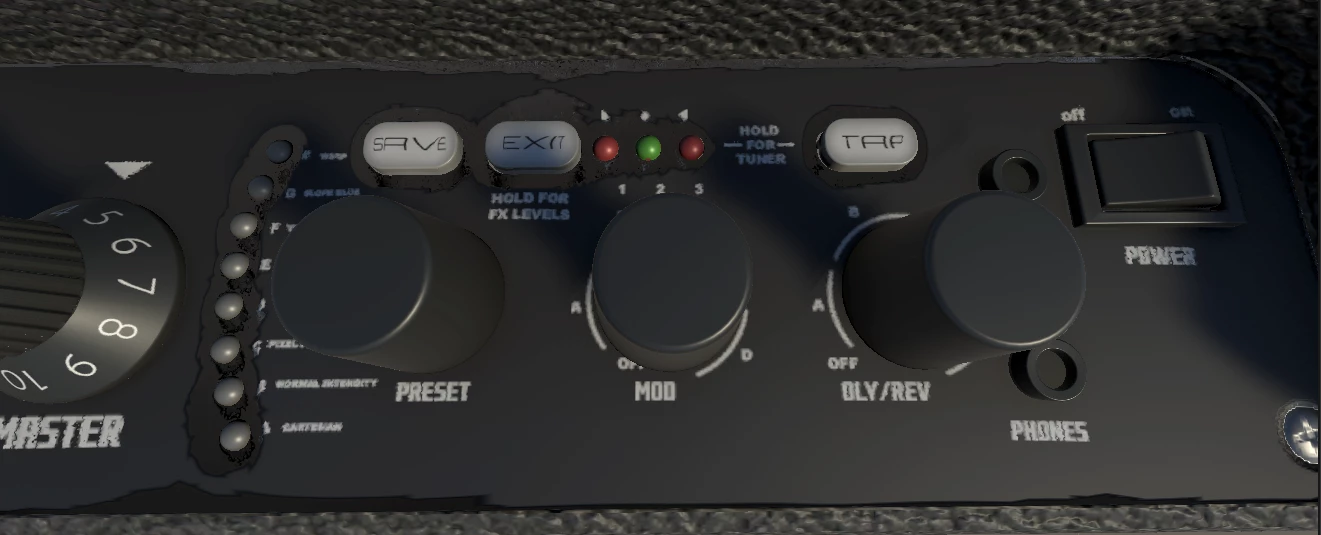
 You can see the text looks bad and some distortion in the black areas near the grey lights.  Anyone else take this class and see this problem?

3 replies

j.peralta
Participant
June 20, 2023

Thanks for your fast reply.

I don't think it's something about triangles or the mesh; Unity triangulate itself. I think it's about the maps (height, normal and/or glossiness map).


Cyril Dellenbach
Community Manager
Community Manager
June 20, 2023

Hi @danam78041540, Hello @j.peralta,


Thanks for the message.


The issue you're facing is probably the same as this thread

So as in the linked thread, I suggest you to triangulate your mesh before importing it inside Unity, or to directly export the mesh from Substance 3D Painter (File > Export mesh...).


Tell me if it helps!


Cyril Dellenbach (Micro) | QA Support Artist | Adobe
j.peralta
Participant
June 20, 2023

I'm having the same issue. Did you find any solution?