


Participant
November 7, 2023
Answered

Hide parts of a Mesh.

  • November 7, 2023
  • 1 reply
  • 7845 views

Ideally it would be good to hide parts of a mesh to aid painting complex interior forms, I'm working on a mesh that is a scan of the Endless House - it's a complicated shape and trying to navigate around the thing is impossible,


Is there a way to hide certain parts of a mesh - for instance the exterior walls so I can concentrate on painting. It's a single mesh with one texture and no Udims.


This topic has been closed for replies.
Correct answer Cyril Dellenbach

Hello,


Thanks for the message.


You can hide Texture sets directly in the Texture set list window. Alternatively, you could add an opacity map, mask the desired parts and turn the opacity to 0. Make sure the shader supports opacity, and to add an opacity channel.

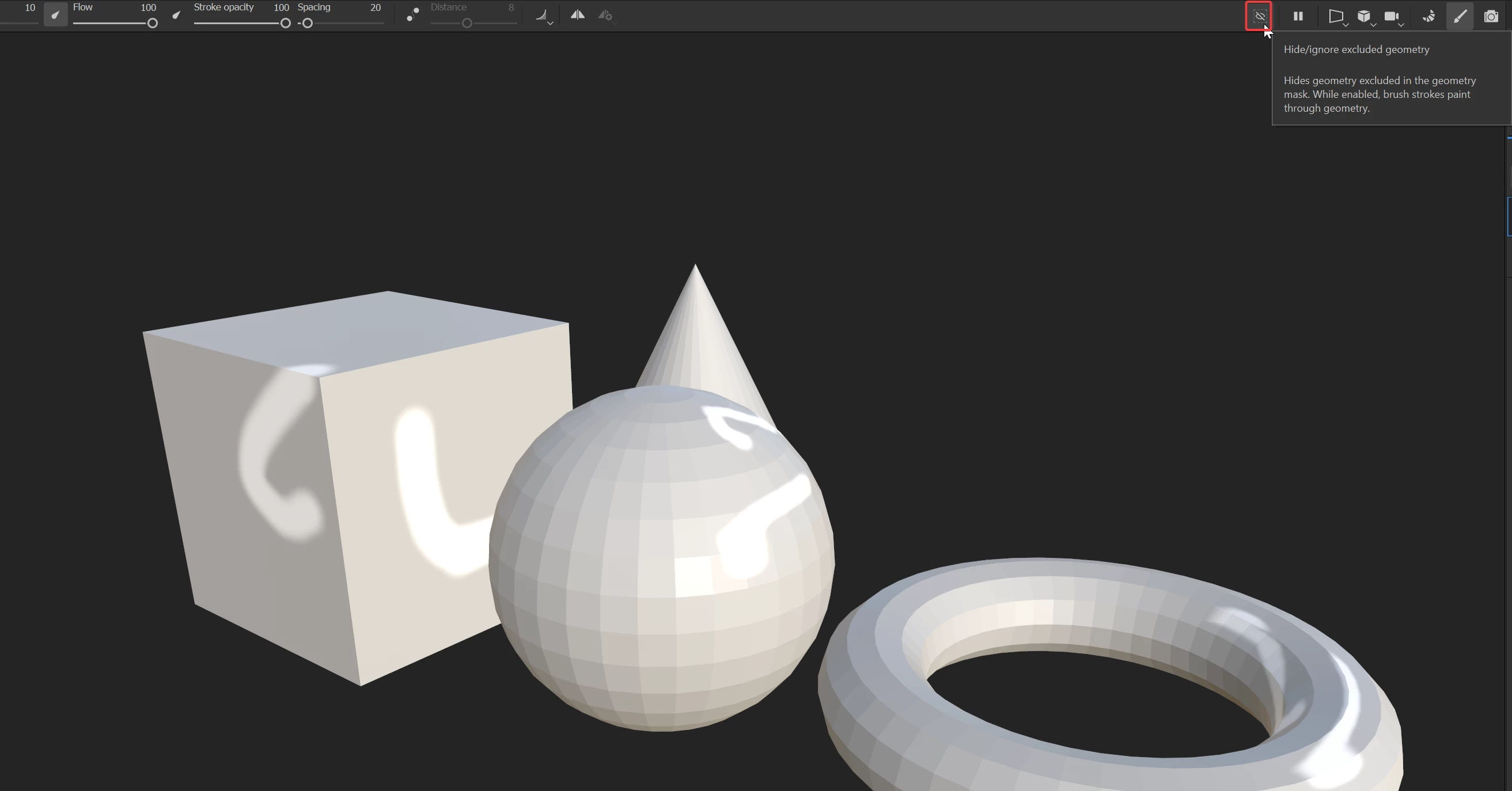
Lastely, you could use the Geometry mask to hide parts of the mesh.


Best regards,


1 reply

Cyril Dellenbach
Community Manager
Cyril DellenbachCommunity ManagerCorrect answer
Community Manager
November 8, 2023

Hello,


Thanks for the message.


You can hide Texture sets directly in the Texture set list window. Alternatively, you could add an opacity map, mask the desired parts and turn the opacity to 0. Make sure the shader supports opacity, and to add an opacity channel.

Lastely, you could use the Geometry mask to hide parts of the mesh.


Best regards,


Cyril Dellenbach (Micro) | QA Support Artist | Adobe