

Answered
SP2021 regression for baking id map from multiple materials on meshes
This worked fine in SP2020. Not anymore in 2021.
can someone explain me if I'm doing something wrong?

This worked fine in SP2020. Not anymore in 2021.
can someone explain me if I'm doing something wrong?
So if my video is tough to understand, I'm posting here the simplest example possible.
A single mesh, a cube, one part with one material, the other part with a different material.
Step1. Blender setup:
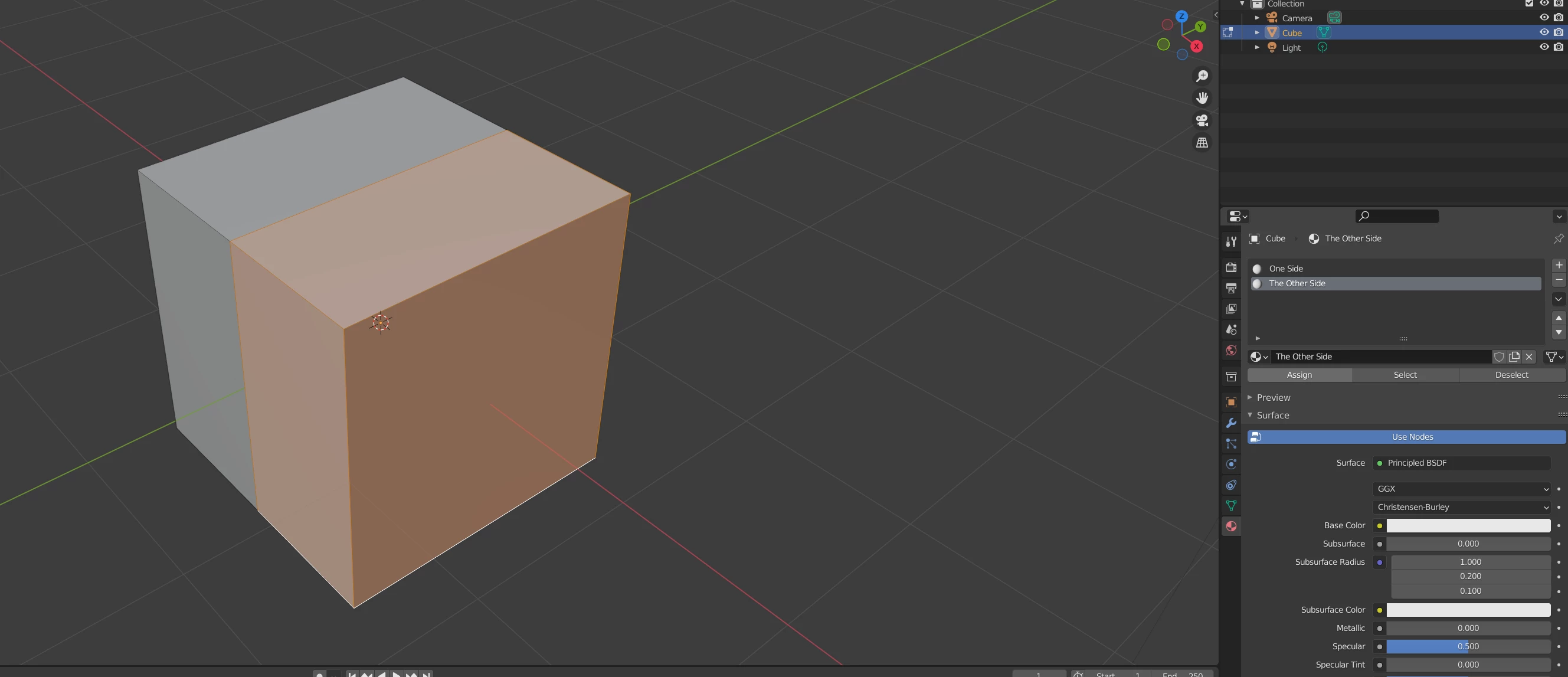
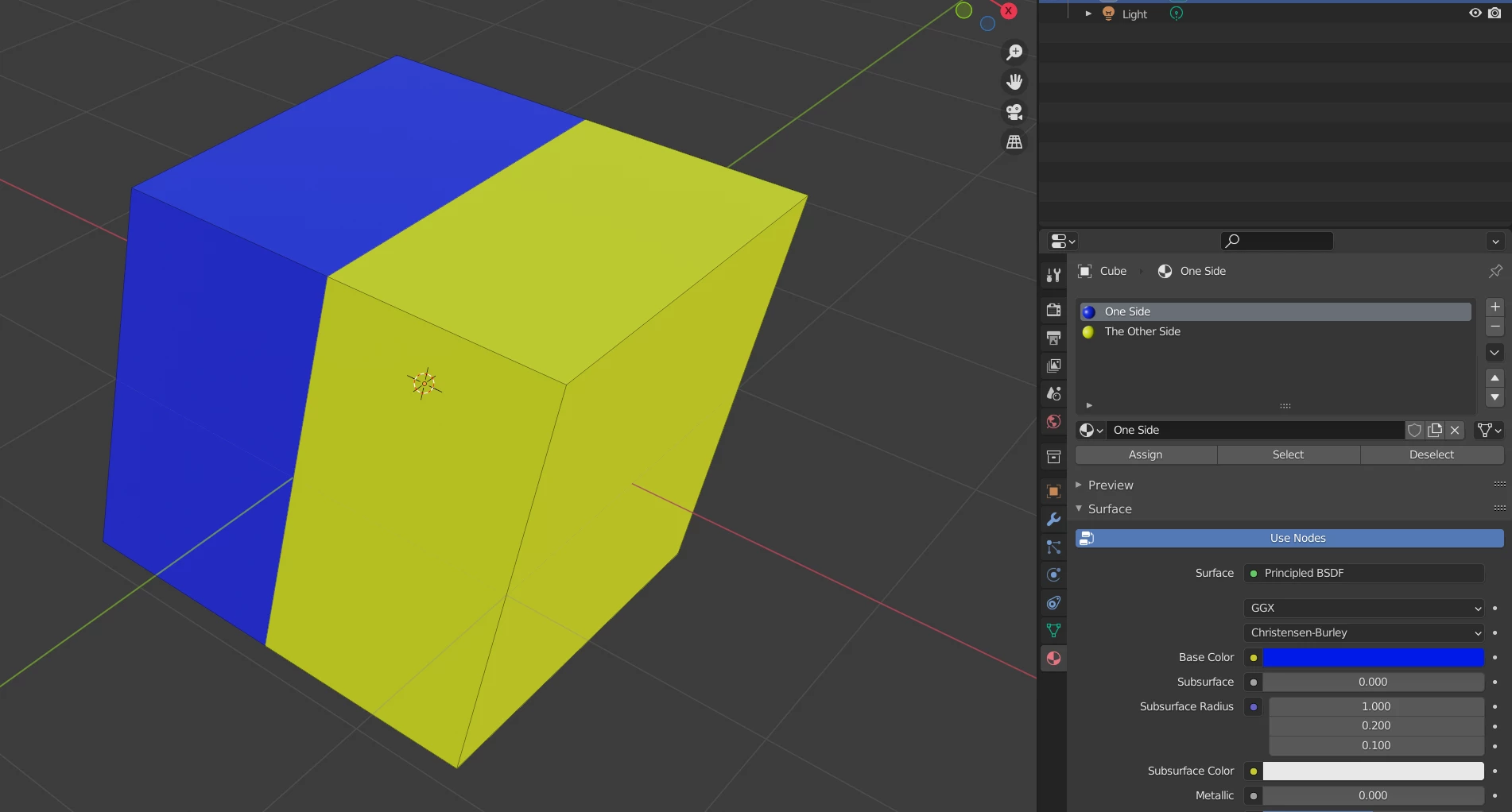
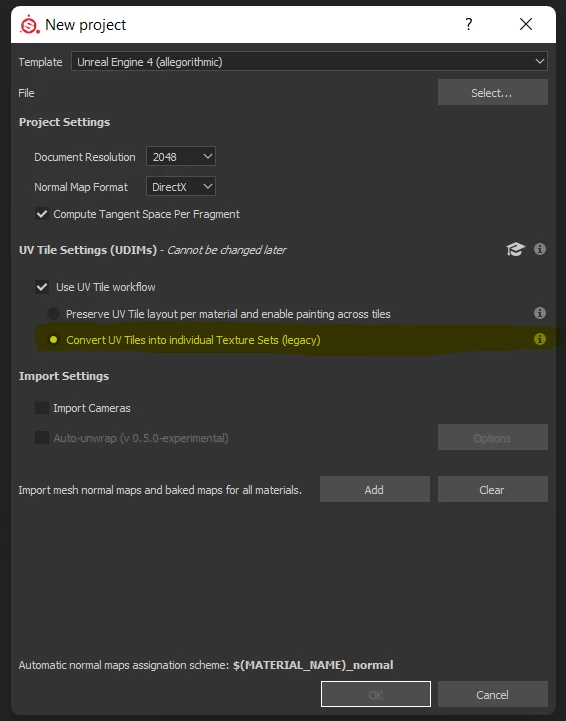
Step 2. Load the file in Substance Painter 2020 with the option to CONVERT UV TILES INTO INDIVIDUAL TEXTURE SETS (legacy) because I need for the object, no matter how many separated meshes it has, to have only ONE texture set at the end (much better for game engines than to have multiple texture sets)
Screenshot from SP2020 but I use the same settings on SP2021 of course.
Next step, baking. Setting the ID to have the color source "Mesh ID/Polygroup" and Color generator to be Random.
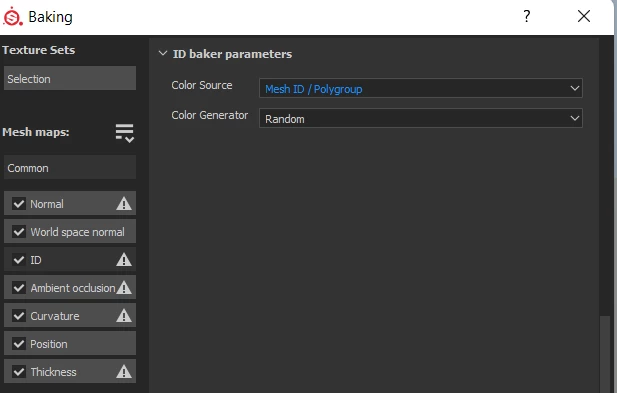
Result: Substance painter 2020 below, see the correct ID Map baked:
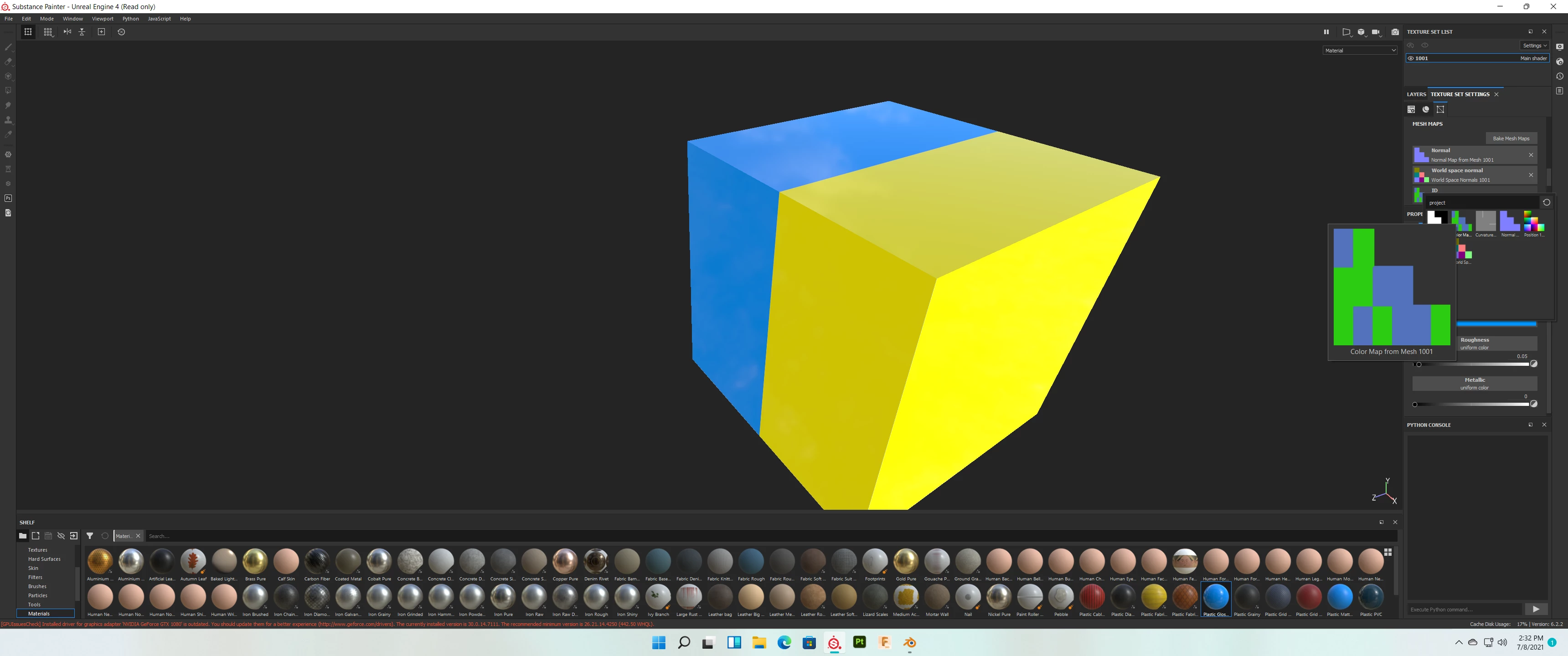
Result from SP 2021, ID Map is invalid.
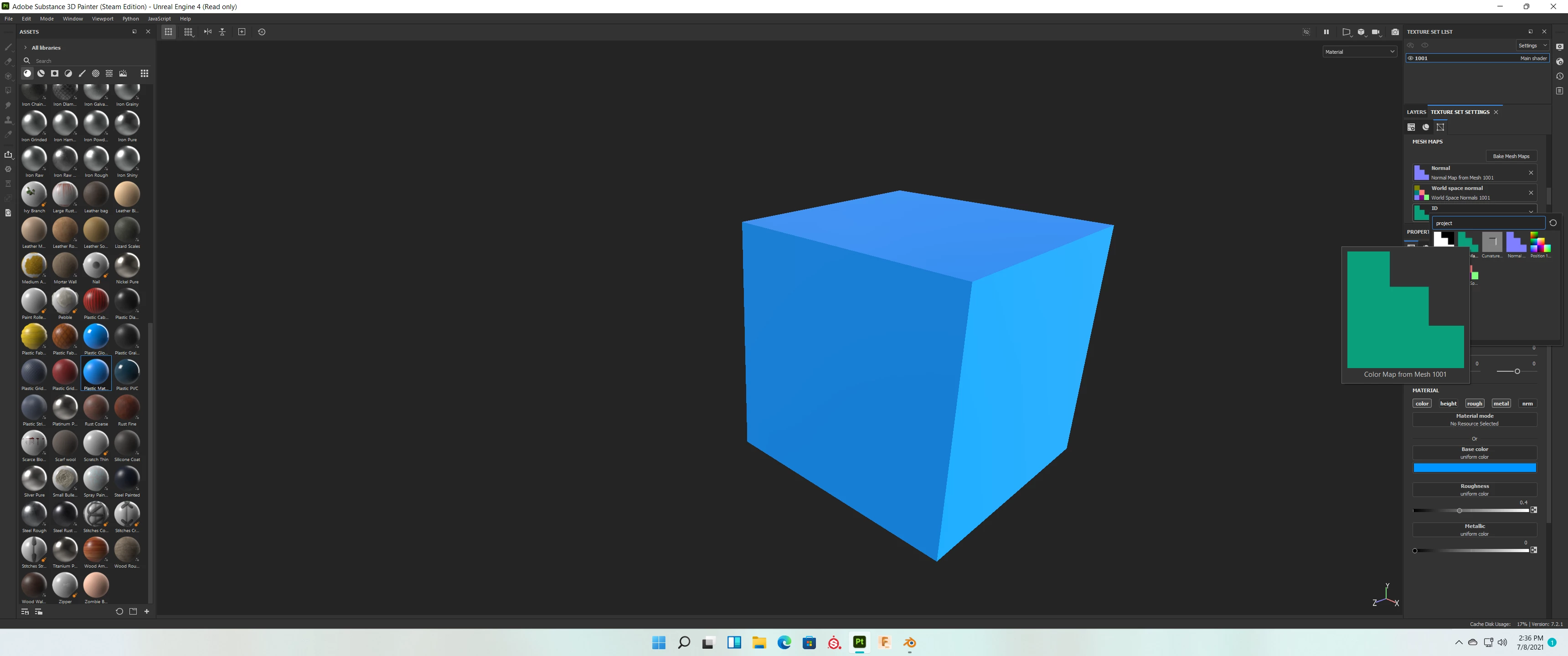
I also attached the fbx.
Thanks!
My first question is why you're using the legacy option when your UVs are within a single UV tile 1001 and you never actually use UDIMs? This option is for those who have more than one tile and they want Painter to generate texture sets per tile ie. 1001, 1002, ect..
Also when doing ID maps you should duplicate the mesh, then load in the low poly mesh with a SINGLE MAT ID, then use the ID mesh with more than one MAT ID and bake it. Then you can use the default project setting (non UV Tile).
When baking your ID maps for MAT Fills you should be using Material as well for the option.
This is what I get:
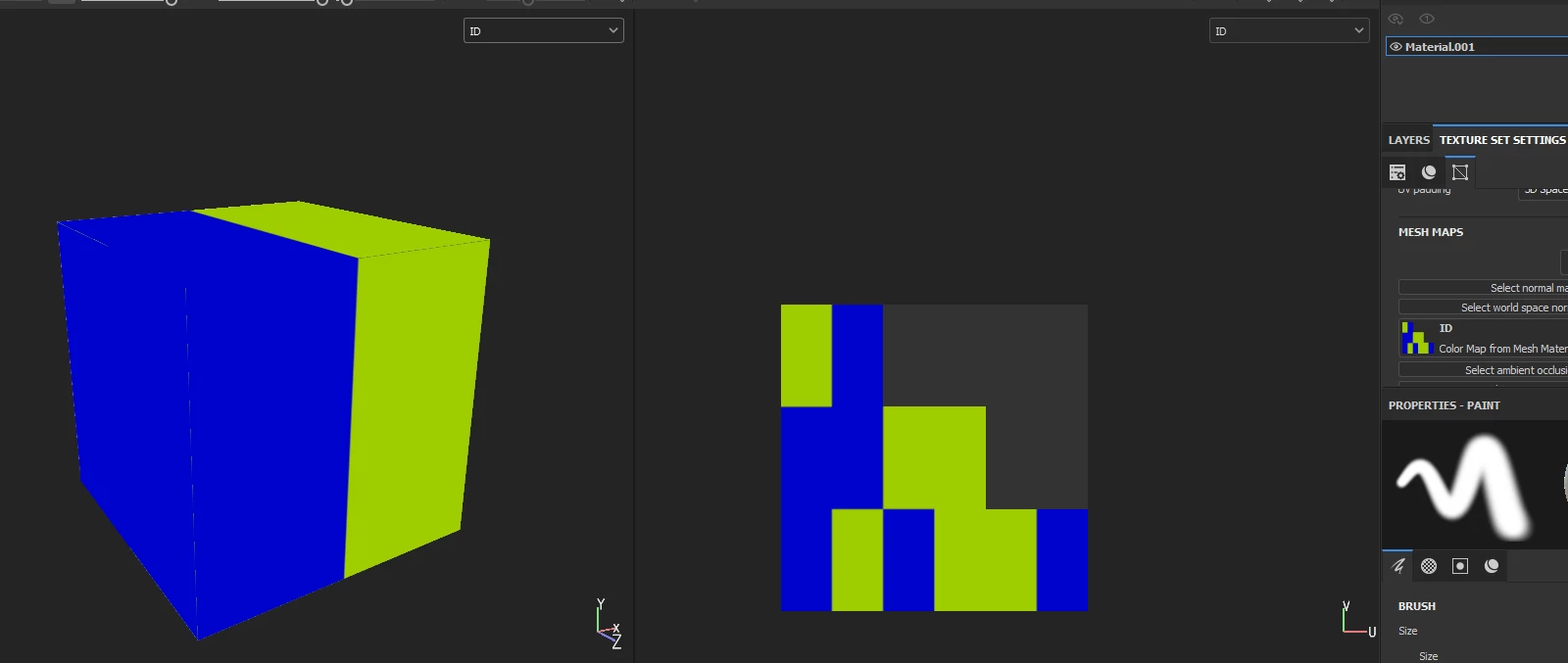
All under one set.
I would revise your workflow personally.
Already have an account? Login
Enter your E-mail address. We'll send you an e-mail with instructions to reset your password.
 AdChoices