


Answered
Visible UV seams on normal maps
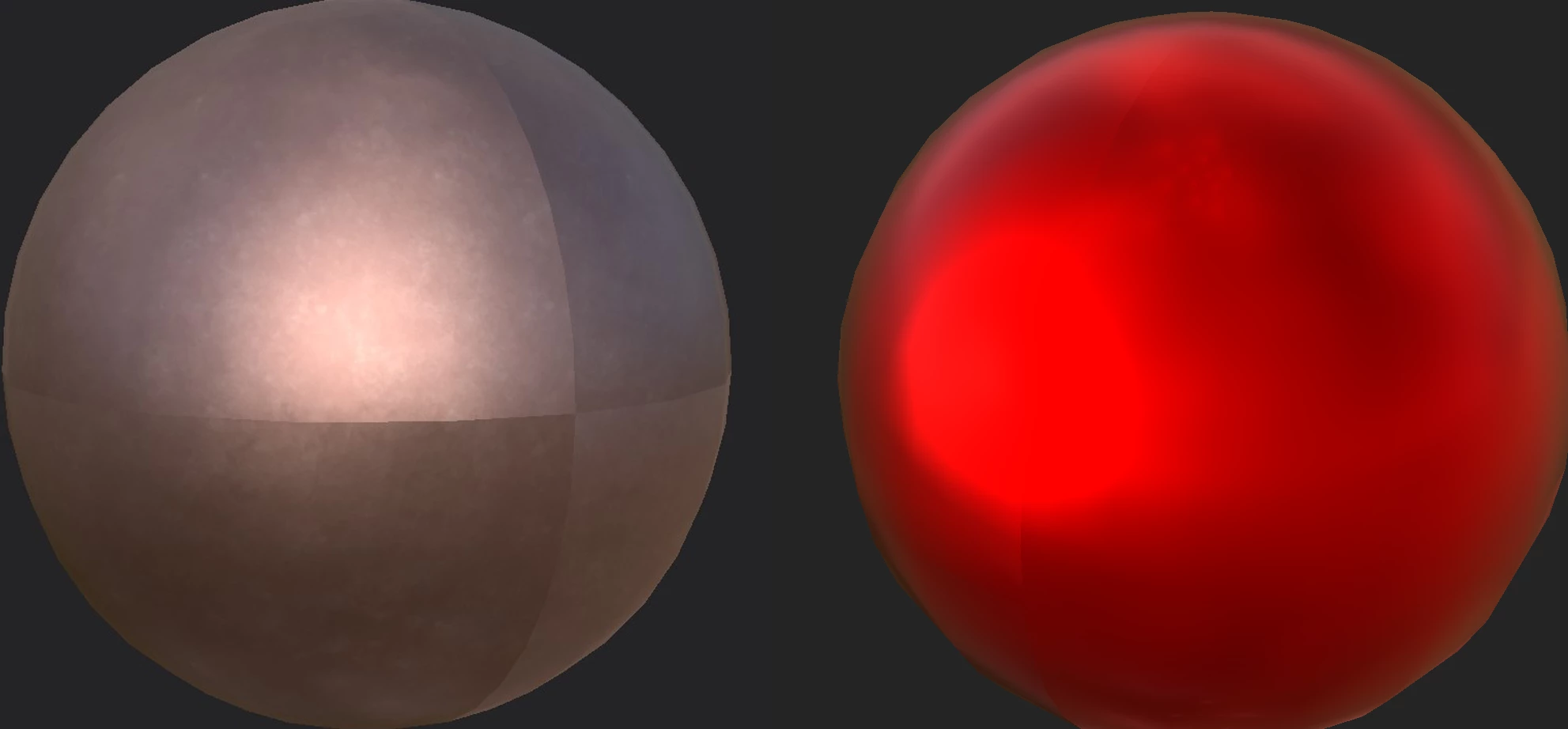
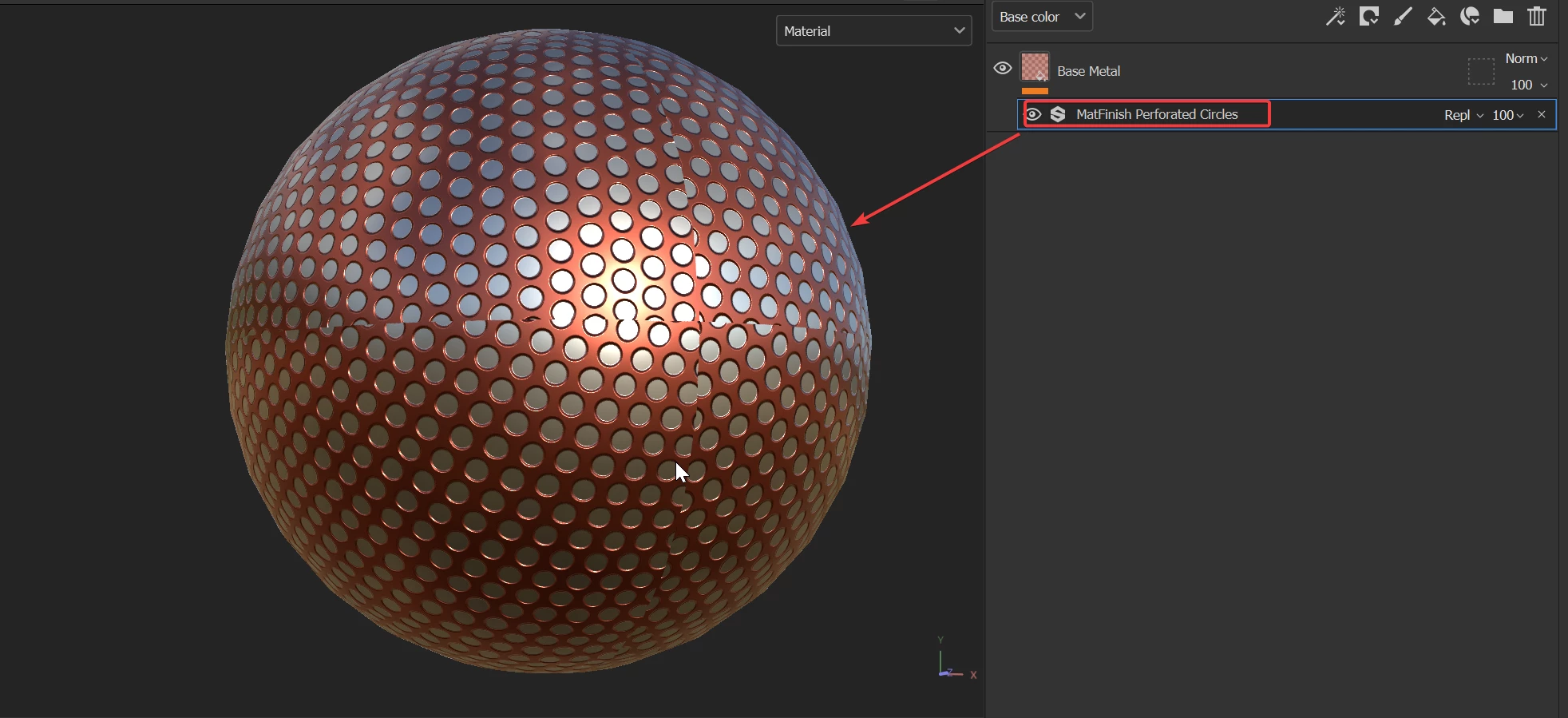
Why does Substance 3D Painter make such visible UV seams? It's definitely normal map problem, because if I export the texture set and apply it in a 3D modeling program, the seam disappears if I disconnect the normal map.
Before you suggest:
- Hiding UV seams: it's not always possible, depending on the model, and it shouldn't be needed. Texturing and baking textures in Blender, for example, doesn't create these visible seams, so I don't understand why Substance does this.
- Blurring the seam using Clone tool or some other way: again, it shouldn't be needed, since Blender doesn't have this problem.
- Using tri-planar projection: doesn't help.
- Increasing shader quality: doesn't help.
 AdChoices