Hi,
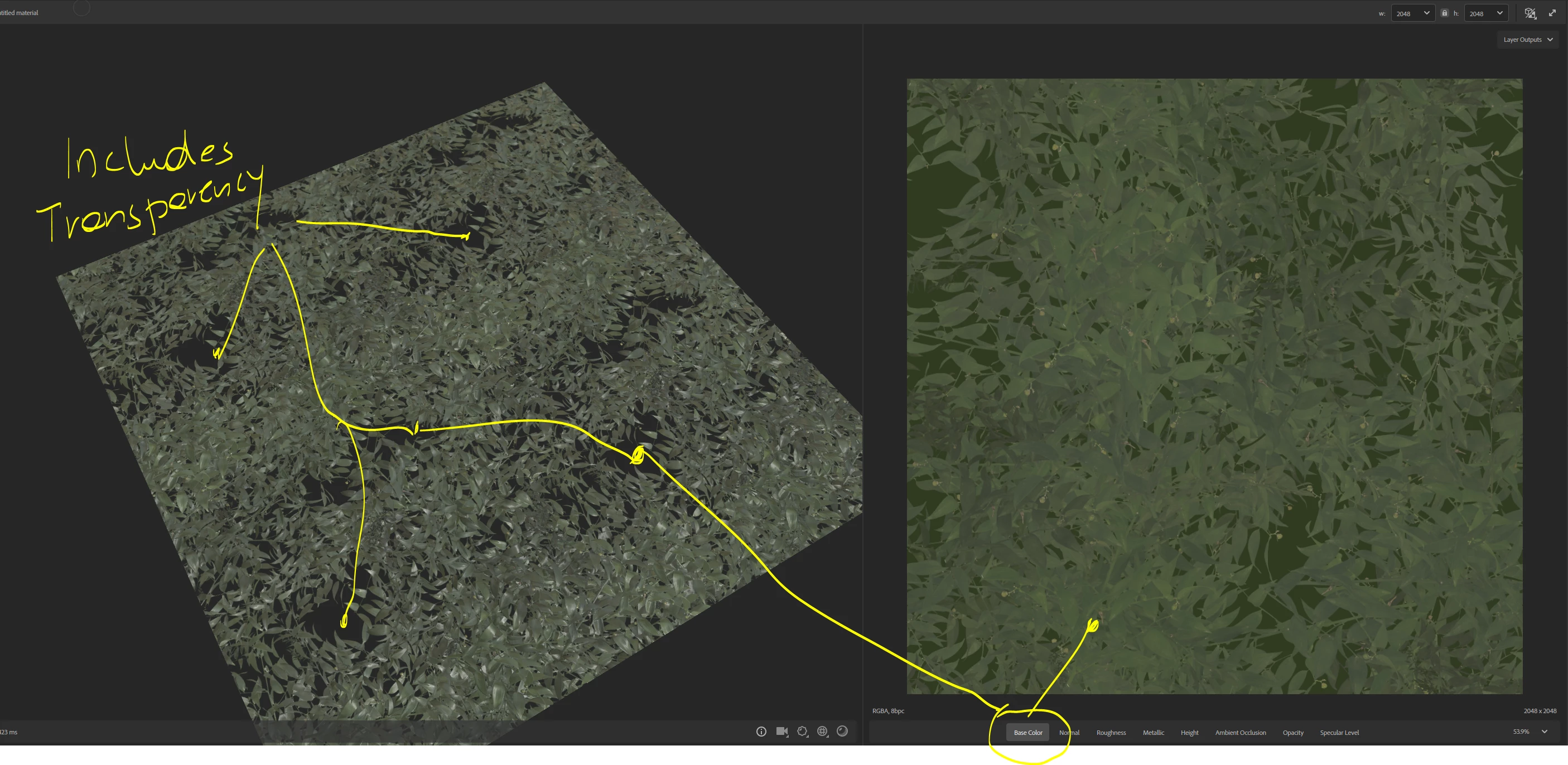
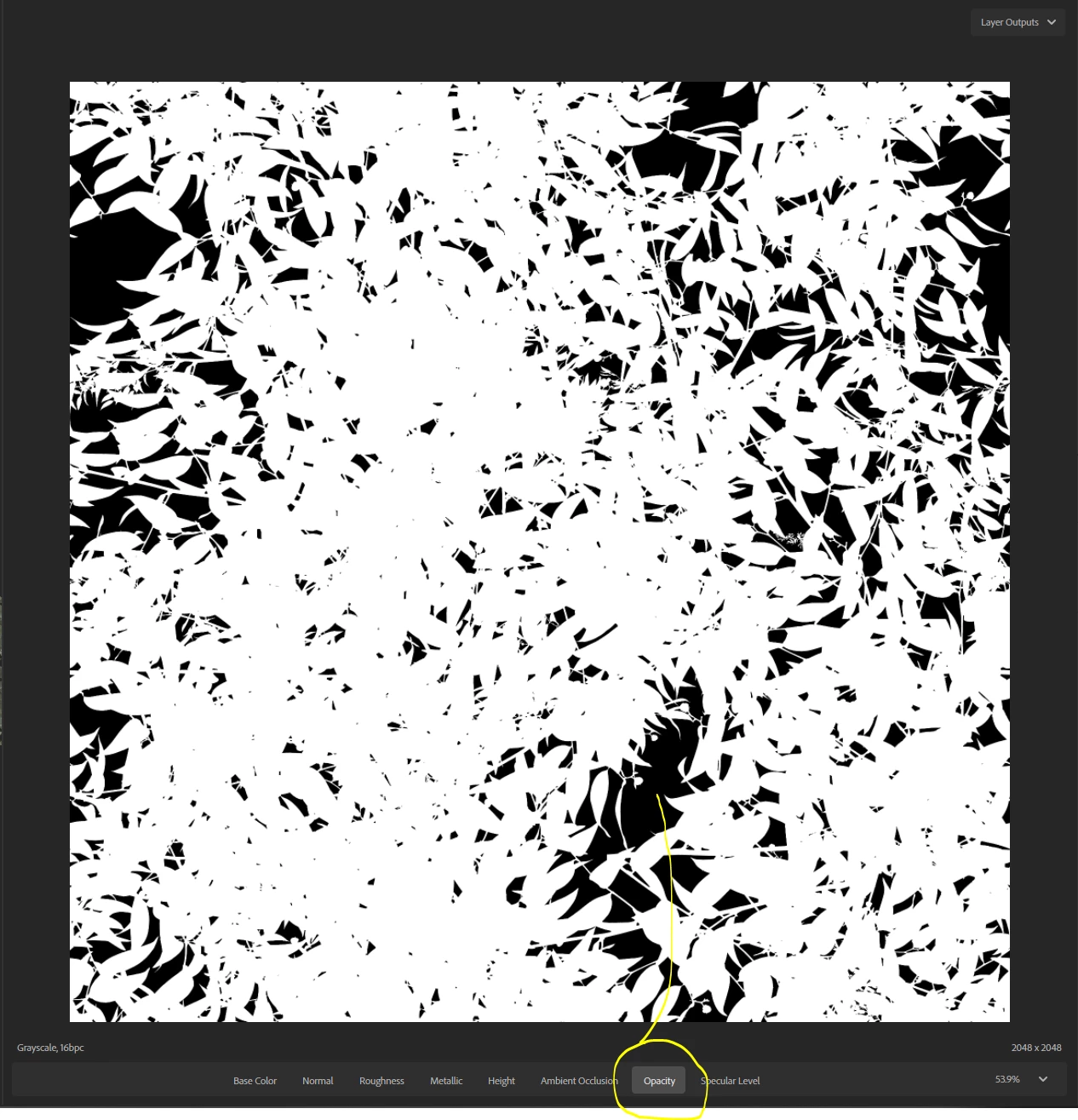
You need to do channel packing. The opacity is a map on it's own as any other.
To make it appear in the BaseColor you need to transfer the Opacity map in the Alpha channel of the BaseColor (which is called Channel packing as we pack maps in different channels of a single image).
It isn't automatic, you have different ways to do it:
- Manually: Open your BaseColor and your opacity in photoshop. Copy the Opacity and paste it in a mask layer to generate the Alpha or create a new channel to paste the opacity. You can follow this tutorial to help you: https://www.youtube.com/watch?v=oL30-bJQJEE
- With an export preset in Sampler: You can create your own export preset for 3D Sampler using 3D Designer:
In the graph just add an Alpha Merge node between the inputs and outputs, I kept the opacity output in mine just in case I need the opacity map alone.
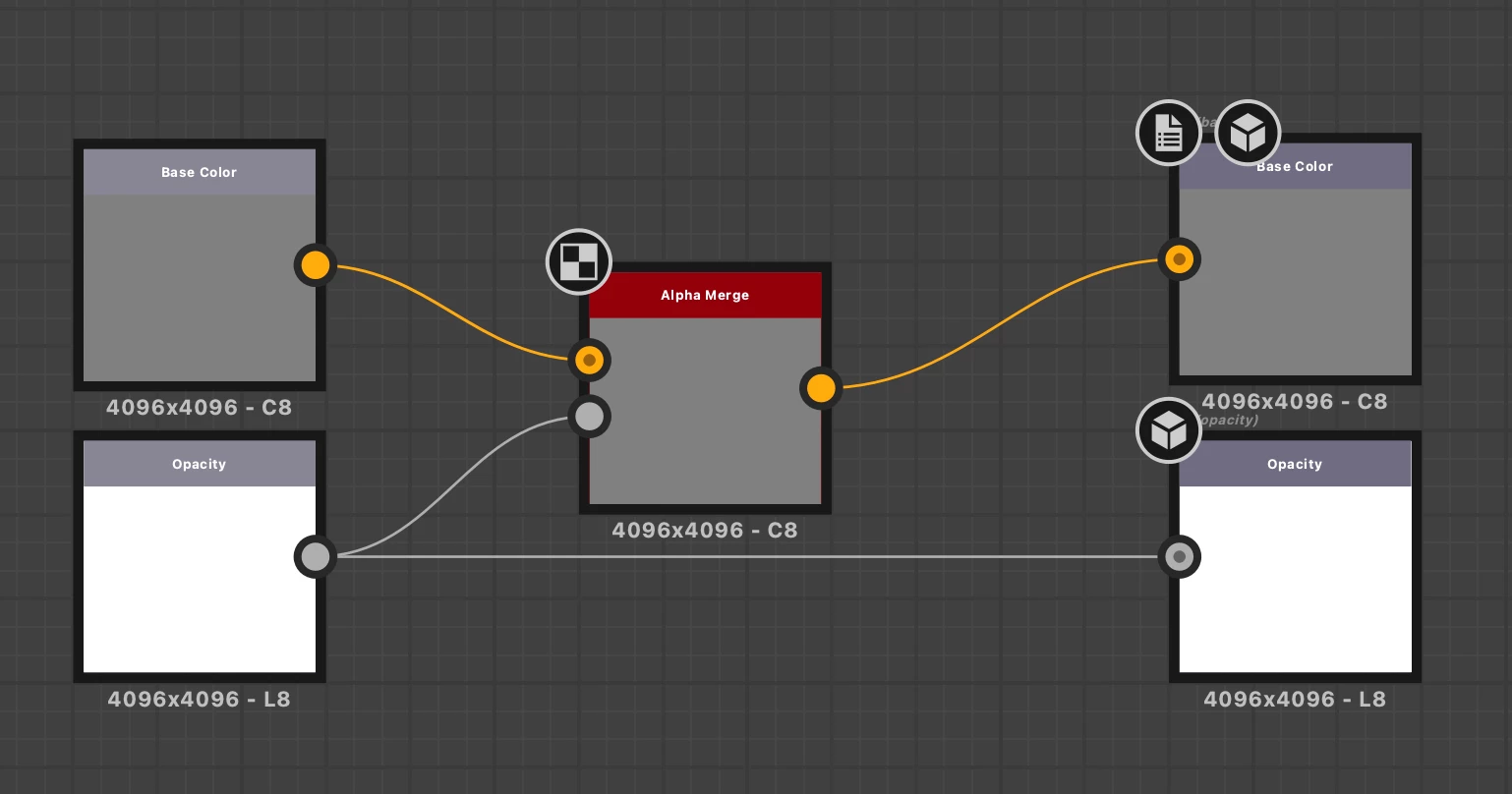
Then add the export preset in 3D Sampler:
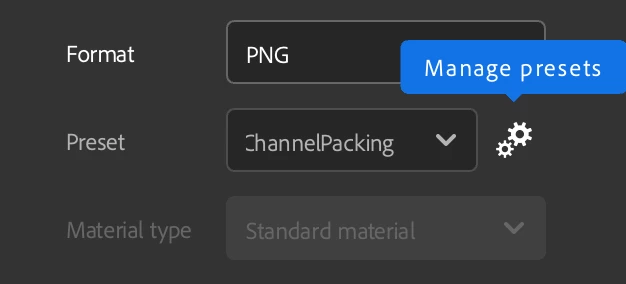
And chose it for exporting, hit export and you should have a Basecolor with the opacity in the Alpha channel!
I link the export preset (.SBSAR) I made and the .SBS file so you can explore the file or modify it as you need.
Regards,
Lory



 AdChoices