





『アドビコミュニティフォーラム』に質問/トピックを投稿する方法
Announcements
新着順
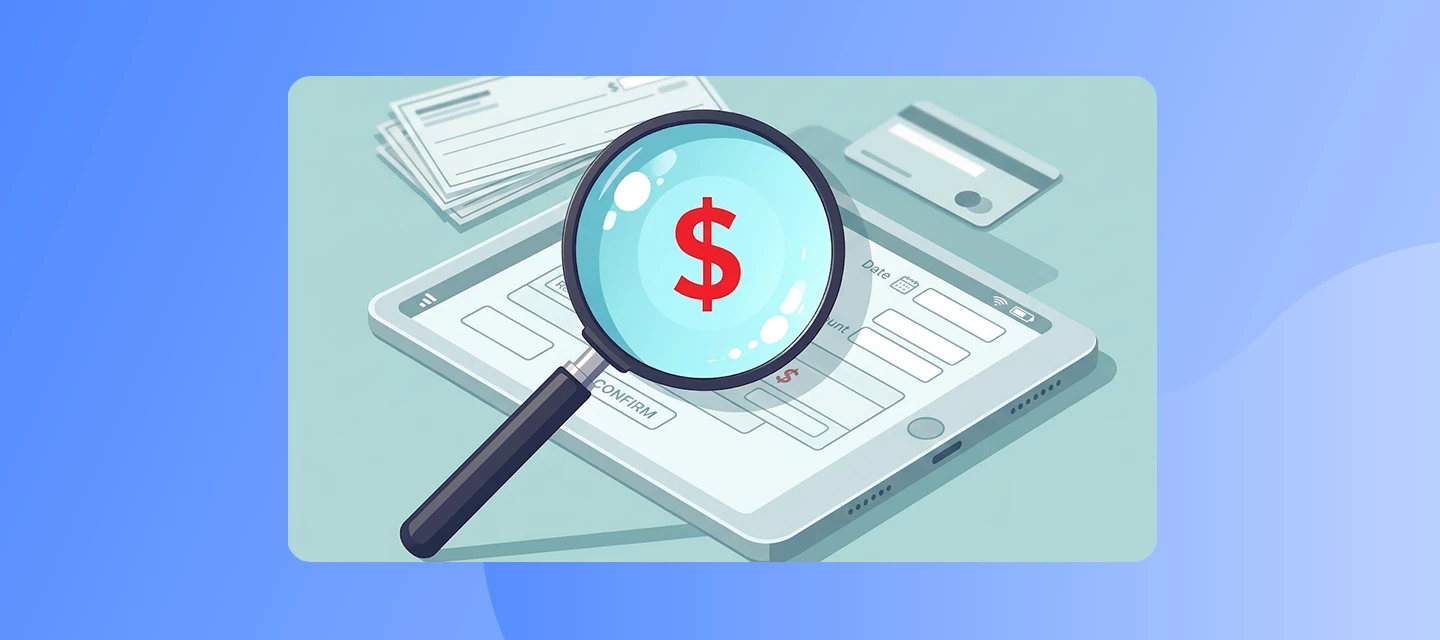
Don't recognise an Adobe charge? We can help you find what it’s for. Seeing an Adobe charge on your bank or credit card statement that doesn't ring a bell?Let’s try Adobe's Charge Finder tool. Most unknown charges have a simple explanation, and this tool is the fastest way to find out. It's quick, secure, and often gives you an answer in seconds. Here's what you'll need:• The last 4 digits of the card used.• The card's expiration date.• The transaction date (as shown on your statement).• The exact amount charged.• The currency used.Just enter these details exactly as they appear on your statement, and the tool will match them to your transaction. A few things to keep in mind:• The tool can only locate charges made within the last 3 months.• Just made a purchase? Give it up to 48 hours to show up in the system. Why charges sometimes look unfamiliar?• It could be tied to a different Adobe account (maybe an old email address).• A family member or teammate may have made the purchase.• It
If you’re still seeing charges after cancelling your Adobe subscription, it’s usually due to timing around your billing date, multiple active plans, or a cancellation that wasn’t fully confirmed. Checking your Adobe account details will help you identify and stop future charges quickly. The FAQs below explain possible reasons you might still see a charge from Adobe after cancelling your subscription. Q: How do I verify that my Adobe subscription cancellation was successful?A successful cancellation results in a confirmation email from Adobe and a "Cancelled" status visible in the Plans section of your Adobe account. Q: What should I do if I did not receive a cancellation confirmation email from Adobe? Check your spam folder first. If no confirmation exists, sign in to your Adobe account ,open Plans, and verify the plan status. If it’s still active, complete the cancellation again. Q: Can I be charged for a plan I cancelled if the billing date falls before the cancellation was processed
Hi Community,Are you encountering a "Unable to load data" error while trying to access the Adobe account? What causes this?Browser cache or cookies interfering with session data. Conflicts from browser extensions (e.g., ad blockers). Adobe server-side delays or outages. Multiple Adobe IDs logged in simultaneously. Network instability or VPN interference. Recommended solutionsClear browser cache & cookies. Try a different browser or device. Disable browser extensions temporarily. Use incognito/private mode. Check Adobe server status: https://status.adobe.com Use direct link: https://account.adobe.com/plans Have questions? Start a discussion.
Remix with Firefly Community Gallery
Thousands of free creations to fall in love with and remix in Firefly.
すでにアカウントをお持ちですか?ログイン
アカウントをお持ちではありませんか? アカウントを作成
Enter your E-mail address. We'll send you an e-mail with instructions to reset your password.