Anubhav M
Community Manager
Community Manager
October 10, 2023

Illustrator 2024 v28.0 | Text to Vector, Mockup, Retype, Smooth Slider and improved Share for Review

  • October 10, 2023
  • 15 replies
  • 37663 views


Hello everyone, 


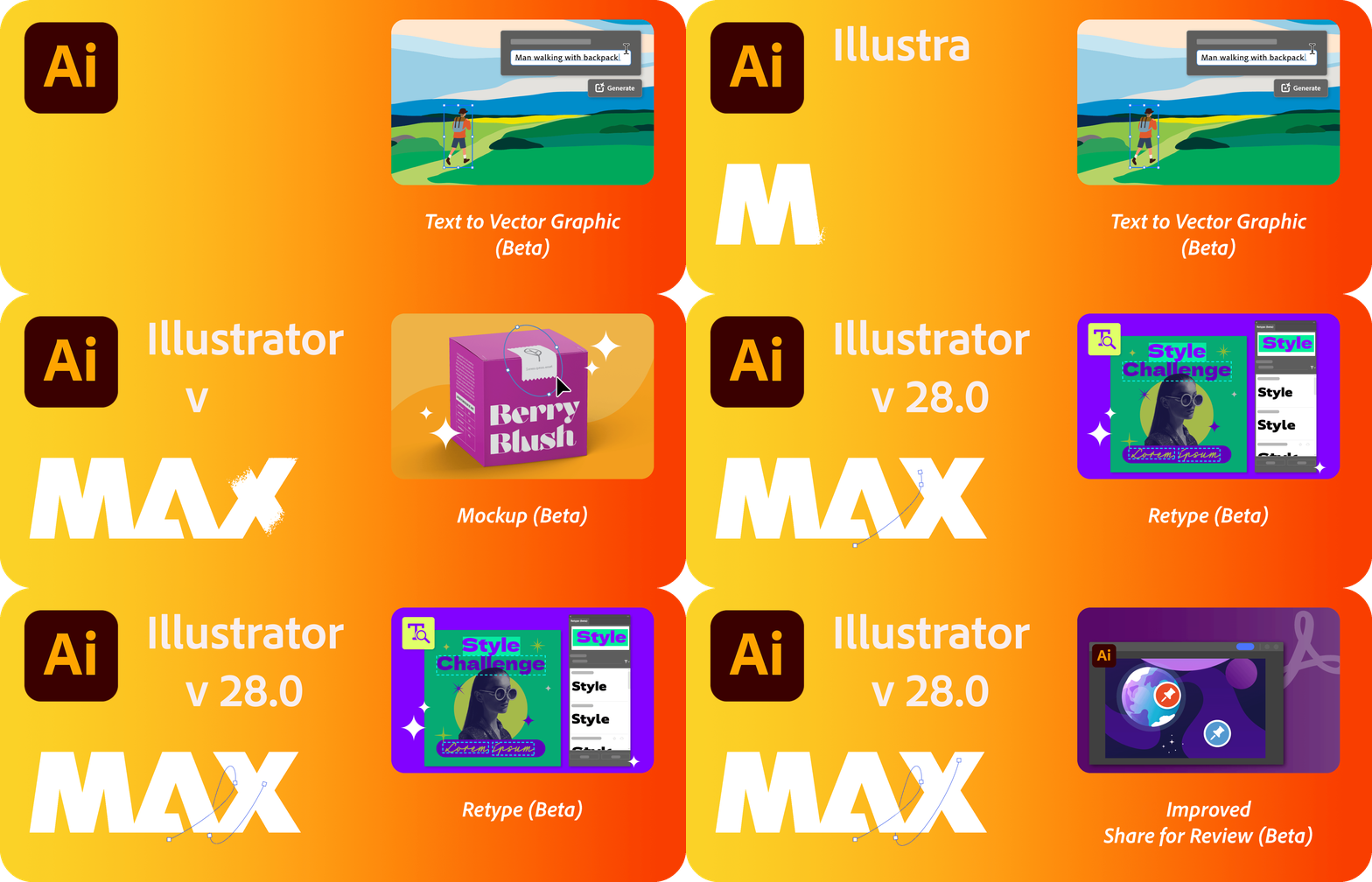
We're excited to announce that Adobe Illustrator's latest update (version 28.0) is now available for download via Creative Cloud Desktop. This release offers a range of new features, including the ability to create vectors using Text to Vector Graphic (Beta), apply vector art to an image using Mockup (Beta), edit static text within images using Retype (Beta), simplify paths using the Smooth slider, and create shareable links to PDF files using Share for review, as well as general performance improvements.

You may also visit the links to access comprehensive lists of all the features and bug fixes available.


Text to Vector Graphic (beta)

Introducing Text to Vector Graphic (Beta), driven by Adobe Firefly, Adobe's innovative generative AI models. This tool allows you to effortlessly create captivating vector graphics. Simply provide a concise description of your desired subject, scene, icon, or pattern and instantly receive multiple output variations. Explore these options and choose the one that best matches your creative vision. Discover more about Text to Vector Graphic (Beta) today!

 

Mockup (Beta)

Discover Mockup (Beta), a feature that empowers you to replicate artwork onto various objects like product packaging, mugs, and T-shirts. With Illustrator's intelligent application of vector art onto raster objects, it seamlessly adapts to the object's curves and edges, ensuring non-destructive adjustments. Dive deeper into Mockup (Beta) to explore its capabilities.


Retype (Beta)

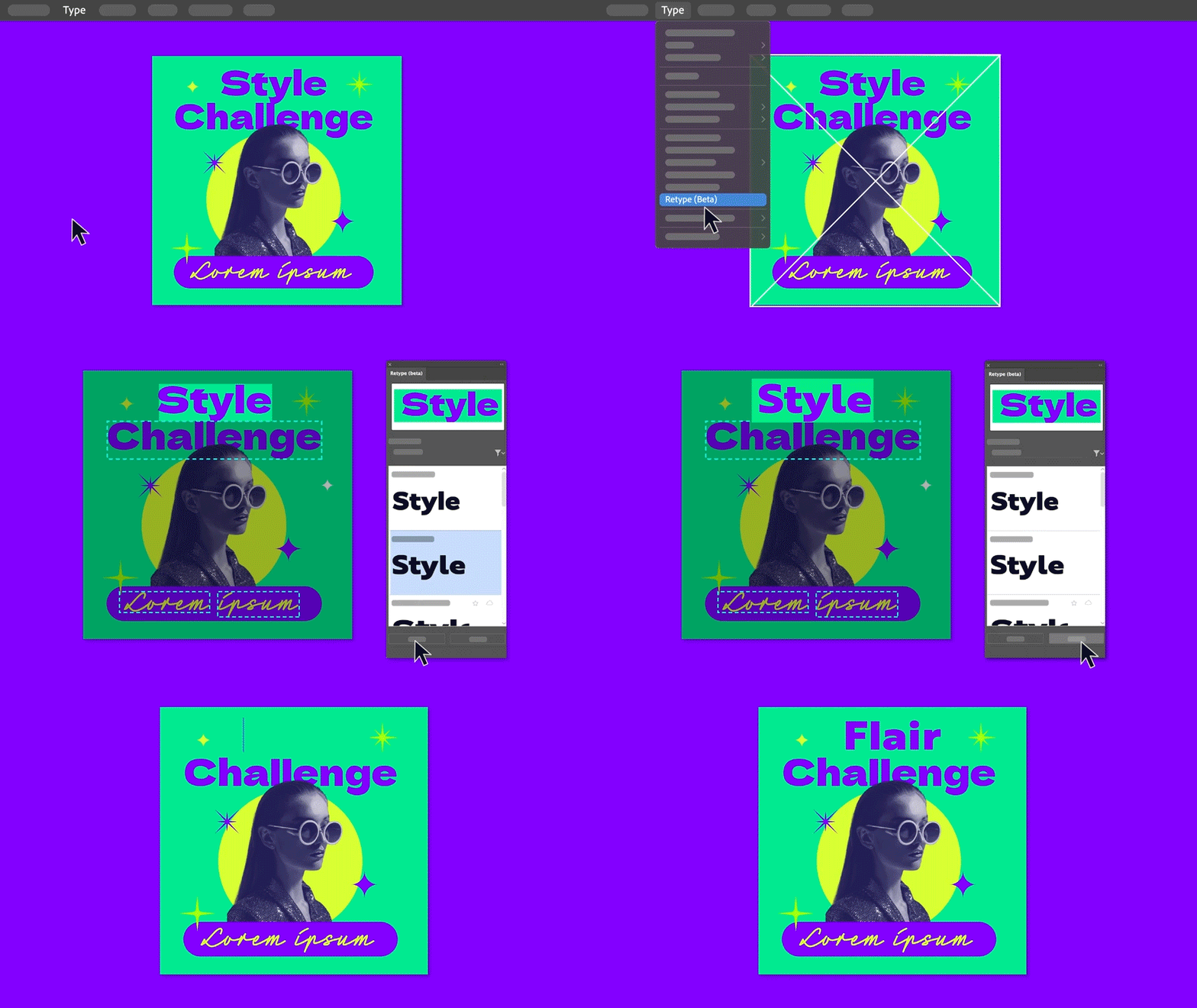
Unlock the potential of Retype (Beta) to edit text within a static image or outlined text by seamlessly matching fonts from Adobe Fonts or your local library. Explore the full capabilities of Retype (Beta) to elevate your creative projects.



Smooth Slider

Discover the improved Smooth tool with the addition of the Smooth slider, offering you precise manual control over path smoothing levels. Whether you want to smoothen an entire path or focus on specific sections, you have the flexibility to achieve the desired effect. Explore the benefits of Smooth further.



Create shareable links to PDF  for review

Explore the improvements to Share for Review, which enables you to generate shareable links for your PDF files, simplifying the process of collecting feedback. No need to convert them into .ai or .aic files. Dive deeper into the Share for Review functionality.



Fixed Issues

Illustrator v28.0 also includes a number of improvements for the following:

► The option to "Replace all" Linked images was missing.


See 
What's New for more information on the latest features. To help us have focused discussions, create separate posts for feedback on features related to this update.
 

Thanks,
Anubhav

    15 replies

    Inspiring
    November 13, 2023

    There are some improvements to be made in the wording that is accepted for the AI generator in Illustrator. When including the word "lasso", I get the message, "One or more words in your prompt violate user guidelines. Please edit and try again." I'm assuming it is because of the three center letters (the same as the first three letters in "assuming"), but it makes it very inconvenient when trying to generate something simple like a lasso. It doesn't matter what other words are with it, such as cowboy, border, knot, square, etc. That the word "lasso" is included voids the generation of the image. 


    I also tried to generate "cowhide", "cowhide rug", and "P branded into wood" with some unusual results. This is a great feature, and I realize it is still in beta, but I will be glad when some tweaks are made and it is a bit better at handling the commands.


    Participant
    November 1, 2023

    Hello is the update available for PC users? I'm still stuck with the 2023 version of Illustrator and can't seem to update it to the newer version. the creative cloud says it is "up to date" 


    Anshul_Saini
    Community Manager
    Community Manager
    November 1, 2023

    Yes, @Kevin33322033l6eg, the update to Illustrator 28.0 is available for PC users. If your Creative Cloud app is showing that it's "up to date," you can try manually checking for updates.


    You can then proceed to update Illustrator to the latest version. Please ensure that your system meets the minimum requirements for Illustrator 28.0.


    I hope this helps you get the latest version of Illustrator on your PC.


    Best,

    Anshul Saini

    Michael Ambroise
    Community Expert
    Community Expert
    October 28, 2023

    Many Thanks !

    _______Senior graphic designer | United Nations Population Fund
    Participant
    October 27, 2023

    This is interesting, will give it a try!

    Participant
    October 25, 2023

    Creative Cloud updated my Illustrator. Now I cant find out how to color text?! Seems I have to create outlines of text before I can give another color than black. It drives me nuts when adobe always changes the basic functions with updates. 


    Participant
    October 25, 2023

    OK. Sorry. The Font had some issues. Everything is Fine 🙂


    Participant
    October 25, 2023

    Why keyboard shortcuts are not working on the new version?


    Monika Gause
    Community Expert
    Community Expert
    October 25, 2023

    @Stopovergraphics  schrieb:

    Why keyboard shortcuts are not working on the new version?


    What kind of shortcuts are you referring to? The set of shortcuts you have ported with your migrated preferences? Illustrator does not like porting preferences a lot.

    The ALT, CTRL etc keys? Might be your Wacom driver.

    Something else?

    Tina_Irvine
    Community Expert
    Community Expert
    October 19, 2023

    These are great features! I'm most excited about the mock-up feature 🤩

    Barbara Braga
    Participant
    October 18, 2023

    Retype não funcionou nem com a imagem de teste por aqui.

    Anshul_Saini
    Community Manager
    Community Manager
    October 18, 2023

    Hi @Barbara Braga,


    I'm sorry to hear that the retype feature didn't work with the test image. For this feature to work, please download the English OCR language on your computer. Here's how you can do it:


    1. Click on the "Start" button on your Windows system and navigate to "Settings."
    2. Choose "Time & Language" and then select "Language."
    3. Under "Preferred languages," click on "Add a language."
    4. Choose "English (United States)," and click "Next."
    5. Check all the checkboxes except for "Set as my Windows display language," and then click "Install."


    After completing these steps, please check if the issue still persists. This should help you use the retype feature with images. If you continue to encounter problems, please let us know, and we'll assist you further.


    Best regards,

    Anshul Saini

    Participant
    October 22, 2023

    Hello guys, thanks for the reply, it´s work for me, i had downloaded ENGLISH language and now do recognize  the RETYPE BETA.


    Pedro de Souza.

    Participant
    October 16, 2023

    I updated Illustrator to 28 version, saw new features, tried tutorial and... nothing (see snapshot) Signing out-in, resetting prefs doesn't work.


    Monika Gause
    Community Expert
    Community Expert
    October 16, 2023

    Is Text to Vektor available as a panel?

    If not, please contact Customer Care. https://helpx.adobe.com/contact.html 

    Participant
    October 15, 2023

    Hello, the folders and the ability to duplicate a whole file in the home menu seemd to dissapeared. Before right above the filter type box, there was an add folder button. Also before at the bottom right corner of a file, you could click a three-dot button and the option to duplicate said file was there. Does anyone know where the features are?

    Anshul_Saini
    Community Manager
    Community Manager
    October 18, 2023

    Hi @Ayanara,


    I'm sorry to hear that you're having trouble with the folders and duplicate file features in Illustrator. I am unable to replicate the issue at my end. See the screenshot for reference. I hope this is what you meant by unable to duplicate file.


    To better assist you, it would be helpful if you could share a screenshot or a screen recording that demonstrates the issue you're facing. Additionally, please confirm the operating system you're using and reconfirm the exact version of Illustrator (including the build number, if possible). Sharing your system specifications like CPU, RAM, and GPU can also provide more context for troubleshooting.


    With this information, we'll be able to investigate the problem more effectively and guide you toward a solution. Thank you for your cooperation!


    best,

    Anshul Saini