


nik.m
Community Manager
Community Manager
Oct 16, 2026 5:49 PM UTC

InDesign Creative Challenge #1: Design the next cover for a Magazine
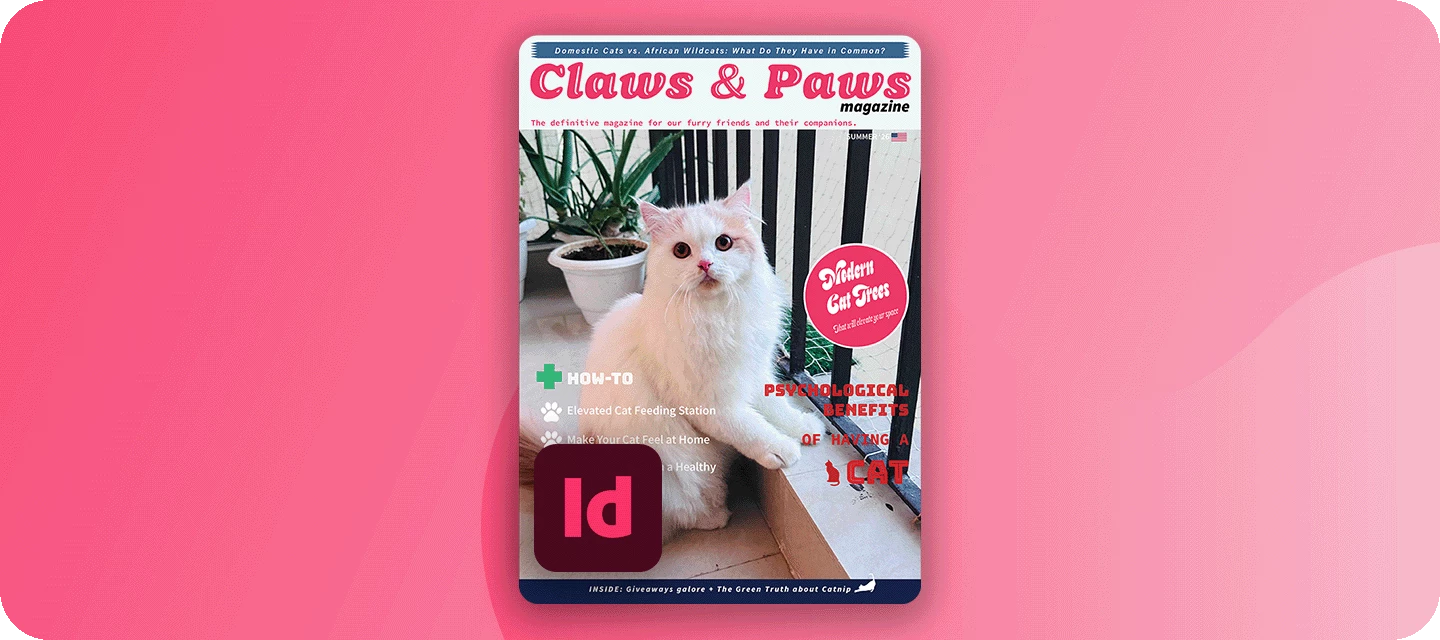
 

The November issue of FERAL goes to print soon, and it still needs a cover. The editor’s only note - it needs attitude. This month, you’re the art director.

Welcome to the InDesign Creative Challenges - a brand-new monthly series and a companion to the Illustrator challenges many of you already know. We’re starting on InDesign’s home turf - magazine cover design, where layout, type, and imagery all have to work together on a single, striking page.


THE CHALLENGE: DESIGN THE NEXT COVER FOR FERAL


The magazine FERAL is a monthly wildlife magazine with bite: bold photography, big personalities, and the stories behind nature’s best and worst behavior. Read by wildlife lovers, photographers, and design-minded readers who want their nature with a bit of attitude.

Your cover star: Any wildlife you like: a big cat, a bird, a reptile, a bug, a fish. Pick a shot with presence, ideally looking down the lens, with clear space for your masthead and cover lines.


WHAT TO INCLUDE

  • Masthead - set big and confident across the top (or wherever suits the design). The treatment is up to you.
  • Hero image - your chosen animal, filling the cover and setting the mood.
  • A few cover lines - written in FERAL’s voice and the Attitude Issue, with clear hierarchy: one main headline, a couple of smaller teasers.
  • Cohesive color palette - ideally pulled from your image, so type and photo feel like one piece. (Optional) The finishing touches - the issue date, price, a barcode, and an “exclusive” flash. Small details, big realism.


HERE'S AN EXAMPLE
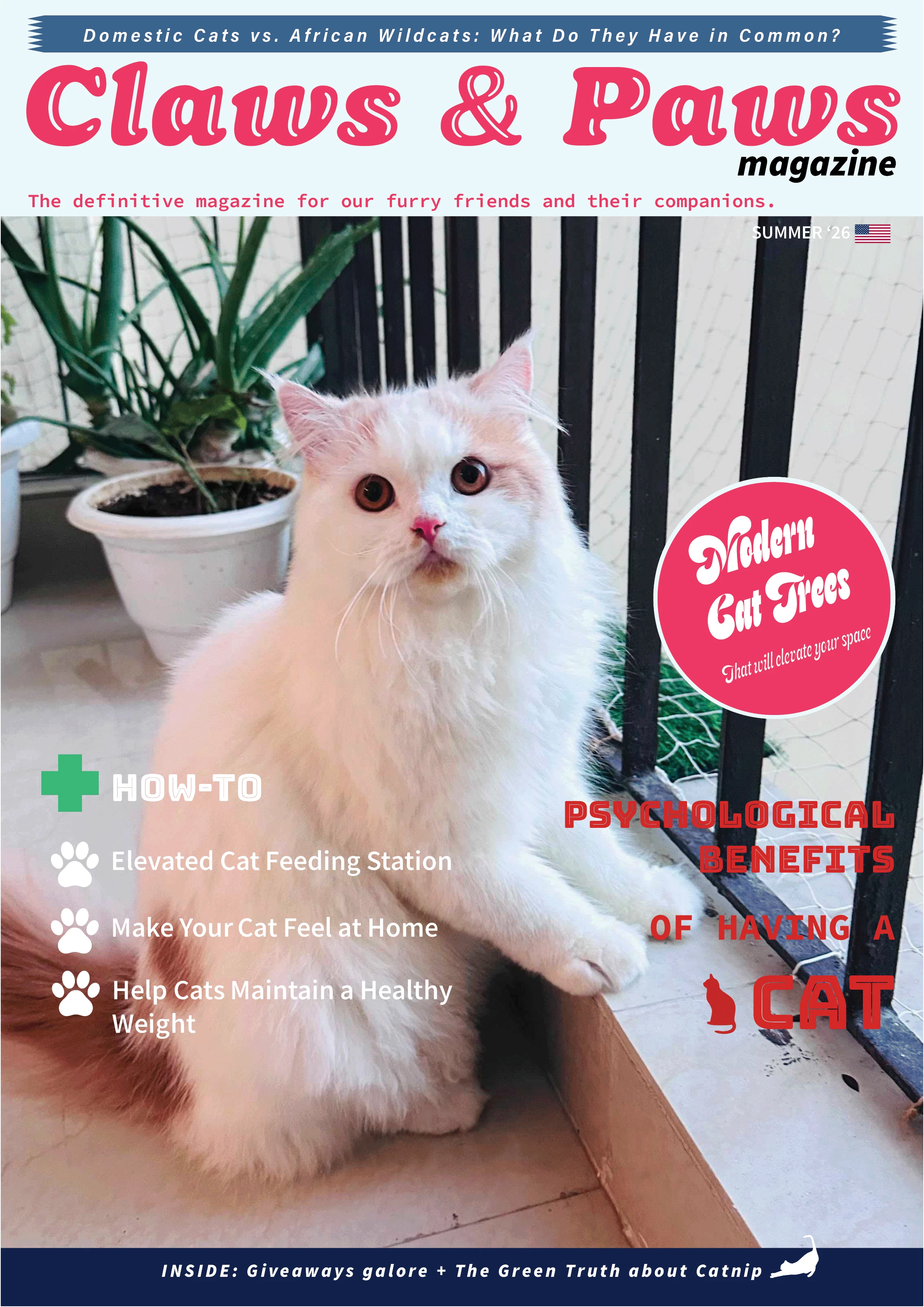


YOUR INDESIGN TOOLKIT

Everything a great cover needs lives in InDesign:

  • Place your image - File > Place drops your hero animal (or use this Lightroom album and select the image you like) into a frame you can crop, scale, and position.

  • Fonts & Adobe Fonts - the masthead is your magazine’s identity; browse Adobe Fonts for a display face with real personality.

  • Paragraph & character styles - build your cover-line hierarchy once and keep it consistent; rescale the whole cover in seconds.

  • Effects: drop shadow & feather - a soft shadow or feather keeps cover lines readable wherever they cross the image.

  • Color Theme tool - click your photo to pull a five-color palette straight from the animal, so type and image agree.

  • Text wrap - optional, for flowing a cover line neatly around the animal’s silhouette.


HOW TO TAKE PART

Reply to this thread with:

  • Your finished cover.

  • A line or two on your response to the brief: which animal you chose, why, and how you built it. Honestly, this is the best part to read, so don’t skip it.

  • Submit your designs by October 31.


WHAT'S NEXT?

This is challenge #1 of a brand-new series, so we're building it around you. Event poster? Zine spread? Book cover? Restaurant menu? Tell us what you'd like to design next in the comments.

👍 Like ⭐ Subscribe to follow the new series 📣 Share with someone who'd join in

    44 replies

    daniellei4510
    Community Expert
    Community Expert
    Oct 21, 2026 8:05 PM UTC

    Looks like the forums aren’t allowing image uploads, at least for some people. “Something went wrong” error.

    Translate
    Adobe Community Expert | I have miles to go before I sleep, but I'm all done on this end.
    leo.r
    Community Expert
    Community Expert
    Oct 22, 2026 1:49 AM UTC

    Looks like the forums aren’t allowing image uploads, at least for some people. “Something went wrong” error.


    These errors plague the forum for quite some time. They happen sporadically for no apparent reason. When the error happens, press Cmd-Z in the text field - this usually restores the message contents. Also, the message is often actually posted even when the error is shown - but, evidently, not in your case. Plus, if you attached the image, try copy-pasting it into the message instead.
     

    Translate
    daniellei4510
    Community Expert
    Community Expert
    Oct 22, 2026 2:38 AM UTC

    I tried copying and pasting. Same error message, but thanks for the suggestion.

    Translate
    Adobe Community Expert | I have miles to go before I sleep, but I'm all done on this end.
    fbeaume
    Community Expert
    Community Expert
    Oct 20, 2026 1:49 PM UTC

    Great!
    It's been a long time since I've worked with InDesign…
    This is a great opportunity to get back into it!

    Translate
    Gord@APL
    Inspiring
    Oct 20, 2026 11:38 AM UTC

    Having worked in print/magazines for ages, I couldn’t resist this one. Being on the Production side, getting to work on a front cover was a very rare treat.

    Honestly, this whole thing started from the phrase “YOLO: You Obviously Love Owls” (which comes from merch for a webcomic) so finding the ideal image wasn’t too difficult. I just wanted something that would allow me to put the magazine’s masthead behind part of the focal element without overly obscuring it.

    I wasn’t even aware of the option to Extract from Image > Colour Themes, but I love it already… the warm, bright, yet earthy colours taken from this image work pretty well.

    Fonts-wise, my first instinct was to go for something showy and dramatic, a typeface that looked wild and organic… but then I figured it would be more fun to go the opposite way. The masthead therefore uses the amusingly angular Aziga, while the cover lines use CCSpeedingBullet (3 sizes - main subhead, subhead and coverline details, with the subhead size also used for the details under the main subhead, the softness of the font providing a counterpoint to the masthead) while that old classic Futura PT tackles the text that needs to be small, yet clear.

    I tend to avoid effects on text - a former boss of mine absolutely despised the overuse of dropshadows and tended to say that if your text ain’t clear enough without a dropshadow, you’re using the wrong font, the wrong colour or, in extreme cases, the wrong image. Personally, I loathe white space on front covers - whether it be on the masthead or as a frame around the edges. Looks cheap, IMO, and any kind of frame around a full page will end up looking bad if there are any trimming errors.

    Translate
    fbeaume
    Community Expert
    Community Expert
    Oct 20, 2026 1:50 PM UTC

    Nicely done!

    Translate
    N8.
    Community Expert
    Oct 23, 2026 7:35 PM UTC

    YOLO is a great concept. Back home we have a lot of Great Horn Owls and screechers. We “sometimes” get to watch them hunt/ leave their perch from the tall trees, particularly on a full moon.

    Love the vanishing acts. 

    Translate
    grefel
    Community Expert
    Community Expert
    Oct 20, 2026 6:33 AM UTC

    This will be great fun.Thanks for the effort. 

    Translate
    daniellei4510
    Community Expert
    Community Expert
    Oct 20, 2026 3:38 AM UTC

    Gonna give it a try. Like Illustrator, I haven’t had a reason to install InDesign for the last seven or eight years, but I’ll give anything a go.

    Translate
    Adobe Community Expert | I have miles to go before I sleep, but I'm all done on this end.
    Rollan Banez
    Community Expert
    Community Expert
    Oct 20, 2026 12:39 AM UTC

    Looking forward to participate in this activity. 

    Translate
    Creative Community Leader / Educator - Empowering fellow educators with creativity and innovation
    Mohit Goyal
    Community Manager
    Community Manager
    Oct 19, 2026 5:08 PM UTC

    Looks great! Nice creative activity!

    Translate