




Announcements
Recently active
Hello Adobe Community, We are so excited to share that we have a new home and, it is better than ever! You can find the new homepage at community.adobe.com or adobe.com/community. The Adobe Community is more than just product forums—it’s a place to connect, get inspired, and grow as a creator. Our new Community homepage brings it all together in one central place, giving you a clearer view of everything available to you. Whether you’re here to learn, contribute, or just explore, this community is for you — a place where ideas grow, connections form, and your voice helps shape the future of our products. This is your Community. So, what’s new: A streamlined homepage where you can explore product forums, browse creative inspiration galleries, and discover upcoming events—all in one place. A new Creator Spotlight section featuring community members like you and highlighting your work and giving you quick access to starter
Boost Your Creative Career with 3 Months of LinkedIn Premium – Free with Adobe Creative Cloud Subscription! We're excited to help you take your next big step-creatively and professionally. With 3 free months of Linkedln Premium, you'll get access to powerful tools designed to help you grow your network, land your next opportunity, and build in-demand skills. Here’s what you’ll unlock: LinkedIn Premium Career can help you find the right job, stand out to hiring managers, network with recruiters, and build skills to advance your career with over 24,000 LinkedIn Learning courses. Who’s Eligible & How to Redeem Your Free LinkedIn Premium Offer? Offer EligibilityThis exclusive offer is available to Adobe Creative Cloud customers who have never tried Linkedln Premium before. If you're a net-new user, you're in! How to RedeemPlease visit adobe.com/benefits and log in to check your eligibility and redeem your offer. Note:
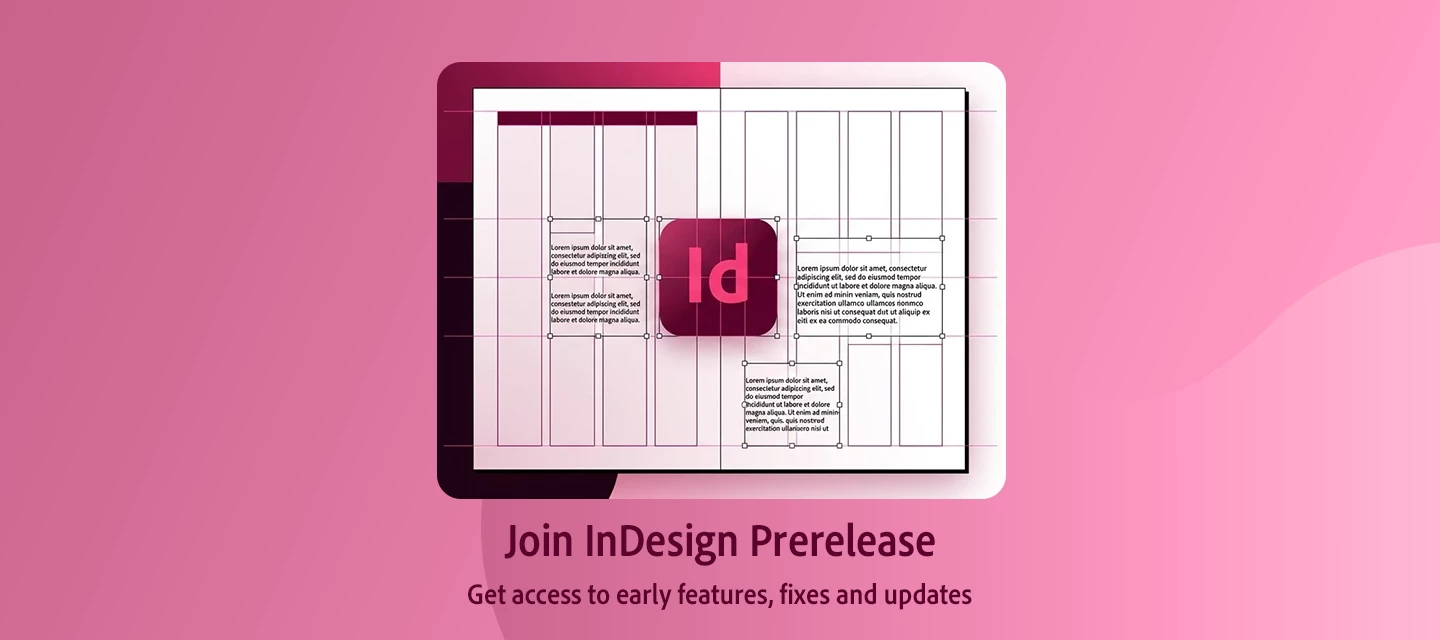
Prerelease build for Adobe InDesign is now open for everyone! If you're using InDesign in your day-to-day life for dynamic designs, integrations, plugins, extensions, or even just writing scripts for InDesign, it's essential to keep your work up to date with the latest releases. The best way to stay ahead of the game is to join the Prerelease program. Advantages of install Prerelease Builds: Get early fixes to existing issues. Get to know and try upcoming features. How to join our Prerelease group? Go to https://www.adobeprerelease.com/ Sign in with your Adobe ID (Email address associated with your Adobe account). Click Available Programs. Find InDesign Prerelease and click Join. Now you should see a new Prerelease tab in Creative Cloud. If it is still not there, please try signing out from Creative Cloud Desktop app and sign in again. Download latest available builds from Creative Cloud. Sharing Feedback with the InDesign team · Start a forum thread. Use the feedbac
Remix with Firefly Community Gallery
Thousands of free creations to fall in love with and remix in Firefly.
Already have an account? Login
Enter your E-mail address. We'll send you an e-mail with instructions to reset your password.