Inspiring
July 4, 2017

P: Camera Raw, Lightroom Classic: Internal math error on export
  • July 4, 2017
  • 62 replies
  • 7370 views

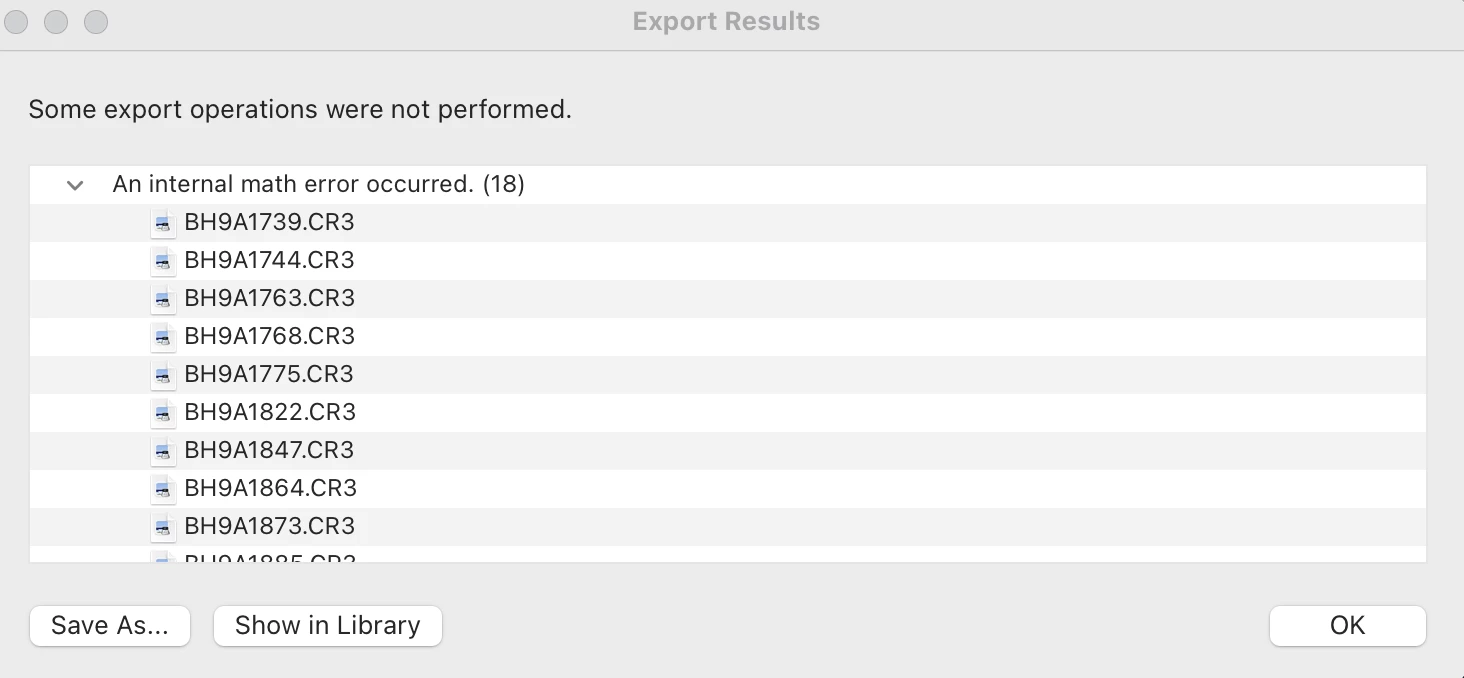
After exporting this error report populates and states that an internal math error has occurred for 18 of the images. I'm not sure how to fix this. Can someone help me out? 

This topic has been closed for replies.

62 replies

Known Participant
July 13, 2021

While Adobe has responded that they are working on it, you can help. Is there anything unique about those 18 images? 


I've tested exports of over a thousand images on Windows 10 and can't recreate the problem.


Have you posted a couple of those images somewhere to enable others to conduct additional tests?


Inspiring
July 13, 2021

@Rikk 

This is a shame. The problem has been around for so long and Adobe just doesn't do anything!

Rikk Flohr_Photography
Community Manager
July 12, 2021

Thank you for the offer, tpaulson36. The team was able to replicate the issue last week and have logged a bug. The problem exists Camera Raw as well so we've logged it with them. If they need another file, I will contact you. 

Rikk Flohr: Adobe Photography Org
Inspiring
June 29, 2021

@Rikk I am having the same exact problems and have been for a few months now. I am happy to share my raw files and project file for your team to see what exactly is going on. you can reach me at (removed)

Thanks,

Tyler Paulson

Inspiring
June 20, 2021
This is a shame! 
Adobe simply refuses to understand the problem and expend efforts to fix it.
I am really biased towards seeking legal assistance as I am being hampered in my work and getting paid for Adobe's poor service!
scottyk62695487
Participating Frequently
June 18, 2021

Any update adobe? Been having this problem for months now. 

Inspiring
June 13, 2021

Same exact thing is happening to me (photoshop error as well). 

Inspiring
June 13, 2021

Any updates on this? I'm going through the exact same thing (for the second time in a month). I have 10 sessions and 4 weddings to edit and I have sessions edited I can't even get out. It's awful. 

Rikk Flohr_Photography
Community Manager
June 13, 2021

Do the images in question have Transform adjustments

Rikk Flohr: Adobe Photography Org
Known Participant
June 11, 2021

As a temporary go around, try different export settings. These are not fixes, just ideas that might keep you productive. This is not a new problem. For example: 

  • some have reported that the problem goes away if they always export to a new folder that Lightroom creates as part of the export. (Put in Subfolder) 
  • others have reported the reverse, only export into an existing folder. 
  • try sRGB, Adobe RGB and ProPhoto RGB 
  • try different Output Sharpening settings, particularly uncheck the Sharpen For box as you've probably already adjusted the sharpening. If that doesn't work, try other Sharpening settings, particularly Amount: low. 
  • and so forth though the other settings. 
  • don't use an Export preset 

Since your problem is relatively rare, it is likely that the bug is related to some combination of Export settings.