


1mpala
Participant
March 23, 2026

P: Recommended Presets Not Working

  • March 23, 2026
  • 208 replies
  • 5094 views

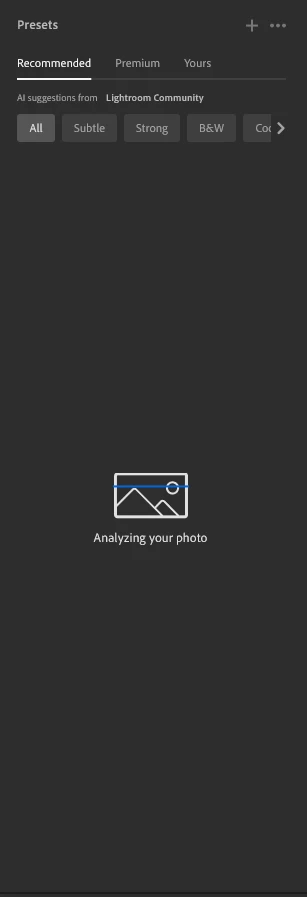
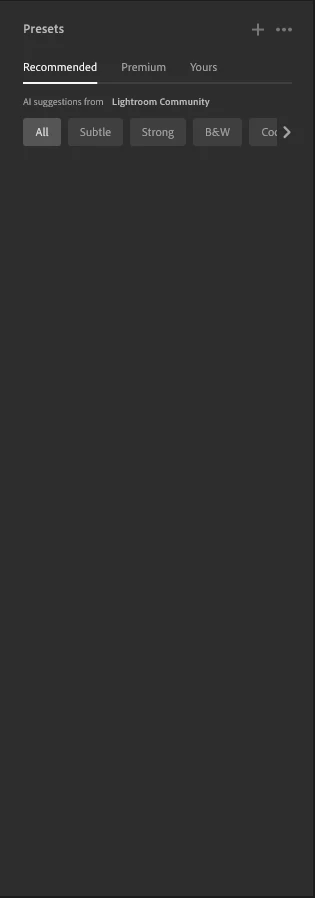
The recommended presets aren't loading anymore; it says they're being analyzed, but nothing happens. It used to work before—how can I fix this?
 

208 replies

johnrellis
Legend
March 29, 2026

[View this post in your web browser. It contains formatting and images that don't appear in email.]


I think you’re using the Lightroom Desktop app, not Lightroom Classic.  You’ll get better help faster by reposting in the Lightroom Ecosystem forum.

Klaudia_695
Participant
March 29, 2026

works on my mac, issue is with my pc

Klaudia_695
Participant
March 29, 2026

Still not working……………………….

Emka
Participant
March 29, 2026

Zróbcie coś z tym bo zaczynam sie irytować a pieniądze bierzecie 

Emka
Participant
March 29, 2026

Też mam ten problem 

William484000
Participant
March 29, 2026

When I click on recommended presets nothing happens

Gemski88
Participant
March 29, 2026

Mine is doing the same thing:(. Tried all the fixes and uninstalling etc but nothing is loading it’s really annoying :(

jeffk84115838
Participant
March 29, 2026

I can no longer get AI recommended presets in LR.  My Internet connection is working, it appears that my images are synced on the cloud, my LR App has the most current update.  I’ve used AI recommended presets for years but now when I click on this feature I don’t get any recommended presets.  I’ve tried everything I can think of to remedy this issue without success...any advice on how to correct this issue?  Thanks.  

Chamor
Participant
March 29, 2026

AH !!! SAME !!! What can we do? Please Adobe do something to fix the problem. 

StephenHenry
Participant
March 29, 2026

I’m quite frustrated with this, have tried everything, including clearing caches, uninstalled and re installed Lightroom, bloody hell - help
