


1mpala
Participant
March 23, 2026

P: Recommended Presets Not Working

  • March 23, 2026
  • 211 replies
  • 5651 views

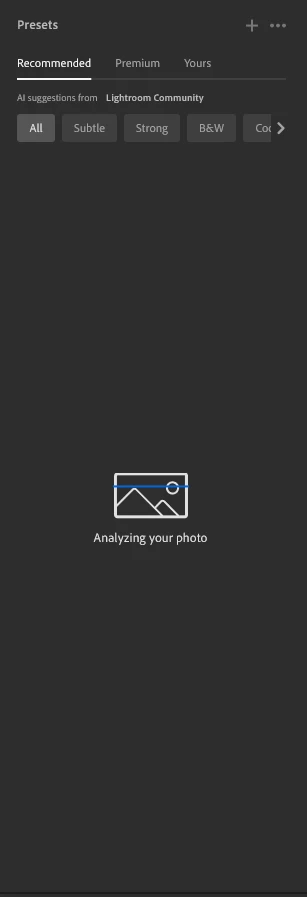
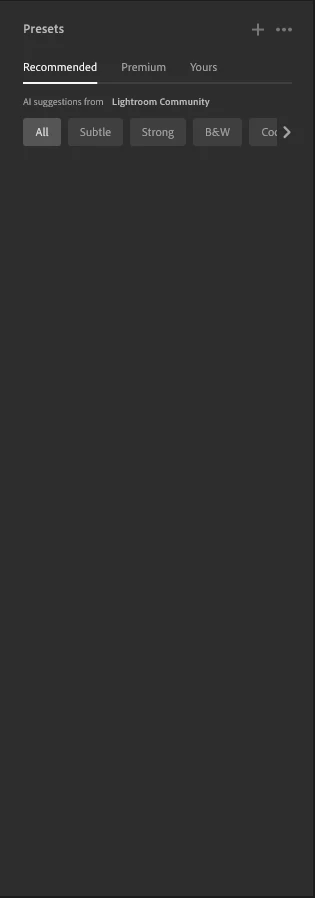
The recommended presets aren't loading anymore; it says they're being analyzed, but nothing happens. It used to work before—how can I fix this?
 

211 replies

jeffk84115838
Participant
March 29, 2026

I can no longer get AI recommended presets in LR.  My Internet connection is working, it appears that my images are synced on the cloud, my LR App has the most current update.  I’ve used AI recommended presets for years but now when I click on this feature I don’t get any recommended presets.  I’ve tried everything I can think of to remedy this issue without success...any advice on how to correct this issue?  Thanks.  

Chamor
Participant
March 29, 2026

AH !!! SAME !!! What can we do? Please Adobe do something to fix the problem. 

StephenHenry
Participant
March 29, 2026

I’m quite frustrated with this, have tried everything, including clearing caches, uninstalled and re installed Lightroom, bloody hell - help

SnapsByBobby
Participant
March 29, 2026

also having the same issue. 


EriksSpareTimePhotos
Participant
March 29, 2026

I’m having the same issue, it stopped working a couple of days ago. Have tried re-install, login / out, cleared all data cache. Nothing fixes it. Other Ai features still work just not the presets.

crewmate47
Participant
March 28, 2026

same exact problem, fix this right now adobe

Anthonyh20026
Participant
March 28, 2026

Exactly the same issue Nearly a week without it working

li972
Participant
March 28, 2026

I have the same problem for more than four days. No matter what steps I took (reinstall, log out/in), nothing helps. Please fix it as soon as possible.

Wieckling
Participant
March 28, 2026

Pretty frustrating that the recommended preset feature in lightroom isn't working on my computer. Hurry up & fix the issue please 

Iamlejules
Participant
March 28, 2026

Come on guys, fix this issue
