


1mpala
Participant
March 23, 2026

P: Recommended Presets Not Working

  • March 23, 2026
  • 211 replies
  • 5466 views

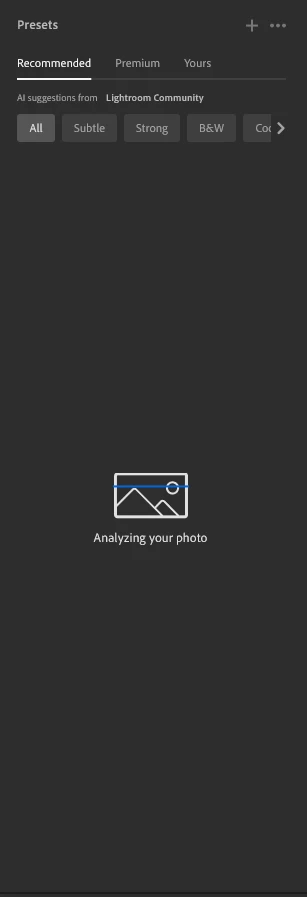
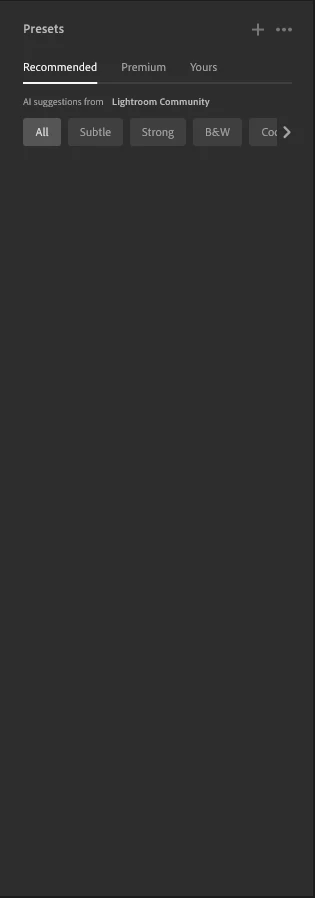
The recommended presets aren't loading anymore; it says they're being analyzed, but nothing happens. It used to work before—how can I fix this?
 

211 replies

Frankofotica
Participant
April 6, 2026

Unter windows passiert gar nichts mehr, unter mobile funktioniert es.

ABSorensen
Participant
April 6, 2026

@Adobe Administration ???????????????

Amanda Fisher
Participating Frequently
April 6, 2026

Hello Adobe! Has there been any progress on correcting this issue? I’m eagerly waiting to edit a batch of photos and holding out on this bug/fix to be corrected :) 

Egbird
Participant
April 6, 2026

Normally when I import raw photos into the lightroom cloud based programme on my laptop I can click on recommended presets. Recently when opening this feature Lightroom starts to analyse the picture then crashes immediately.

Compadre.Media
Participant
April 6, 2026

My lightroom recommended presets don't show, it searches but nothing comes up on my PC.

stormyd
Participant
April 5, 2026

Same problem here. Just logged on after about a month away and the recommended presets don’t show up anymore. I’m on Version 9.2. Windows 11 as well.

William484000
Participant
April 5, 2026

Why will recommended presets not work in Lightroom?

Mixed Yardie
Participant
April 5, 2026

When I go to suggested/recommended presets, nothing shows up. I am using the desktop version and updated to the latest version.

harvey11230
Participant
April 5, 2026

Why the AI Suggestion stopped working, but the mobile version is working properly? I have tried to reinstall the desktop lightroom, but the issue persisted.

KuraHarabura
Participant
April 4, 2026

I have head the issue on desktop version for about 2-3 weeks. Nah, really annoying!

Fortunatelly, the presets work on mobile version.
