Participant
May 8, 2025

P: Black screen Photoshop

  • May 8, 2025
  • 42 replies
  • 5501 views

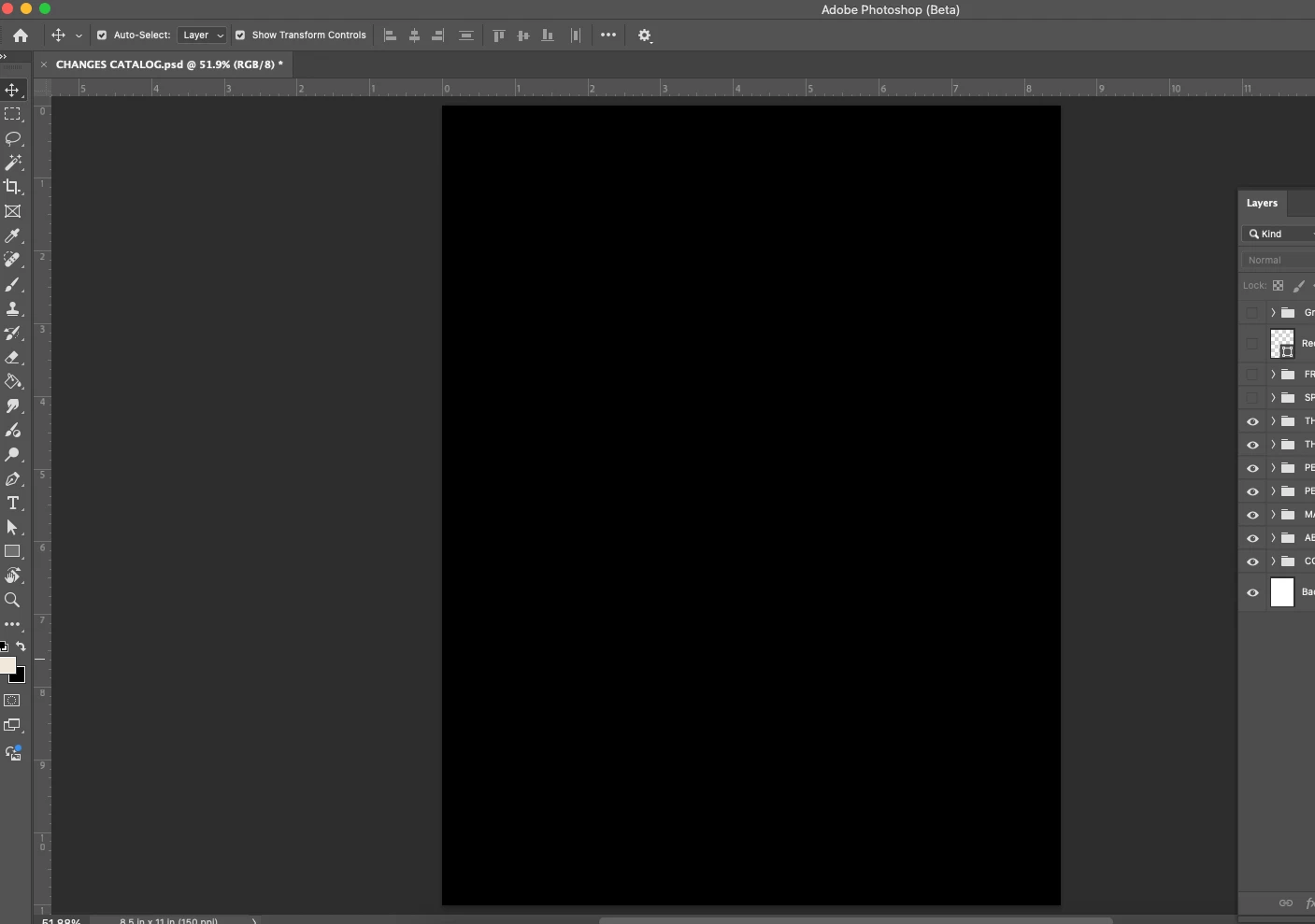
All the files I open for photoshop are showing up as a black page. The layers are clickable but not visible. 
42 replies

Participant
May 9, 2025

Bonjour, 

Les photos s'ouvrent totalement noires, impossible de travailler sur la dernière version de Ps BETA. (Mise à jour actuelle 26.8). J'ai essayé pas mal de solutions, y compris celles de supprimer certains fichiers en passant par la bibliothèque (sous Mac). 

Obligé de travailler depuis avec la dernière version de Ps classique.  

J'espère qu'une prochaine màj intégrera un correctif à ce problème. 

Ged_Traynor
Community Expert
Community Expert
May 9, 2025

@Twointheroom Beta versions are only meant for testing purposes and not meant to be used for normal day use, sounds like you're experiencing this issue

https://community.adobe.com/t5/photoshop-ecosystem-bugs/p-photoshop-2025-v26-6-bug-black-document-window/idi-p/15286498

There's another thread about the issue on the Beta forum

https://community.adobe.com/t5/photoshop-beta-bugs/p-black-screen-photoshop/idi-p/15311163


Edit, try using version 26.6.1 instead

https://helpx.adobe.com/photoshop/kb/fixed-issues.html

silk-m
Community Expert
Community Expert
May 9, 2025

The problematic "26.8.0 20250507.m.3067" has been fixed in "26.8.0 20250508.m.3068".

--Susumu Iwasaki
Participant
May 9, 2025

layer thumbs are visible, and tools are functional, but the canvas remains black. This happened right after the upggrade to 26.8


OS 15.3.2

Participating Frequently
May 9, 2025

Since downloading the latest version of PS-Beta (v.26.8.0) imported fotos in the main working-window of PS stay completely black, while the navigator shows the imported picture correctly. Following that I testet a sort of "blind working" in the main window and exported the blindly alternated pic. It showed a corrrect appearance.

So: what's wrong with PS's permanently black main-window ?!

Many thanks for hints,

= Thomas =

Participating Frequently
May 9, 2025

MShubert's advice works: turnig off the GPU (temporarily) does the job. -  Many thanks again,

= Thomas =

Known Participant
May 8, 2025

yes i'll wait for the update...

KariKorpihete
Known Participant
May 8, 2025

Yes, it was fixed here!

Participant
May 8, 2025

On the last update any psd file I have that uses artboards is completely blacked out. I cannot see content at all

Trevor.Dennis
Community Expert
Community Expert
May 8, 2025
Participant
May 8, 2025

I just updated to the latest Beta version of Photoshop (26.8.m.3067). When I open a RAW file, it's of course initially opened in Adobe RAW, but when I click 'Open' to open it in Photoshop, then the photo is displayed as a black rectangle. When I use tools that do a preview, I am getting the actual image in the preview part of that specific tool, so the image data is actually somewhere.

When I switch back to the regular version of Photoshop, the issue is gone and opening a RAW file results in a visible photo in Photoshop and no longer a black rectangle.

Did an additional check: it looks like opening *any* photo in the last Beta version gives a black rectangle instead of the actual photo, so it's not restricted to photos that were opened via Adobe RAW first.

I'll will revert back to the regular version of Photoshop until Adobe has fixed this bug.

Participant
May 8, 2025

Accidentaly forgot to complete the title; it should have been: Opening an image in the latest Photoshop Beta gives a black rectangle

Known Participant
May 8, 2025

yes it's appears on Mac.

Known Participant
May 8, 2025

when opening jpg or from raw photoshop latest beta version show black photo!
