Participant
October 29, 2014

P: Could not complete your request because of a program error.

  • October 29, 2014
  • 170 replies
  • 3340 views

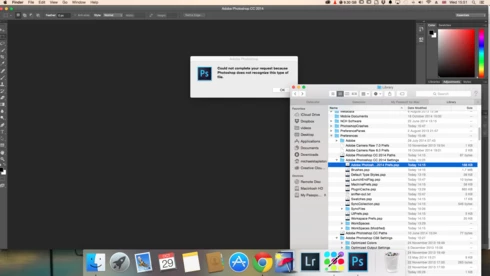
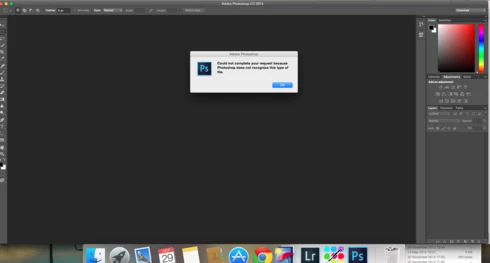
i keep getting this message when i try to do anything in photoshop a second time what i mean is when first opened photoshop works when i close the first image the go to do anything else i get the message: Could not complete your request because of a program error.i have uninstalled and reinstalled photoshop cc but no difference i have taken a couple of screen shots which i hope will give you more information
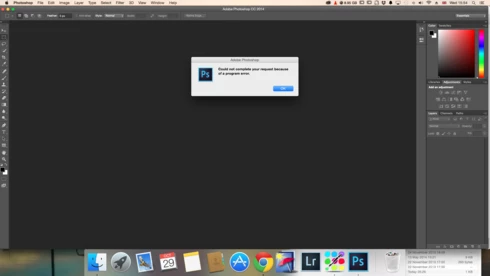
i hope you can solve this problem as i am at my wits end

This topic has been closed for replies.

170 replies

Biddlebugs
Participating Frequently
December 10, 2014
Good call - Yes this is for the damaged use account...but per your second question - the "CoreSync" subfolder had "Custom" set for staff and everyone.
labfly
Participating Frequently
December 10, 2014
I dove in late last night - First, I uninstalled Creative Cloud, Photoshop CC 14, Indesign CC and Lightroom 5. After that I reinstalled Yosemite. Then I installed Creative Cloud - followed by PS and Indesign but, since it was late, I spaced out and forgot to install Lightroom 5. Photoshop is working great atm. The problem is solved for me. And altho likely not related, I'm feeling a bit cautious about installing Lightroom - will wait until I need it for my project.
splashby2
Participating Frequently
December 10, 2014
Mine was same except staff and everyone was "custom"...but....I went ahead unlocked the folder...and then applied Read Only to this and all inside folders for 'staff' and 'everyone' and Read & Write for me...and it seems to be working now!
Legend
December 10, 2014
Just to confirm, this is for the damaged user account? Can you confirm you have the same access for all subfolders?
Biddlebugs
Participating Frequently
December 10, 2014
Here's what I have...

Legend
December 10, 2014
My guess is the application support folder for Adobe is messed up. (I've see OS upgrades or user Migration Assistant mess permissions up like this more often than I'd like to see.)

/Users/jtranber/Library/Application Support/Adobe

You need to use Method two in this document to access hidden user library files in OS X 10.7 or later: http://helpx.adobe.com/x-productkb/gl...

What does your dialog look like under Sharing & Permissions?

splashby2
Participating Frequently
December 10, 2014
Adam...I just did as suggested...and..it worked ...what does this tell us? and how can we make sure Permissions are OK in my account. Thanks
Biddlebugs
Participating Frequently
December 10, 2014
Winner winner chicken dinner. - Setup new Admin and no error message after multiple PSD files were open.
Legend
December 10, 2014
Did you try a completely fresh new Admin user as I suggested above? http://blogs.adobe.com/crawlspace/201...
splashby2
Participating Frequently
December 10, 2014
Me too...same...