Participant
October 29, 2014

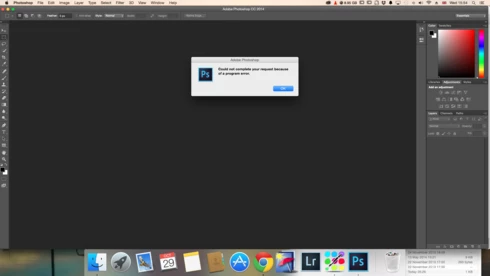
P: Could not complete your request because of a program error.

  • October 29, 2014
  • 170 replies
  • 3340 views

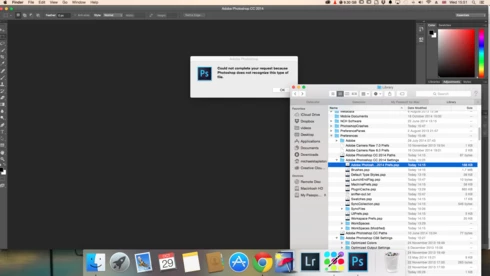
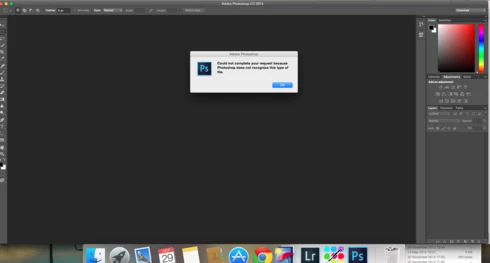
i keep getting this message when i try to do anything in photoshop a second time what i mean is when first opened photoshop works when i close the first image the go to do anything else i get the message: Could not complete your request because of a program error.i have uninstalled and reinstalled photoshop cc but no difference i have taken a couple of screen shots which i hope will give you more information
i hope you can solve this problem as i am at my wits end

This topic has been closed for replies.

170 replies

Biddlebugs
Participating Frequently
December 10, 2014
Done and done. Still getting the program error.
Adam Jerugim
Community Manager
Community Manager
December 9, 2014
If you haven't tried it yet, go to Disc Utility and run a verify and repair permissions on your OS 10.10 volume. That might help mitigate the program error.
Legend
December 9, 2014
Did you try a new Admin user account to rule out permissions related issues?
Inspiring
December 9, 2014
See the previous posts about issues with MacOS 10.10 and how to narrow down the causes.
Inspiring
December 9, 2014
See the previous posts about issues with MacOS 10.10 and how to narrow down the causes.
labfly
Participating Frequently
December 9, 2014
This is happening with me too. PS14, on iMac with Yosemite.
Inspiring
December 9, 2014


After I installed Mac OS Yosemite PS will only open ONE file.
Any subsequent files I attempt to open result in an error message "could not complete your request because of a program error' which then forces me to quit PS as I cannot open any other files.
Am dead in the water - how do I fix this?
Biddlebugs
Participating Frequently
December 8, 2014
Ran PS in safe mode... same issues. I'm noticing a bit of a lag w/the open dialogue window when it works on the 1st attempt.
Biddlebugs
Participating Frequently
December 8, 2014
Generator was not enabled. Also, closed the libraries panel (was open but not visible)...and still same error message after 1st open works.
Legend
December 7, 2014
OK. Few more questions:

1) Is the Libraries panel visible? If you hide/close it and restart PS, does the problem persist?
2) To eliminate other variables, can you try creating a new Admin user account and run in SafeMode to see if the problem persists. (Instructions for both can be found here: http://bit.ly/Troubleshoot_PS)