Participant
October 29, 2014

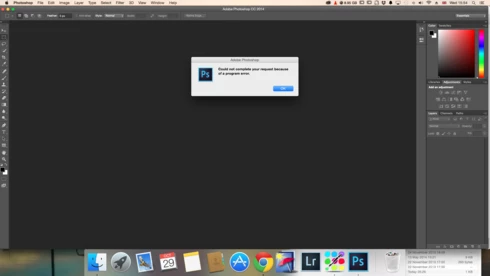
P: Could not complete your request because of a program error.

  • October 29, 2014
  • 170 replies
  • 3340 views

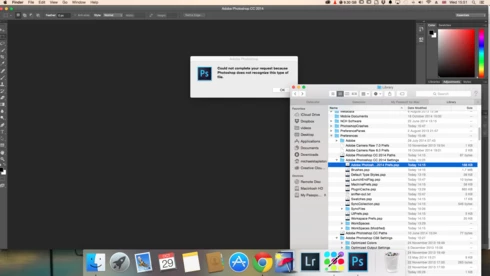
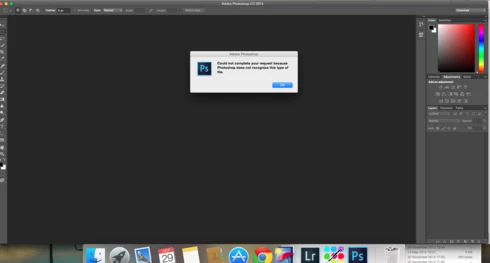
i keep getting this message when i try to do anything in photoshop a second time what i mean is when first opened photoshop works when i close the first image the go to do anything else i get the message: Could not complete your request because of a program error.i have uninstalled and reinstalled photoshop cc but no difference i have taken a couple of screen shots which i hope will give you more information
i hope you can solve this problem as i am at my wits end

This topic has been closed for replies.

170 replies

Participant
October 31, 2014
will you let us know if this works?
Inspiring
October 30, 2014
To be honest, I just performed a complete Time Machine roll back. Once I have my system back in order I'll try working in Ps again.
Legend
October 30, 2014
Thanks.
Legend
October 30, 2014
Thanks, Jules. Yeah, if we can reproduce consistently, then we can fix it.
Participating Frequently
October 30, 2014
Well I will try the suggested solution and see. It happens from time to time and I wasn't able to isolate the case so it can be reproduced so far.
Participant
October 30, 2014
I have just tried this solution unfortunately it has made no difference at all. just to clarify photoshop works the first time when editing the problem starts when you close down the first image and go to open a second image that is when the problem starts. You then have to do a force close and reopen the software to work on another image .
Legend
October 30, 2014
Nathan & Mike,

I'm wondering if this is a problem with Mission Control/spaces.

If you try the solutions in this document:..

http://helpx.adobe.com/photoshop/kb/p...

...does the problem go away?
Participant
October 30, 2014
There is no /PSErrorLog.txt file or folder in that location ? here is a screen grab of that location any ideas what i do now ?
Inspiring
October 30, 2014
And if you really need to get work done, consider reinstalling a more stable version of MacOS (10.8.5 or 10.9.5).
Inspiring
October 30, 2014
For the error log, look in your Photoshop preferences folder: ~/Library/Preferences/Adobe Photoshop CC 2014 Settings/PSErrorLog.txt