

Jeff Arola
Community Expert
Community Expert
March 15, 2022

P: Photoshop 23.2.2 Share Button is distracting

  • March 15, 2022
  • 170 replies
  • 20900 views

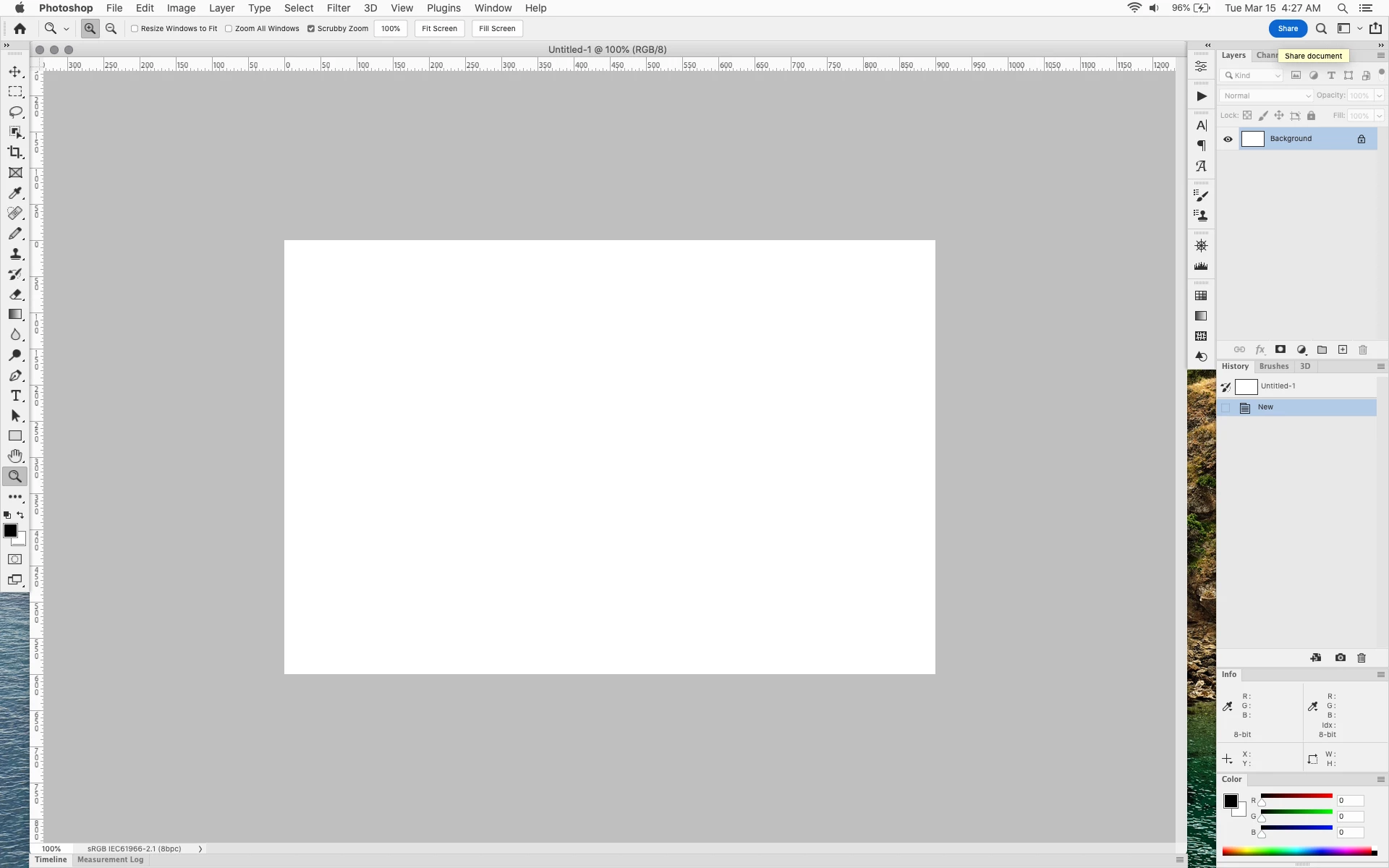
In photoshop 2022 (version 23.2), photoshop implemented a Blue Share button in the

top right corner of the app workspace that is supposed to turn into a button of the sme color as

the other tool options bar icons.


With the latest 23.2.2 update the Blue Share button does not go away after first use as described

on this page under Easily find the Share button


https://helpx.adobe.com/photoshop/using/whats-new/2022-1.html


I reset the photoshop preferences as i do after every photoshop update by trashing the preferences folder.


Share button that the Blue Share button is supposed to appear as after first use
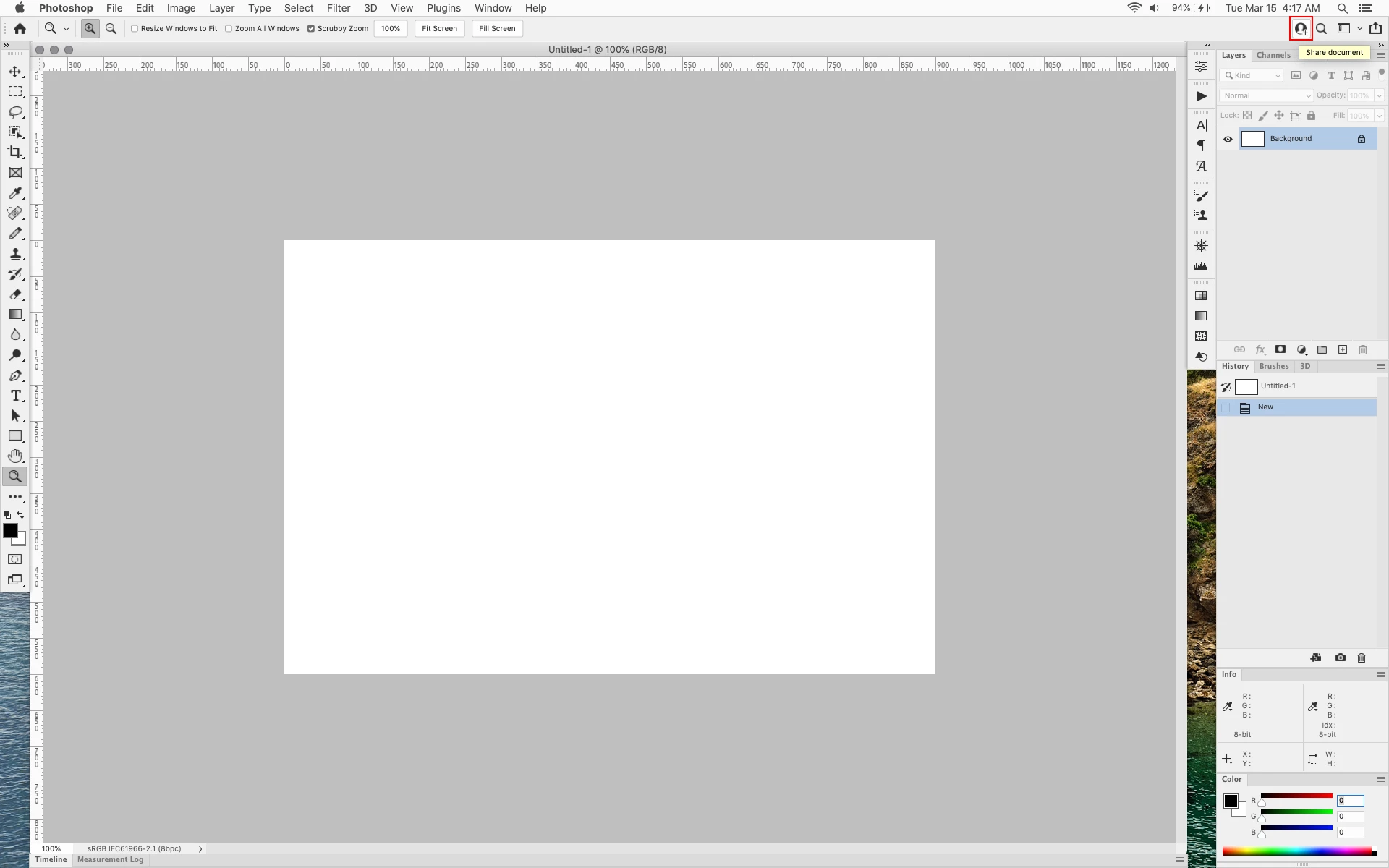


In the 23.2.2 update the button still stays as a Blue Share button after first use


170 replies

Legend
April 12, 2022

Photoshop in the near future...

Jeff Arola
Community Expert
Community Expert
April 12, 2022

Yes that still works, thankfully.

Ged_Traynor
Community Expert
Community Expert
April 12, 2022

@Jeff Arola 

Did you try amending the UIColor text file for the share button, I don't have that eyesore any more after doing it 🙂


Legend
April 12, 2022

@Jeff Arola  🤦🤦🤦🤦🤦

Jeff Arola
Community Expert
Community Expert
April 12, 2022

Not fixed in the just now as of this post released photoshop 23.3 update.


Really?


What's more, adobe removed the wording

"After you click for the first time, the blue button goes away and you will then see the current share icon ( 

) in the top right corner of the app."


Does that mean that very distracting blue button is here to stay?


From Feb 16, 2022


From April 12, 2022


Ged_Traynor
Community Expert
Community Expert
April 3, 2022

Changing the UIColor for the Share Button worked for me, no more eyesore 😀

Participating Frequently
April 3, 2022

This share button is one of the most useless things EVER written into Photoshop.


Thanks to this thread, I've edited the UIColors.txt for myself with the following values:

(On my PC the file is located here: C:\Program Files\Adobe\Adobe Photoshop 2022\Required)


Looks fine now for me. (Teilen = Share in German)


Participant
April 2, 2022

If you're using the default theme colour, change the values to 83, 83, 83, 1.0 for the Share and White cells and it will hide the button completely.

Participant
April 2, 2022

😂

psdpro
Participant
April 2, 2022

Just adding my +1 that Adobe needs to fix this blue button of death. It's so glaring against the dark grey interface.