



Ged_Traynor
Community Expert
Community Expert
September 24, 2025

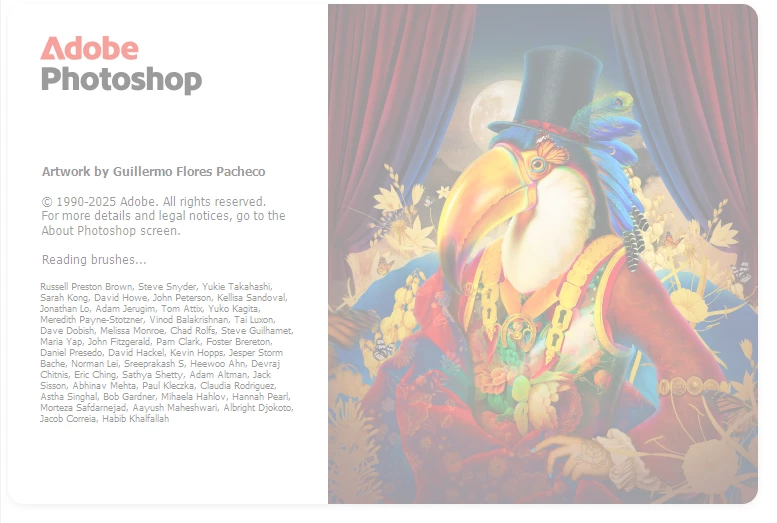
P: Photoshop 26.11 freeze at launch on Reading Brushes & Building Color Conversion Tables

  • September 24, 2025
  • 100 Antworten
  • 12226 Ansichten

Just installed version 26.11 on Windows 10 and Photoshop is freezing on reading brushes, have already tried manually resetting the preferences, uninstalling version 26.11 and deleting the Adobe Photoshop 2025 folder from the appdata folder, reinstall version 26.11 same issue.

Reverted back to version 26.10, and it's working fine.
 

100 Antworten

SeithCG
Participating Frequently
October 4, 2025

@Adam Jerugim I just tested the 26.12 beta and it seems to open without issues, although please note it opens as a "pristine" version of Photoshop, meaning without my prefs, layout, etc. If the problem is triggered by existing prefs/settings then it might very well happen again when that version is fed into the standard release pipeline.

Participant
October 4, 2025

I just uninstalled and reinstalled an older version 26.10 or 26.9 and it's back to working. I recommend doing that and wait until the next update as it's likely a bug that came with 26.11 that's causing the issue. Just make sure you disable auto-updates

Adam Jerugim
Inspiring
October 3, 2025

It does thanks, have you tried installing and launching the Beta release on the same system?

SeithCG
Participating Frequently
October 3, 2025

@Adam Jerugim  I just tested it: Trying to run the app as admin makes no difference; the app still cannot start (stuck on "Building Color Conversion Tables"). Hope that helps...

Adam Jerugim
Inspiring
October 3, 2025

It would also be helpful if you're seeing this with 26.11, to please right-click on the app icon and select Run As Administrator. Does the application launch without freezing if you do that?

Participant
October 3, 2025

Happening here and  I have an Ryzen 9HX30 for information.

Adam Jerugim
Inspiring
October 3, 2025

Can other people confirm that the latest beta is launching normally on systems where 26.11 freezes on launch (m.3240)? That would help me narrow down the problem. Thanks!

lucasfarizatto
Participant
October 3, 2025

@Ged_Traynor 

I'm also having a freezing problem. Mine freezes on "Color Conversion Tables," and my GPU is a 5070 TI.

I used to use Mac OS and had no problems, but now I had to migrate to Windows, and here we are. Sad but true.

PS: Photoshop Beta works normally.

SeithCG
Participating Frequently
October 3, 2025

It's October 3rd and I can confirm that 26.11 is indeed bricked (for me it was stuck on "building color tables"). Had to uninstall it and re-install 26.10. *sigh*

Participating Frequently
October 3, 2025

On my side I have this issue on a brand new top tier computer with a RTX 5090 OC
On a total fresh install (Windows 11 / Photoshop 26.11) and the same profil get (and working) on my old computer (still with a RTX 2080 Ti) was working well
And indeed, if I remove it, it launch well

Clearly it is customized psp files in the Profil that generate this issue, the main one has been pointed out, Brushes.psp, as soon as I get it back to my brand new install, as soon the startup freeze, but like someone else say earlier, sometime, not often (10/15% max) the startup can happen correctly with this file (it happen 1 or 2 time during my tests and I though I managed to solve the issue ... false hope ^^)
And like everybody else, if I inactivate the GPU Compositing, my profil is working perfectly well