


Participant
November 20, 2022

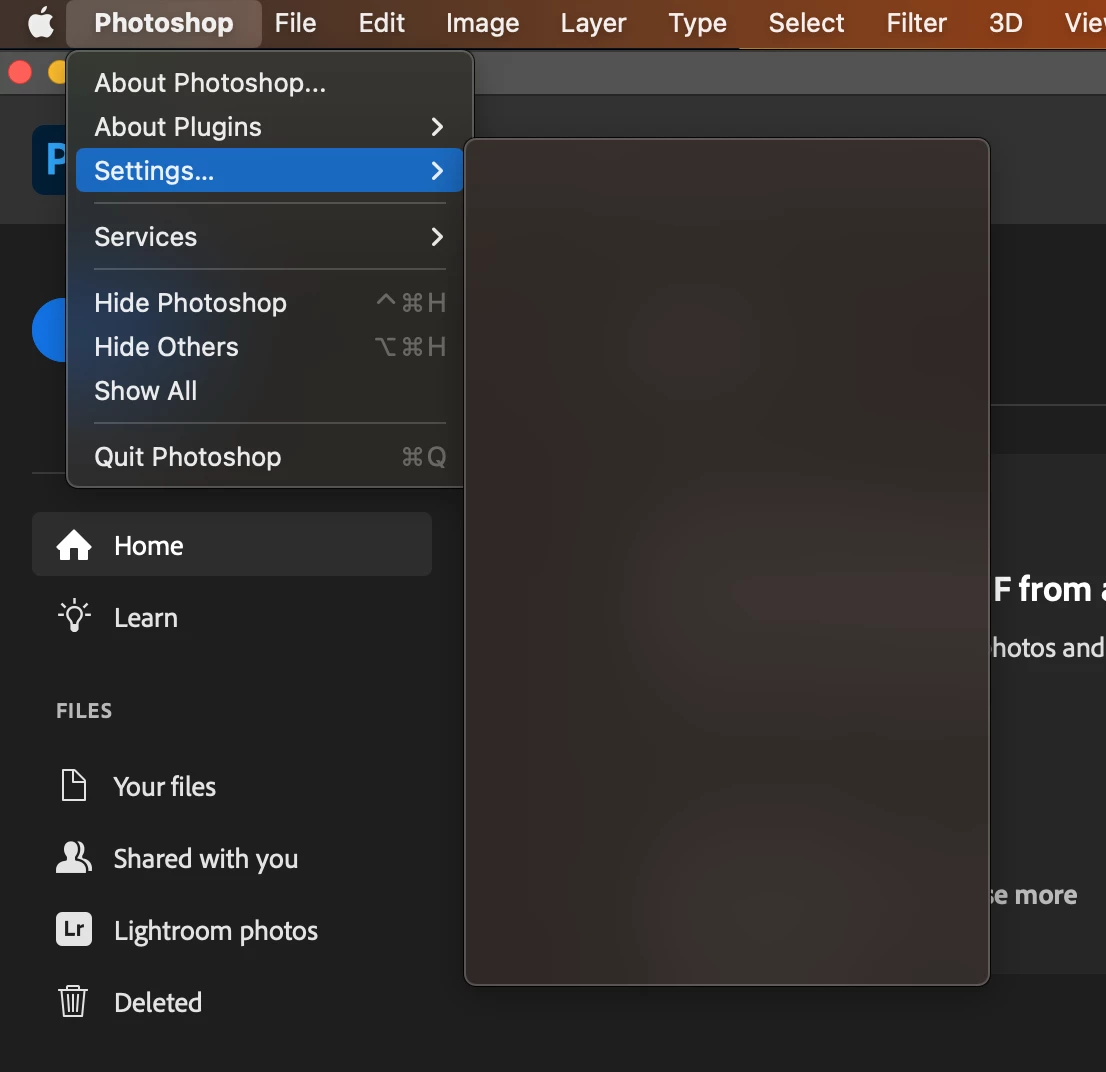
P: Preferences Menu is blank on macOS 13.1 Beta 3

  • November 20, 2022
  • 13 replies
  • 1743 views

Hi, since the last update 4 days ago. When clicking Photoshop->Setting the menu is blank.

I need to change my settings. Anyone else have the same problem?

I have done all the usual rebooting, checking for updates ect.

MacOS, MacBook Pro, 16GB memory ect...


Many thanks in advance.


This topic has been closed for replies.

13 replies

chrisb93613869
Participant
December 7, 2022

Confirmed @James Grove this fixed the issue, thank you and the Adobe support team!

CShubert
Community Manager
Community Manager
December 7, 2022

Thank you @James Grove for the update on what you found for this issue.


Cory

Participating Frequently
December 7, 2022

UPDATE : Fixed in 13.1 RC

chrisb93613869
Participant
December 6, 2022

Yes still an issue in Version 13.1 Beta (22C5059b)

Participating Frequently
December 2, 2022

@J453  FYI the bug still exists in 13.1 Beta 4 which I expect to be a RC next week.

Legend
November 30, 2022

@James Grove That's the plan.

Participating Frequently
November 30, 2022
 

@J453  Thank you, I reported it to Apple as well via feedback assistant, hopefully this can be addressed prior to 13.1 release 👍

Legend
November 30, 2022

Thanks. We can repro with macOS 13.1 Beta. We'll work with Apple to investigate this.

CShubert
Community Manager
Community Manager
November 28, 2022

Hi @darreng30895212, as @TheDigitalDog sharred in the link above, it might be that you are using Mac OS beta and not a release version?  Please confirm what OS version you see this issue.


It may help if we could see your Photoshop System Info. Launch Photoshop, and select Help >System Info...and copy/paste the text in a reply.  


Thank you,

Cory

TheDigitalDog
Inspiring
November 28, 2022
Author “Color Management for Photographers" & "Photoshop CC Color Management/pluralsight"