Participant
February 5, 2024

Exporting video with Loudness Normalization produces empty error window

  • February 5, 2024
  • 11 replies
  • 3520 views

Hello all,


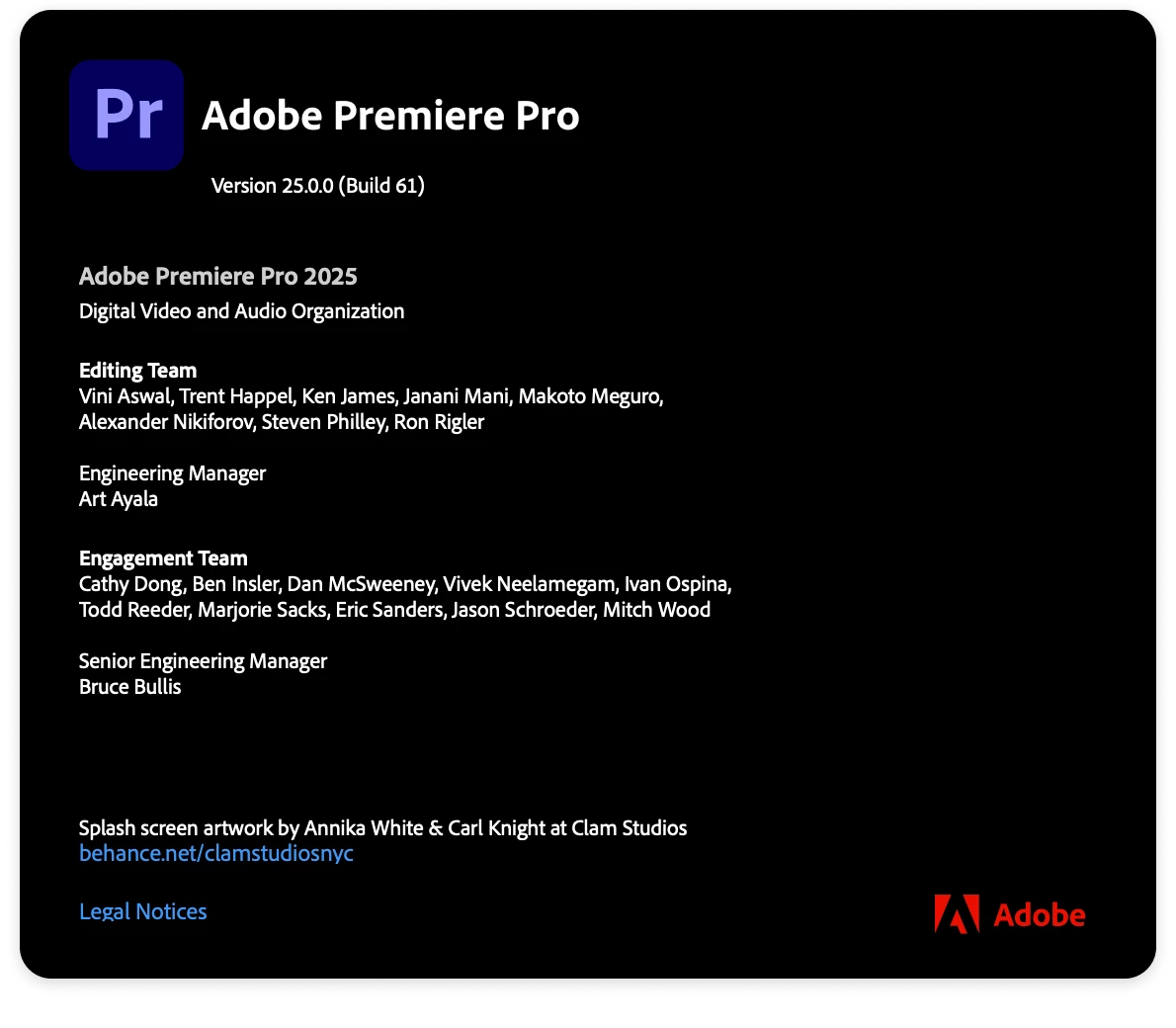
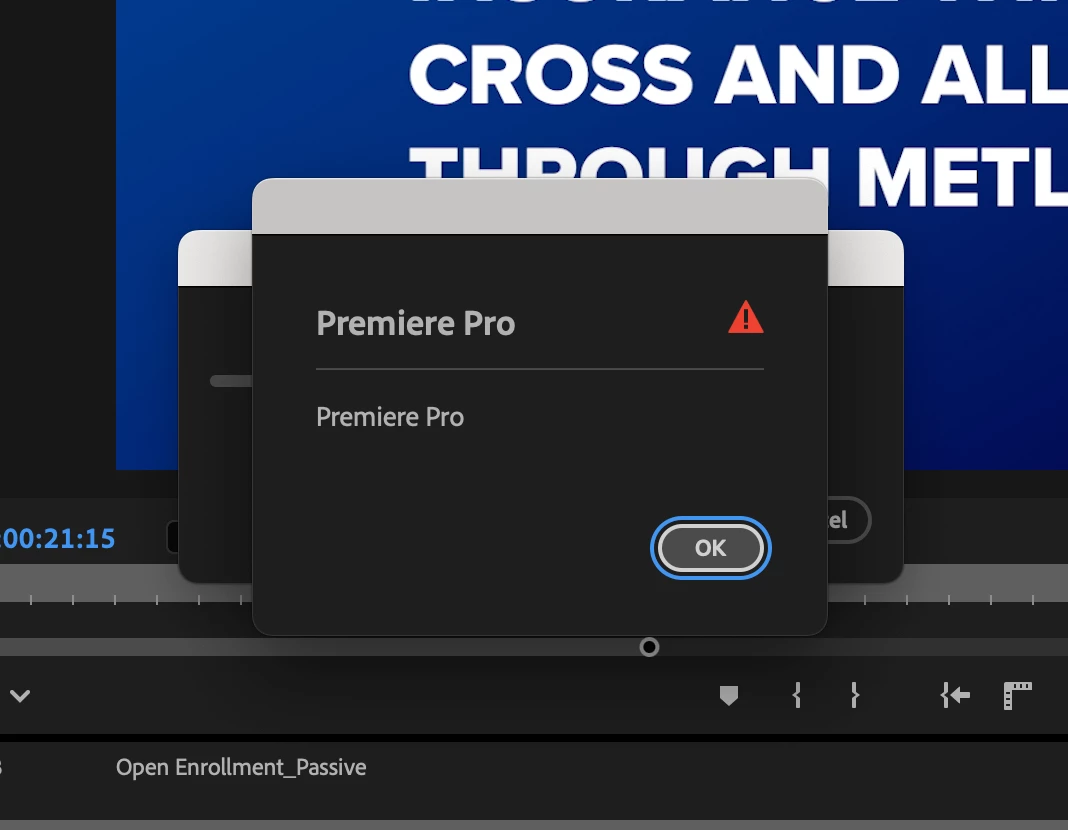
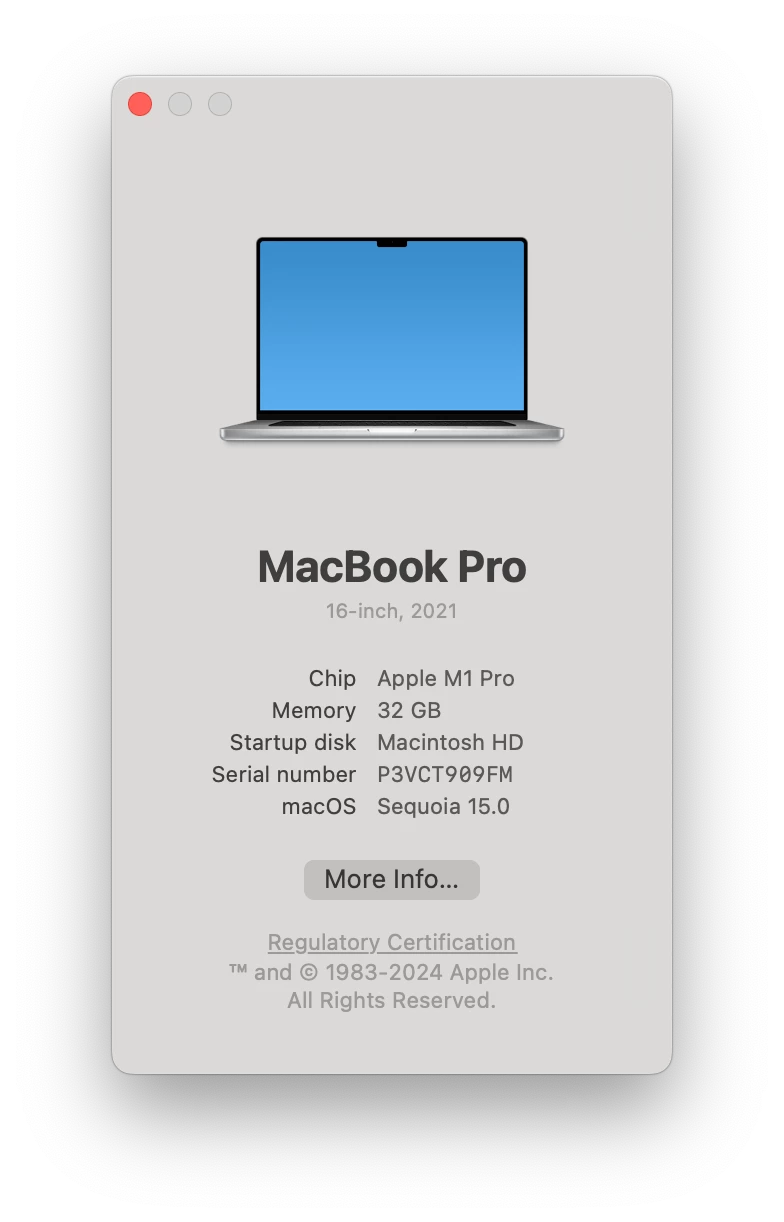
I'm writing to see if anyone has any ideas for this bug I'm getting when trying to export. See screenshots below. It's an empty window. I'm on the latest version of Premiere. The error also occurrs on my Sonoma Mac, and a Mac running 15.01.
11 replies

patrickhoelscher
Participant
October 29, 2025

I fixed this error - of course without help from Adobe as usual - 


the trick is to add another 2 channels under effects (scroll down from audio normalisation) hit the PLUS sign, I added two more stereo channels. I didn't even tick 'process'.

Resulting file has 2 audio channels (as selected under main audio tab) presumably normalised. 


patrickhoelscher
Participant
October 29, 2025

I am still getting this problem in Oct / almost November 2025 - has it been fixed in an update? I am on 25.6.0 Beta Build 21

Community Expert
May 2, 2025

The audio normalization effect only functions if you are exporting a file with the same channel configuration as the source.

However, when attempting to export media with the audio normalization effect applied in cases it cannot function (for example exporting a 4ch source to a 2ch output), it fails as expected but a confusing error message is displayed:


Steps to reproduce:

  1. Create a multichannel sequence (for example using a broadcast preset) and add some media; or import media with multichannel audio (tested with Canon XF-AVC with 4ch mono audio)
  2. Select the sequence or media, and go to export tab
  3. Select any format (tested with MXF OP1a ProRes, h.264, and HEVC)
  4. Ensure audio > basic audio settings is configured such that it is different from the source, for example 2ch stereo if the source has 4ch
  5. Go to the effects setting and enable the audio normalization effect
  6. Click export, and it fails with the above error message displayed


Exporting through AME instead gives a much more helpful error message in the log that actually explains what went wrong - would be helpful for Premiere to say so too!

-------------------------------------
The Operation was interrupted by user
-------------------------------------
 - Encoding Time: 00:00:00
05/02/2025 10:22:36 AM : Encoding Failed
------------------------------------------------------------
Adobe Media Encoder
Loudness normalization failed as the number of channels in the audio channel configuration Stereo does not match the 4 channels provided by the source.
Export Error


Tested in 25.2.3 with extensions disabled, on Windows 11 24H2

Participant
February 20, 2025

I've been using premier pro for years, since i updated it I cant export anymore. As soon as i click export i get the attached message immeditily. It doesnt even try to export it, just gives me the error message. Been searching for a fix but getting no results. There is no info on the error message, just this blank !  I need to get this fixed and premier hasnt released a new update to fix it in ages! Anyone else had this issue?


Im using a mac Studio M1 Max so my machine should have fly through this.


Please help.

Ann Bens
Community Expert
Community Expert
February 20, 2025

What does the red exclamation mark in the Events Panel tell you?

Uninstall, use cleaner tool, re-install. See how that goes.

Also trash preferences and media cache.

Participating Frequently
January 13, 2025

Ok good to know. Thank you very much for your help!

Participating Frequently
January 13, 2025
  • Issue - Premiere Pro will not export from the "Export" tab. I click on the tab, select all the options and then click export and receive an error message with no details (see attached). When I send to media encoder, the export fails there too. All I am exporting are two short clips and a colour matte in a single sequence. Previous versions of Premiere allowed me to export no with problem.
  • Adobe Premiere Pro version number: 25.1
  • Operating system - MacOS
  • System Info: CPU, GPU, RAM, HD:
    • Apple M1 Pro

  • Video format: Provide information about the type of video you're using. For example, XAVC-I 4:2:2 10-bit. If you're unsure, let us know what settings you selected on the camera. Sharing a sample file is useful if you don't have access to the camera
  • Workflow details: Multiple clips from different source
  • Steps to reproduce:
    1. Put two clips in a sequence
  • 2. Clicked export
  • 3. Error message appeared with no details
  •  
  • Expected result - Video exports as normal
  • Actual result -  Premiere Pro shows an error message with no details

Ann Bens
Community Expert
Community Expert
January 13, 2025

Please post screenshot export settings (entire UI)

Does the red exclamation mark  not tell you anything in the Events Panel?

jamieclarke
Community Manager
Community Manager
November 13, 2024

Updating Status

john_2850Author
Participant
November 5, 2024

Going deeper into the troubleshooting, I discovered the sequence was created with one of the new broadcast sequence presets, so the channel configuration was all screwed up. This leads Loudness Normalization to fail - and I wish the error message would have described that.

john_2850Author
Participant
November 5, 2024

Thank you Rach! I will keep this in mind. I actually narrowed down the issue: the error occurs when using Loudness Normalization in the export settings. Very odd. Turning it off allows the export to proceed as expected. 

Community Manager
November 5, 2024

Hi @john_2850 

Welcome to the Premiere Pro forums! We are glad to see you here. Thanks for all those screen shots they are definitely helpful.  We need a few more details to try to help with the issue. Please see, How do I write a bug report?

Thanks for submitting your bug report. I hope we can help you soon. Sorry for the frustration! 

Thanks,
Rach