
P: Bug: Lumetri Color Panel will not preview LUTs when applied to Adjustment Layer
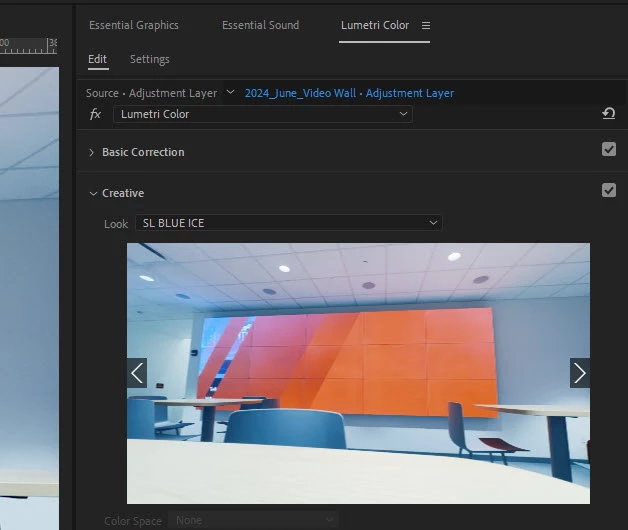
- Issue - When attempting to apply a creative LUT to an adjustment layer, the selected LUT will not preview in the Lumetri Color Panel. If I apply the same LUTs to source footage and not the adjustment layer, they will preview.
- Adobe Premiere Pro version number: 24.6.1
- Operating system - macOS Sonoma 14.6.1
- System Info: CPU, GPU, RAM, HD: (Mac Studio)
- CPU: Apple M2 Max
- RAM: 32GB
- Hard Drive: Internal SSD
- Video format: .mp4 8-bit h.264 from GoPro Hero 9, also with DJI Osmo Pocket 3 - .HEVC 10-bit 4:2:0
- Workflow details: This is with any sequence. Any project on this machine. I’m applying a source footage to a track and an adjustment layer to a track above. This same process works just fine on my windows PC machine. So this is why I think it’s a bug or a setting that I have not been able to replicate. This problem exists if it’s a Adobe supplied LUT or a custom LUT from a 3rd party.
- Steps to reproduce - Add a source file to track V1. Add an adjustment layer to V2. Open Lumetri color and go to the creative tab. Click the arrows to scroll through lots or select one from the list.
- Expected result - Expected to see a preview of the LUT effect in the Lumetri color panel.
- Actual result - Lumetri color panel Creative LuT preview window maintains the view of the original clip with no change when you select different ones. (LUT will apply and you can see it in the Program window, but that makes it harder to browse through a series of LUTs to find the look you are looking for.)
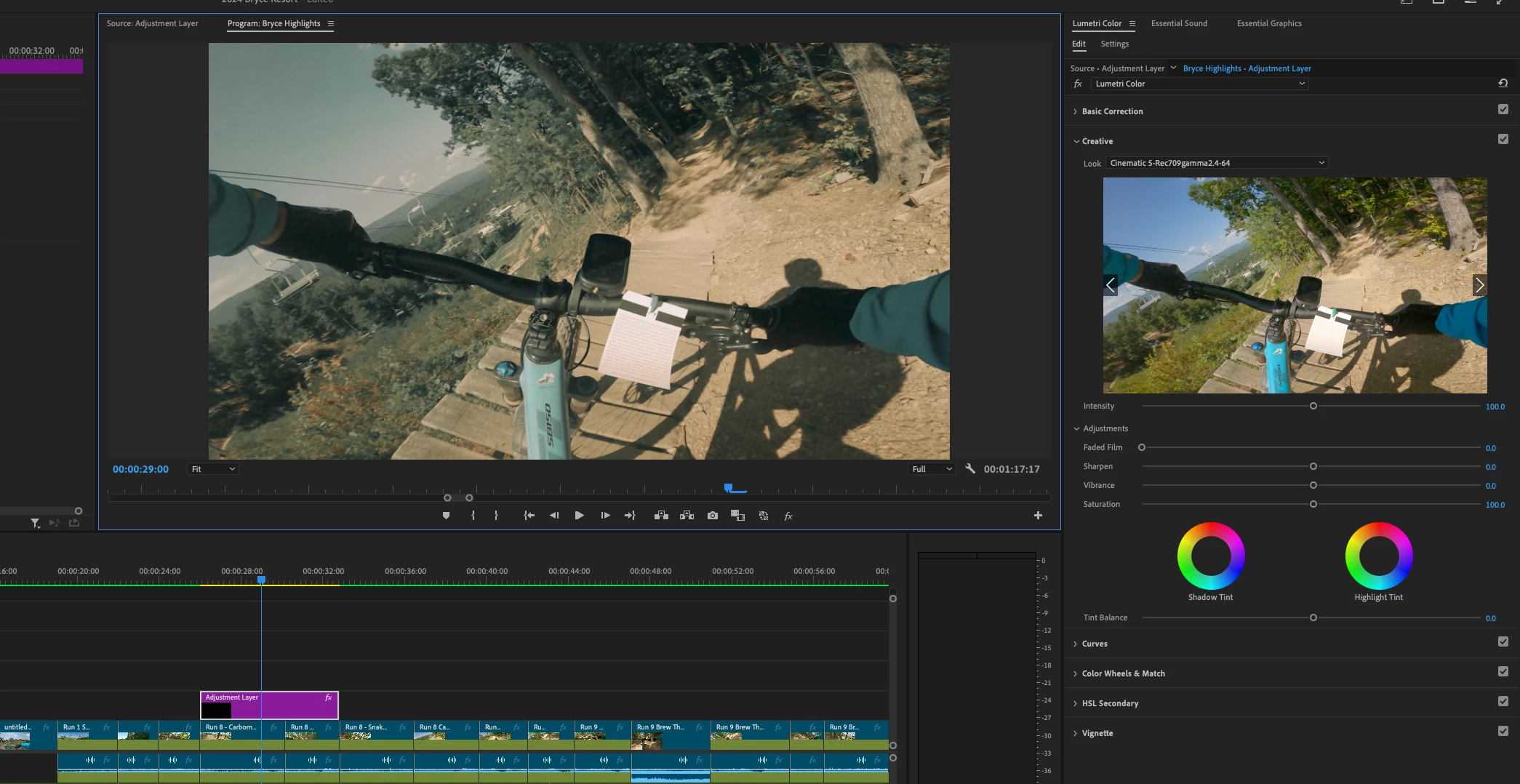
PC Preview working correctly


 AdChoices