


Participant
March 24, 2023
Open for Voting

P: Maintaining a scene or character across different prompts

  • March 24, 2023
  • 150 replies
  • 50935 views

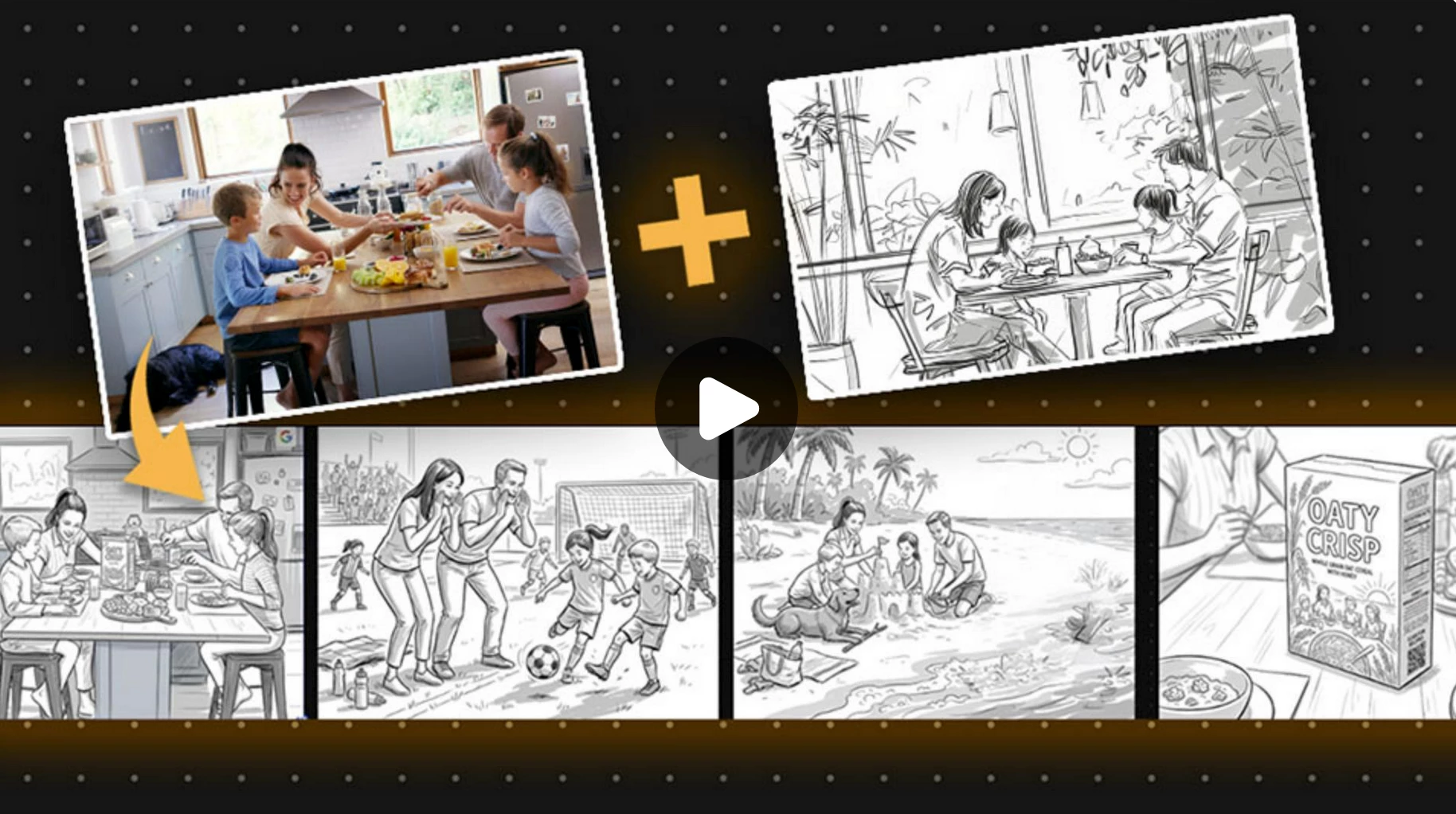
Let's say I wanted to storyboard a script and produce different angles of the same thing. It would be nice to have something that holds on to the core look and objects within the frame so we can get a wide, medium , and close shot of the same scene.
150 replies

Participant
April 10, 2024

Some of us are solo teams, and need help. What's the point of AI if it can't fill in the gaps and assist whenever needed.

Participant
April 8, 2024

To storyboard a script and produce different angles of the same scene while maintaining consistency in the core look and objects within the frame, you can follow these steps:

1. Establish Core Elements: Identify the key elements within the scene that need to remain consistent across different angles. This could include important props, characters, or focal points.

2. Create Initial Sketch: Begin by sketching out the scene from a wide-angle perspective. This sketch should capture the overall composition and placement of the core elements within the frame.

3. Storyboard Variations: Once the wide-angle sketch is complete, create additional sketches for medium and close-up shots of the same scene. Focus on maintaining consistency in the placement and proportions of the core elements while adjusting the framing and perspective to suit each shot.

4. Use Reference Points: To ensure consistency across different angles, use reference points or guidelines to guide the placement of core elements in each shot. This could include using the rule of thirds, aligning objects with imaginary lines, or referencing key landmarks within the scene.

5. Annotation and Notes: Add annotations or notes to each storyboard frame to describe the desired camera angles, framing, and any specific instructions for the shot. This will help communicate your vision to the production team and ensure that everyone is aligned on the desired outcome.

6. Review and Refinement: Review each storyboard frame to ensure that the core look and objects within the frame remain consistent across different angles. Make any necessary adjustments or refinements to the sketches to enhance clarity and coherence.

7. Finalize Storyboard: Once all storyboard frames are complete and reviewed, finalize the storyboard by compiling the sketches into a cohesive sequence. This will serve as a visual guide for the production team during filming or animation, helping to ensure consistency and continuity throughout the scene.

By following these steps and incorporating reference points and annotations, you can effectively storyboard a script and produce different angles of the same scene while maintaining consistency in the core look and objects within the frame.

CSI Productions
Inspiring
April 8, 2024

The same technique I suggested for consistent characters could be used for scenes. Establish a wide shot with everything you need for the scene, name the scene and then various camera angles and zoom levels would maintain that.

R.CatesCSI ProductionsIf you want peace, be peaceful.
Participant
April 7, 2024

Love this idea!

Participant
April 4, 2024

Hi everyone! 

I am new here, so please excuse me if my question is not appropriate one. I want to know is it possible to create a series of images, depicting the same person, so the pictures will tell a strory. I want to use with my work with kindergaden children. For example, this is what I want to have: series of four images. On the first one a girls is standing by a tree, wanting to pick some plums. On the second, the same girl has climbed on the tree and she thinks that she wants to pick the plums to give them to her little brother. On the third the same girls has climbed on the tree and she is thinking that she wants to pick plums to throw them at her little brother. On the fourth, the same girl has fallen from the tree. 

I will apreciate your help!


My best,

Svetlina

juliaf79298568
Participating Frequently
April 4, 2024

I've asked myself the same question and would love to see "create a series from this item" or "create alternative views"  become and option.  The options to create similar is fine, but that doesn't quite hit the intended outcome when you've already found a main image you like. 


Julia

Community Manager
July 25, 2024

Hi, thank you for the valuable feedback. We have shared this feature request with our product team. They will review it for potential implementation in future updates.


^VS

CSI Productions
Inspiring
March 28, 2024

What if there's a process where before putting a character into any scene, you first establish the character. Example: a full body shot of a fit caucasian (or the ethnicity of your choice) male with brown hair, blue eyes and a trimmed beard and mustache facing the camera) Once you dial your character in to your liking, you have the ability to name your charater (let's say John). Now the app knows that anytime you say John, it uses the characteristics of the character named "John." Now you can prompt: Medium shot of John in a business giving a presentation in an event hall. These characters would probably need to be tied to your personal login but maybe they could also have a character data base where established characters could be shared. Thoughts?

R.CatesCSI ProductionsIf you want peace, be peaceful.
eckelsteve1
Participating Frequently
March 24, 2024

This is a very good idea!  In need it too.

Inspiring
March 1, 2024

I would like to make consistent characters for a cartoon, at various angles and poses with different expressions. Is there a way to do this?

Monika Gause
Community Expert
Community Expert
March 1, 2024
Inspiring
March 1, 2024

Thank you, I will check it out.

Participant
February 18, 2024

Please enable this feature.  If we can save and reapply our characters across different scenes!

Participant
February 16, 2024

make it so you can toggle remember prompt in text-photo, let me explain.

If you enable remember prompt, when you make a new prompt, instead of a new scene or picture, it changes the previous picture based on the new prompt, for example, if you prompt "a cat on a porch being watched by an old lady" then prompt "the old lady pets the cat", instead of making a completly new scene, lady, and cat, the same old lady will pet the same cat on the same porch.