
marcusb83641437
Participant
February 20, 2023
Open for Voting

Will Adobe Aero support flat shadeless materials? (Non PBR)

  • February 20, 2023
  • 2 replies
  • 390 views

Hello Adobe.


I have a question or perhaps a feature request to add to Adobe Aero. I would love to create assets that have a flat shadeless material texture to my models in order for me to seamlessly integrate 2D motion graphic content in a similar style into the 3D realm.
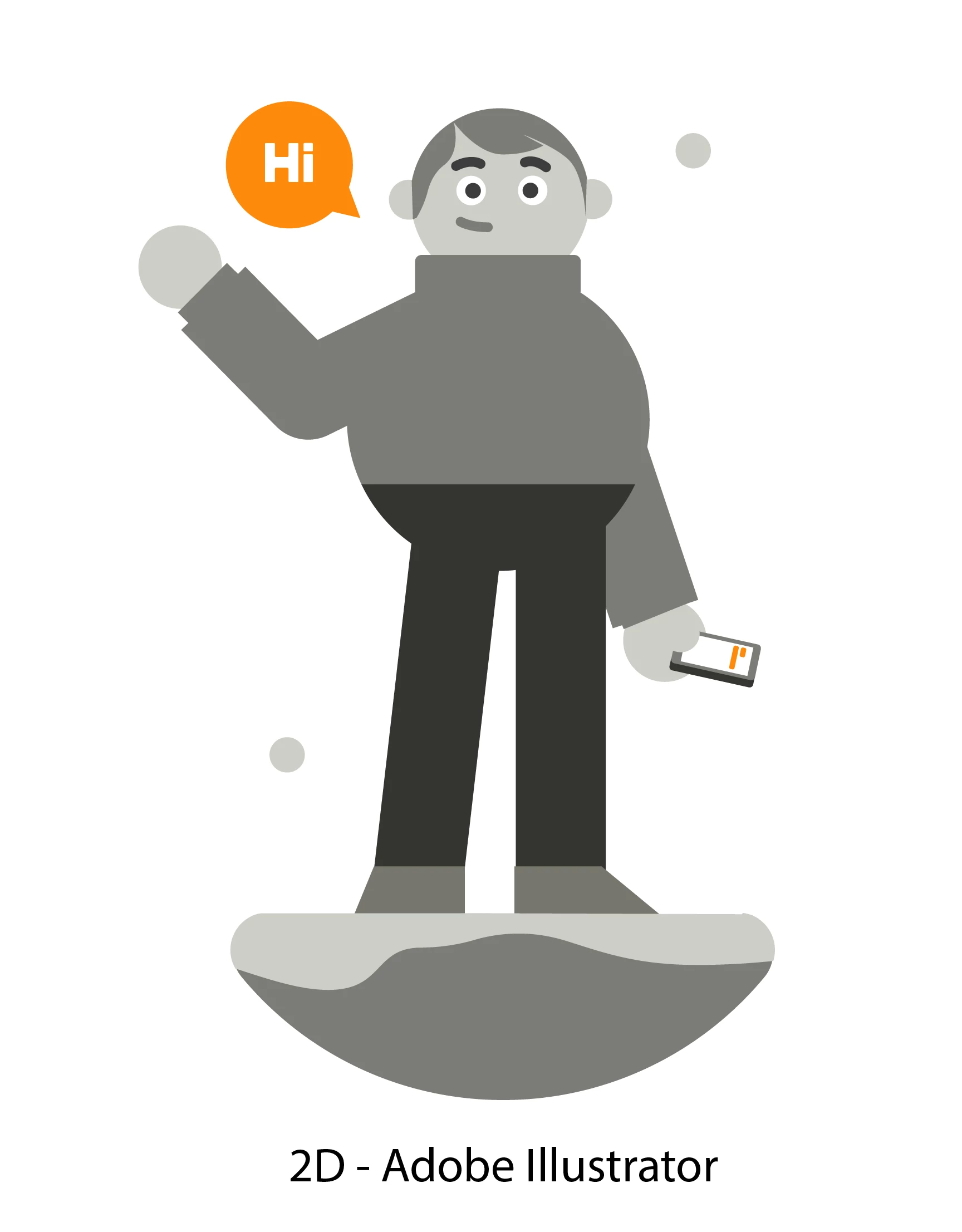
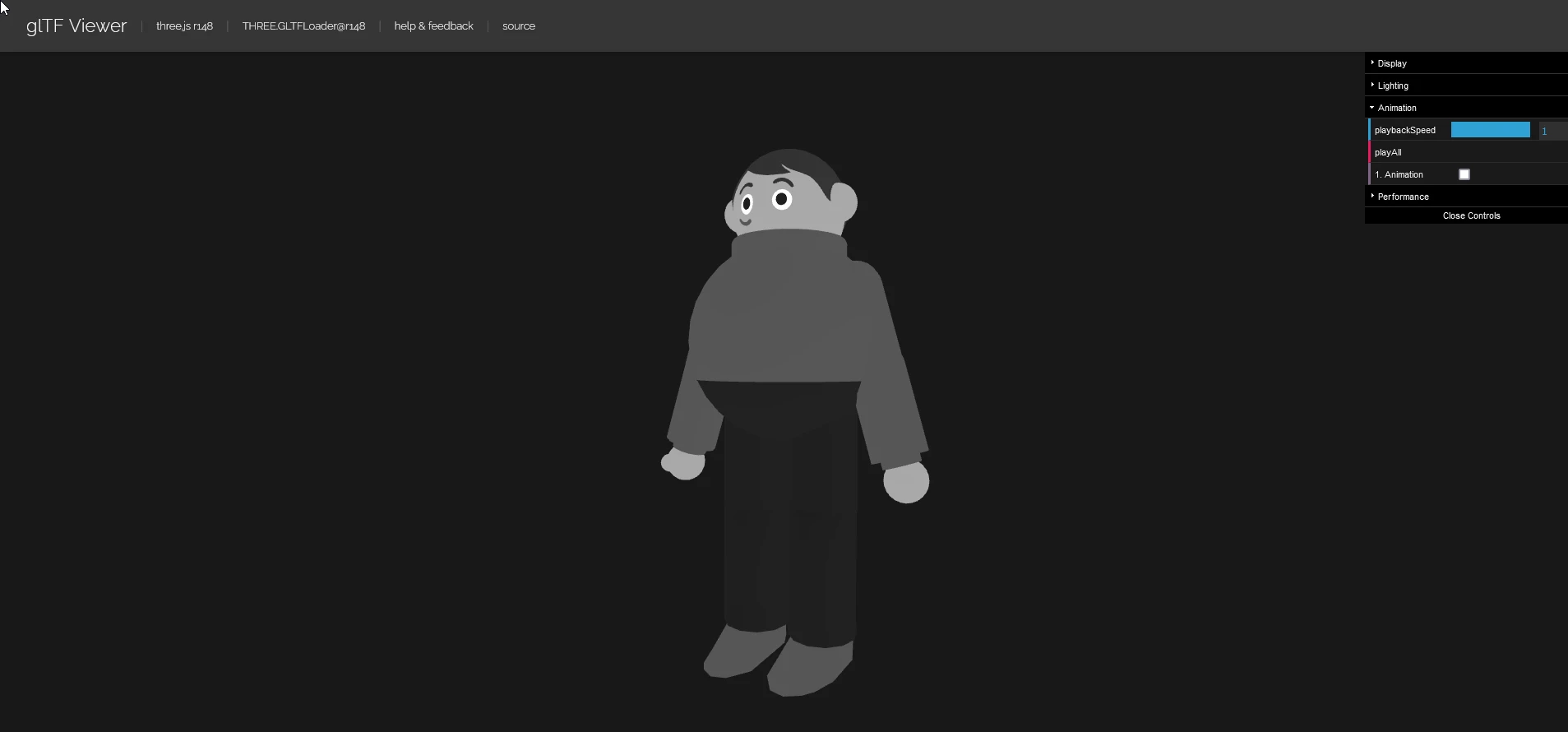
For example, I have made and rigged a 3D model in a similar style to my 2D vector work created in adobe illustrator. The idea was to combine motion graphic sequences, exported as flat planes and mix them with a 3D style for AR. I have attached a few images to communicate what I mean.


I exported the model and tested it out in a .glb viewer browser online, and all seem to look and move exactly as I wanted it to look! Sadly, when importing the .glb model into Aero, it seems there's still some PBR influence suggesting forms to my geometry. Theres no options to change or influence the shader to match the style I'm looking for.
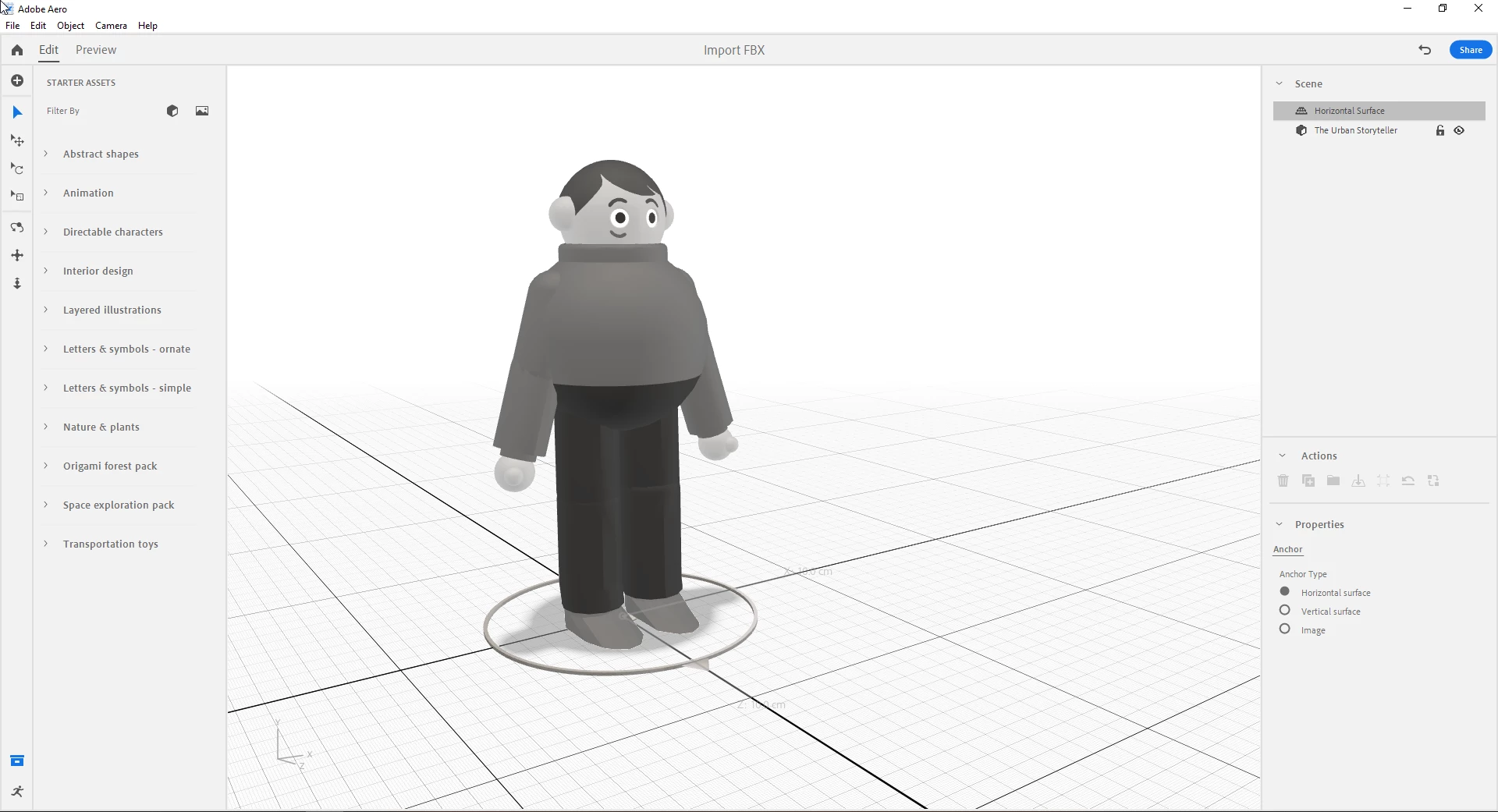


Unless I'm doing something incorrectly, could you perhaps add some way to create shadeless support?

I love PBR, but I also love motion graphics just as much.


Thanks,

Marcus

2 replies

marcusb83641437
Participant
February 27, 2023

Hello Markhellar & Community.


It seems I have found a solution to the problem. It turns out I got thrown a curveball when it came to exporting with the right shader from Blender. You see, I did this setup for GLB, which although correct, turns out to form the problems I had above in my first comment when it came to the shading in Adobe Aero.


According to the blender documentation on emissive materials, Found Here. Despite looking and acting the same, this shader setup here is incorrect because the principled emission tab is not yet supported or implemented for exporting for GLB.

- - - - - - - - - - - - - - - - - - - - - - - - - - - - - - - - - - - -

However, plugging the shader straight into an emissive shader yields the correct result!


Here's a screenshot showing the correct GLB result using only the emissive shader from Blender working in Adobe Aero. Works absolutely fine with no problems in playtesting on Ipad or desktop! YAYY!!!


- - - - - - - - - - - - - - - - - - - - - - - - - - - - - - - - - - - -- - - - - - - - - - - - - - - - - - - - - - - - - - - - - - - - - - - -

It's interesting to note, however, that the same methods; either the Emissive or the principled shader method don't work properly or in the same way for FBX files yet. The Left is the principled shader, and the right was just with an emission shader.


Hope this helps anyone in the future. Look forward to seeing what I can do with it. 🙂

- Marcus

Inspiring
February 21, 2023

Hi, @marcusb83641437 thanks for the inquiry. These are feature examples we like to hear. If you are open to sending me a sample .glb with the shadows I can pass it along to the dev team along with your inquiry. Thanks