






Join our Premiere Elements community for tips & help.
Recently active
A question to the community about shooting in the *wrong* shutter angel.So if I'm shooting on a DSLR with the intention of exporting my videos in 24p, I'm going to either be shooting in:24p with a shutter speed of 1/50thor (with my cameras) 60p with a shutter speed of 1/120 so I can do smooth slow motion in Premiere (done by increasing the length of this clip by 40%).Some questions about this:1) What happens to me video quality if I accidentally shoot at 1080 60p BUT at either 1/50 or 1/60 (instead of 1/120)?. So slower shutter angle? The video still looks ok on playback, it doesn't look to blurry. Am I imagining this or will Premiere Elements will be able to handle the 24p output fine on the video?2) To slow down the 60p footage, I am going to be extending the length of the clip by 40% right? What if I don't extend by 40%, but say, by 20%? Will the slow motion still be smooth and seamless?3) If I am outputing in 24p to get that cinematic look, is it ok my source video is shot in 60p a
So I have been using Premiere Elements 2018 since release and have discovered a recurring problem. All the video editing, etc is fine, but whenever I close the app after I'm done my whole screen goes black for 2 seconds and then reappears as normal. However, I cannot reopen premiere after this occurs without doing a restart because it says something like "kernel not found" and crashes my PC.My computer continues to function after this happens, however on next startup I am greeted with an ALL BLACK screen after the startup logo of my computer. I have then to restart my PC and it boots up as normal, albeit taking way longer.This is a huge annoyance and as I use Premiere a lot gets really tiring. Any ways to fix this?????
So I built a new computer to do some video editing.My specs are:AMD MSI B450 Motherboard16 GB Ram DDR 4, 3000MZGigabyte RX 570 4GBAMD Ryzen 5 2600 6-core 3.4GHZShould be compatible with the program.I downloaded Elements, signed into my account and punched in the serial number I was given.Everything looks good.I take a video we shot in RAW, which is a .MOV file.I am able to load the video into the organizer, and I'm able to load the video into the timeline to edit the film.But when I click play (or the space bar) nothing happens. The video does not play back.I can physically use my mouse to drag the timeline cursor over the video and it shows the video frame-per-frame so it's clearly able to recognize the video but when I go to hit play to let the timeline actually run it's course the cursor wont budge. I click play on the player right below the preview video. I've tried hitting the space bar.I went back and updated my drivers, and I uninstalled and redownloaded Elements directly from t
I am unable to update my Premiere Elements from 14 to 14.1 using the built in updater. It gets to 13% and then says Premiere Elements is running, to close it, but it IS NOT RUNNING! Yes, I have checked in task manager. I am sure it is not running. I have rebooted and everything, it always thinks it is running and will not continue the install. I am using Windows 10. Where can I just download the update itself myself and install it without the adobe updater?
I have video-i burn to dvd-but dvd does not play on computer--any ideas
Hi. I am getting jerky video, particularly on panned shots [slowish pan using gimbal]. Is there any way I can smooth this out? Thanks
I am working on a project including MTS files of 4 different cameras recording the same event from different angles. With only one file I have problems:- final approx 12 secs of 10min 39 sec clip remains empty- total duration of clip stays roughly as original- timeline is distorted. It speeds up at various locations (I assume it makes the actual video/audio content approx 12 sec shorter)The source clip is okay. When I play it in Windows Media player there is no problem (no speeding up, video/audio until end).Other MTS files of same camera are also okay.Camera used is a Sony rx-10 iii. Files where automatically truncated during recording due to max file size (as with most other files in this project).I tried to restart computer, restart Premiere, delete file as projectelement and add again. Moved succeeding all clips for more than 10 mins later in timeline so that there is certainly enough space and then add clip again. But no success.Enyone who can help?Regards,Marcel
I'm uploading MP4 files record from an S10 Samsung device.When loaded it shows only the Audio file?What am I doing wrong? Could it be resolution of recording. ? - UHD 3840x2160HDR10+
Dear Shivangi,Thank you for your inquiry, the media offline files problem has been solved.I put a folder on my desktop with all the files to be used, and for some unknown reason the name of that file changed, causing the problem, once I changed the name all was good.However I do have a different problem, I need to finish my program on a USB stick which can be shown in different places where there is no access to a DVD player, how does one do that?.It is not an option in the Publish and Share part of the program?Looking forward to your reply.RegardsPeter
Hello to everyone.I need your help, please.I have 2 episodes of one serie. One is Italien version and other it`s chinese. The episode it`s the same but the chinese have more time.Chinese episode have: 00:22:22:10Italien episode have: 00:21:27:21I want the chinese episode with 00:21:27:21After configured Time Strech and renderThe episode that's right at the beginning and the end but in half no.The first minute (+ or -) it´s correct, And Last to.At 00:11:00:00 The frames aren`t the same or equals.I'm doing something bad? Or Time Strech only adjust the beginning and the end and not the video at all?Thank you.Title was edited by: Mod
Hello, I have been using premiere 11 for a long time, however for the first time it is not working for me.Half way through the edit, my time line shows "Media Offline"What ever I try I can't get back to the normal time line and can't continuing the edit.I have saved the edit on my Mac and also on an external disk, the saved versions show the "Media Offline" message as well.I'm at a lossAny answers out there?????Peter van Santen
Here's my tutorial on creating a Video Collage in Premiere Elements. You might find it helpful also.
I am attempting to run Auto Smart Tone on a ten second clip. It starts by invoking Auto Analyzer which is very slow. It takes 4 minutes to cover about 10% so that would presumably be about 40 minutes in total if I were to let it run. Is this normal performance?
Using Premiere elements 12, I have completed a project consisting of two slideshows created in Photoshop. The program works great and looks great until I burn it to a DVD. Playing the disc on my stand alone DVD player hooked to my large screen digital TV, the video and sound jerk and skip in places. Any suggestions? I used Verbatim discs on my Dell XPS 8700 PC.
I started having trouble getting titles to show on certain portions of my projects. The only difference I could notice was that the titles could only show on sections where there was a thin orange line at the top, which starts and stops at various clips. Previous projects have had the orange line all the way through and showed titles just fine. After not finding any answers online, I decided to just be thankful that I could make do with titles in the sections with the orange. However, I then spent a lot of time Panning and Zooming on a clip and then not see any changes when I closed the Pan & Zoom window. Again, that clip was missing the orange header line. It looks possible for me to move some clips to different sections with the orange and have it work, but Deleting and Closing Gaps tends to shift it all back. I have already invested a lot of time in this project and would appreciate any advice to help me avoid having to start over.
I have a spcial efffects clip that I would like to place over an existing video track but just show the fireball effect without the black background blocking the track underneath. Is there a way I can make the black background transparent so I can overlay only the fire effect. I am currently using Adobe premiere Elements 10.Thanks for your time and input!
? Wie kann man Bildtext aus dem Organizer in Premiere Elements 2019 mit übertragen ?
I have premiere elements 2019 for MAC.After I New click on MARKER (just above the Timeline), the following appearsBUT I want to insert Scene markers and should be getting the followingPlease help
Owned Premiere Elements 12 for minor projects with success and no problems. Purchased Premiere Elements 2019 from Adobe for a bigger project but nothing major. I started the project on Premiere Elements 12 and moved it to 2019 after the first six minutes. After 22 minutes of video clips, freeze frames, stills and titles, memory (16GB) on my Lenovo M710 (Intel Core i7-7700 CPU 3.60GHz) started building and finally maxed, freezing Premiere 2019 (“the app”). Today I opened my project for just some review and I noticed the leak building to just under the max and then freezing the app. The snip shows the memory use. I closed the app with File>Exit where the app closed but Task Manager listed it as still open and still bouncing off my 16GB ceiling. And then, my 512SS C drive maxed out doing what, I do not know. I ended the app process in Task Manger and all settled down to normal.I have used other intensive CPU and memory applications and experienced memory leaks in the past on other capa
I shot video with my Galaxy s8 and imported the footage into Premiere Elements 10. The results were substandard. The video quality was poor and there was a lot of flickering going on. The file I imported was an MP4. Would a different file format be any better? Any suggestion as to why I'm experiencing such poor quality? The video are excellent when display by any other method than Premiere Elements.
Thanks for your prompt response.I have done as you advised and I have managed to burn a DVD as well as an ISO image.Just one small point. On the disc preview all the stop and start markers work fine but when I burn the DVD some of the scene markers are showing a couple of frames from the previous clip. Why is this? I have placed the scene markers a couple of frames from the beginning of the clip so I don't understan why this happens. Is there an optimum place to put the scene marker so that it doesn't show a frame from the previous clip?Regards,Don
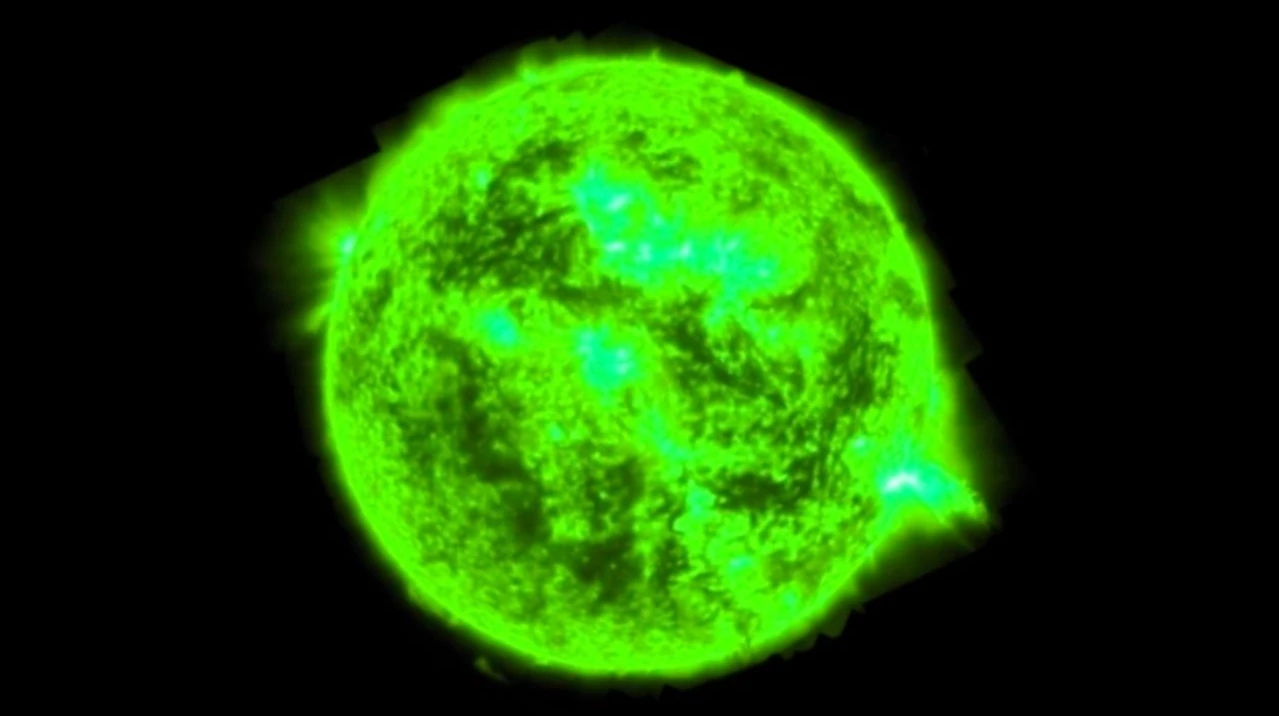
Hi there, I did a video shoot today and the main camera was a Fuji XT3 and recording into an Atomos Ninja V. The shooter gave me the MOV files but they show up a green videos in Premiere Elements 2019.Do I need to download Apple Quicktime 7.79 to get PE2018 to be able to edit them? Is there another, better way? Please advise what I need to do in order to edit the files.Thanks,Ronald
I know there are a lot of complaints on here about "Add Media Failure" with the useless error code "The importer reported a generic error." But, I'm going to try to add a few things to the discussion:1) I have a file that imported fine with Premiere Elements 12, but will not import with Premiere Elements 15. Oops.2) The file will load into Lightroom, so clearly (since Lightroom and Premiere Elements and Windows can all read it) the file is fine. 3) I have shared the file so that Adobe can analyze it and fix the bug.This is a video from my cell phone, a Nexus 5X, FWIW. The file can be found here:WillNotImport.mp4 - Google Drive I hope that Adobe will look at this. If not I'll have to figure out how to formally file a bug report.
I'm using Premiere Elements 17 to create a DVD composed of both video and still images. I'm used this application to create multiple productions using identical media.When I attempted to burn the disc it encoded the files but the application hangs up when it's time to create the iso file.The production is 34 minutes long and requires 2.33 GB of space. I've created several shows of this size or larger.We have 19 people coming over in one week to see this show so I really need to figure out what the issue is.Thanks
One again, no manuals, no answer to question online. Can someone please tell me how to import a slideshow created in Photoshop to Premiere? I already have a video in progress, also a slideshow I created in Photoshop. As I recall, I simply migrated it. But now when I try to do the same thing, I get an error message. I'm, sure you want to know what the error message says: "The importer reported a generic error."Must the slideshow be processed in someway? I have manuals for older versions of both programs (PS 4.0 and Pre 2.0) and they say import the slideshow and complete the project. But, they do not say HOW to import the slideshow to Premiere. In Pre 12 I click on Add Media and go to the Organizer where the slideshow project appears. But when I click on "Edit Project in Premiere Elements," I get the error message. To say I am frustrated is a major understatement!
Remix with Firefly Community Gallery
Thousands of free creations to fall in love with and remix in Firefly.
Already have an account? Login
No account yet? Create an account
Enter your E-mail address. We'll send you an e-mail with instructions to reset your password.