I'm getting the same thing and it won't go away it will not let me open a word document and I never had any problems before until this last month when the pop-up started with asking me for premium upgrade. How do you get rid of the pop up
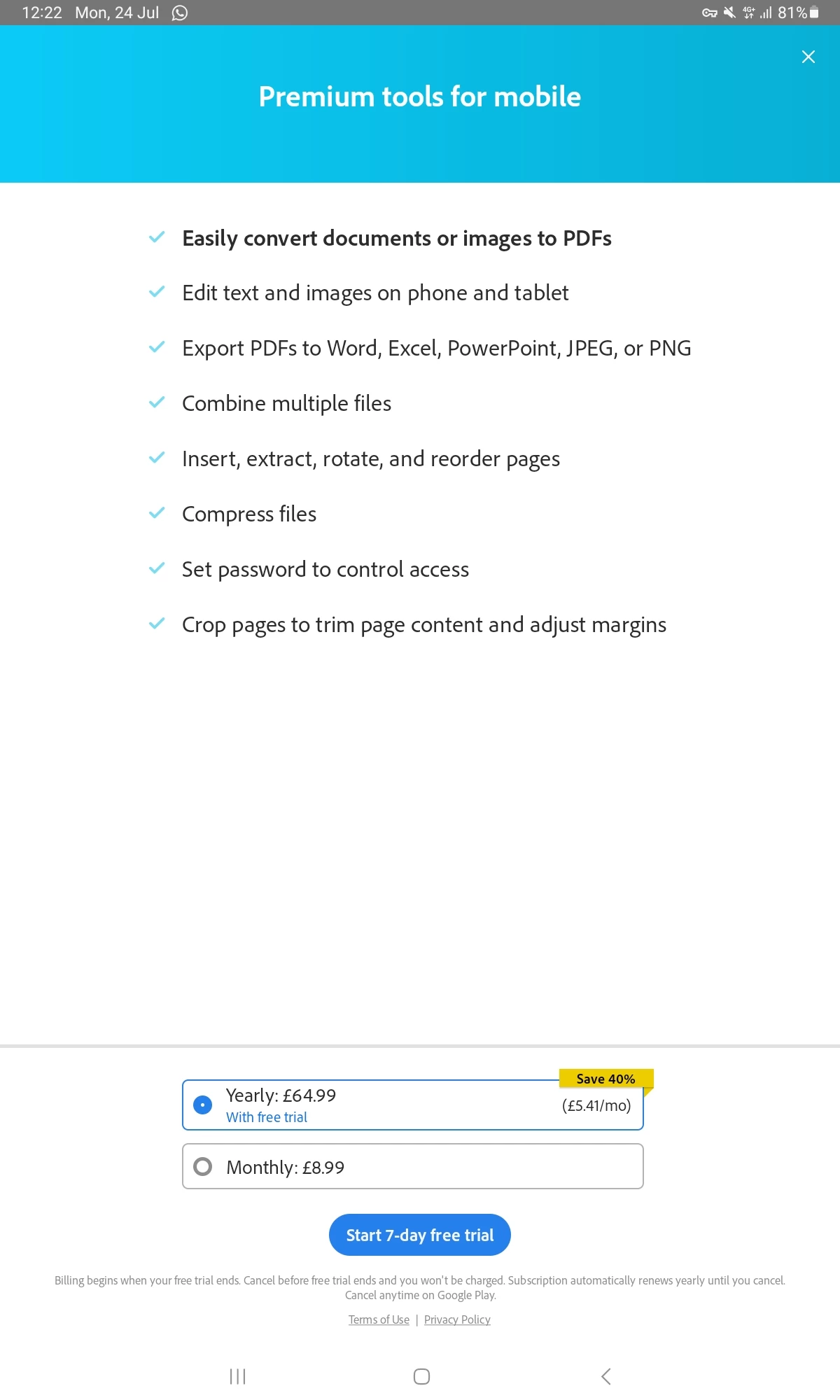
When you open a non-PDF file on Acrobat, it triggers Acrobat's Create PDF functionality, which is a premium feature, and thus you see the purchase pop-up.
Do let us know if you see the same purchase pop-up when opening a PDF file, and we can get it investigated.
I did not see the pop-up when I open a PDF. But I never saw a pop up when I opened up the same document before until this annoying upgrade started showing up about a month or two. It doesn't give me an option with chrome, like it used to it only on my phone. It's a word document I never had a problem opening it up it would just open up on my phone when I opened up the email and now it goes straight to Adobe and that premium pop up and when I exit out it doesn't do anything it just goes to a screen where that I can no longer see the word document. It's not giving me choices to open it with anything else except Adobe. This is only on my cell phone never had the issue before though
I am getting the same pop up for the last month of purchasing a premium or a trial. I do not want a premium of adobe. I'm trying to open a word document and I never had a problem before. Please help the pop-up will not go away
Thank you so much for getting back to me. It had nothing to do with premium features as all I am doing is downloading attachments from my email and opening them up in Adobe and never had this problem before only up until recently. All I want is to view it, nothing else! Please help me
From the looks of it, it seems you are opening files other than PDFs too on Acrobat Reader, which redirects you to the Create PDF mode, and thus you see the payment window.
If you notice before you see the payment window, it shows the header as Adobe Create PDF, which is a paid feature.
While I share this with the team for further investigation, I suggest checking the default application for opening images or other media files on your device.




 AdChoices