Hi @quirky_fashion296e
Hope you are doing well, and thanks for reaching out. We are sorry for the trouble you are experiencing.
A couple of quick questions that'll help pin this down:
Which device are you using, Acrobat on iOS or Android?
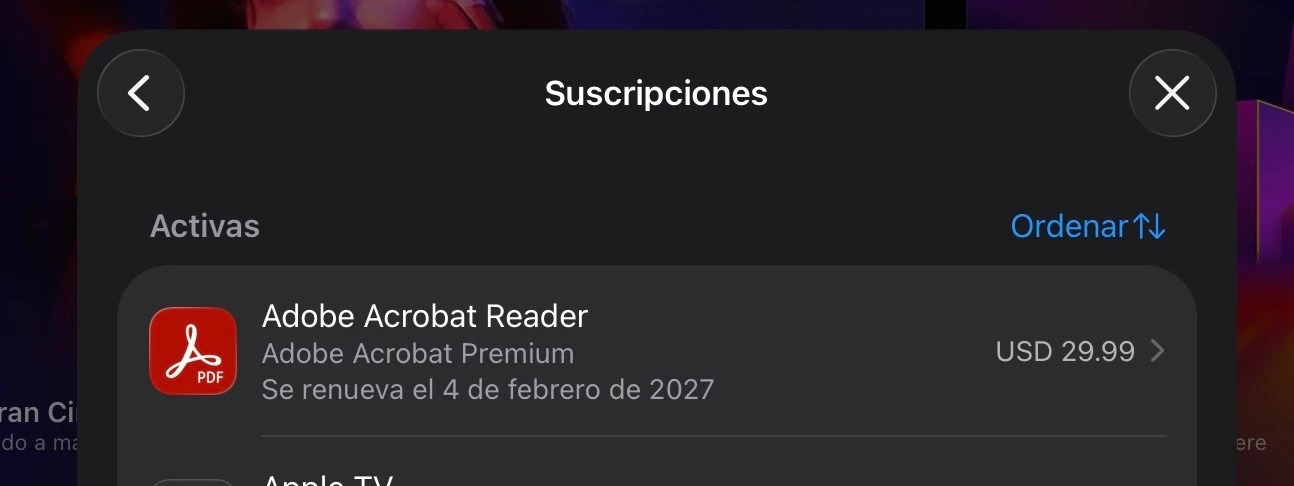
Did you buy the annual subscription through the Apple App Store / Google Play?
Does the email address you're signed in with match the one you used to buy the subscription?
This "free" message almost always happens because the app is signed into a different Adobe account than the one tied to your subscription, or because the purchase hasn't synced yet. Here's what usually fixes it:
Open the app and tap your profile icon.
Check the email shown there.
Compare it with the email on your subscription confirmation.
If they don't match, sign out and sign back in with the correct account.
If they do match, try signing out, closing the app fully, and signing back in, this often forces the subscription to re-sync.
If that still doesn't unlock file creation, try the "Restore Purchase" , tap on the Profile Icon > Subscriptions > Restore Purchase
You can find more details here: Premium access issues in Acrobat on mobile
Let us know how it goes.
~Amal



 AdChoices