
해결됨
How to enter my signature in the yellow field?
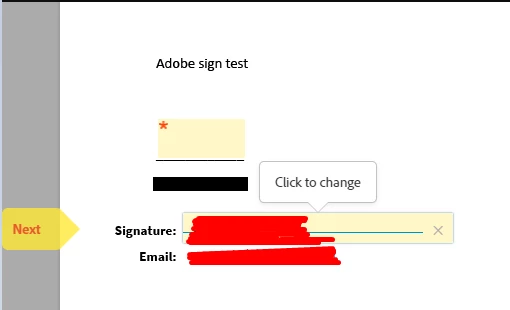
The yellow box with the asterisks above the signature line - how do I get an option to enter my signature there? Right now it only allows me to type in my name. Please see the below screenshot:

The yellow box with the asterisks above the signature line - how do I get an option to enter my signature there? Right now it only allows me to type in my name. Please see the below screenshot:
Enter your E-mail address. We'll send you an e-mail with instructions to reset your password.



 AdChoices