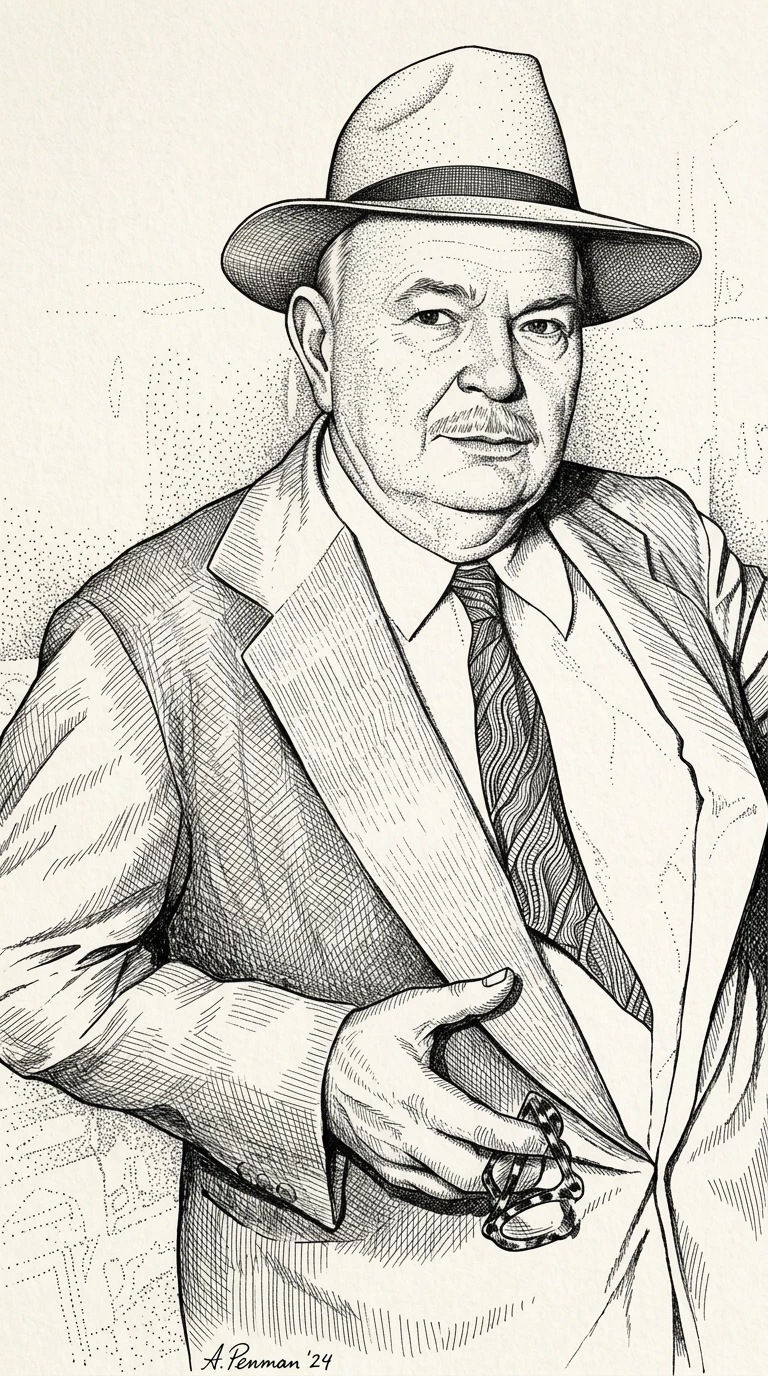
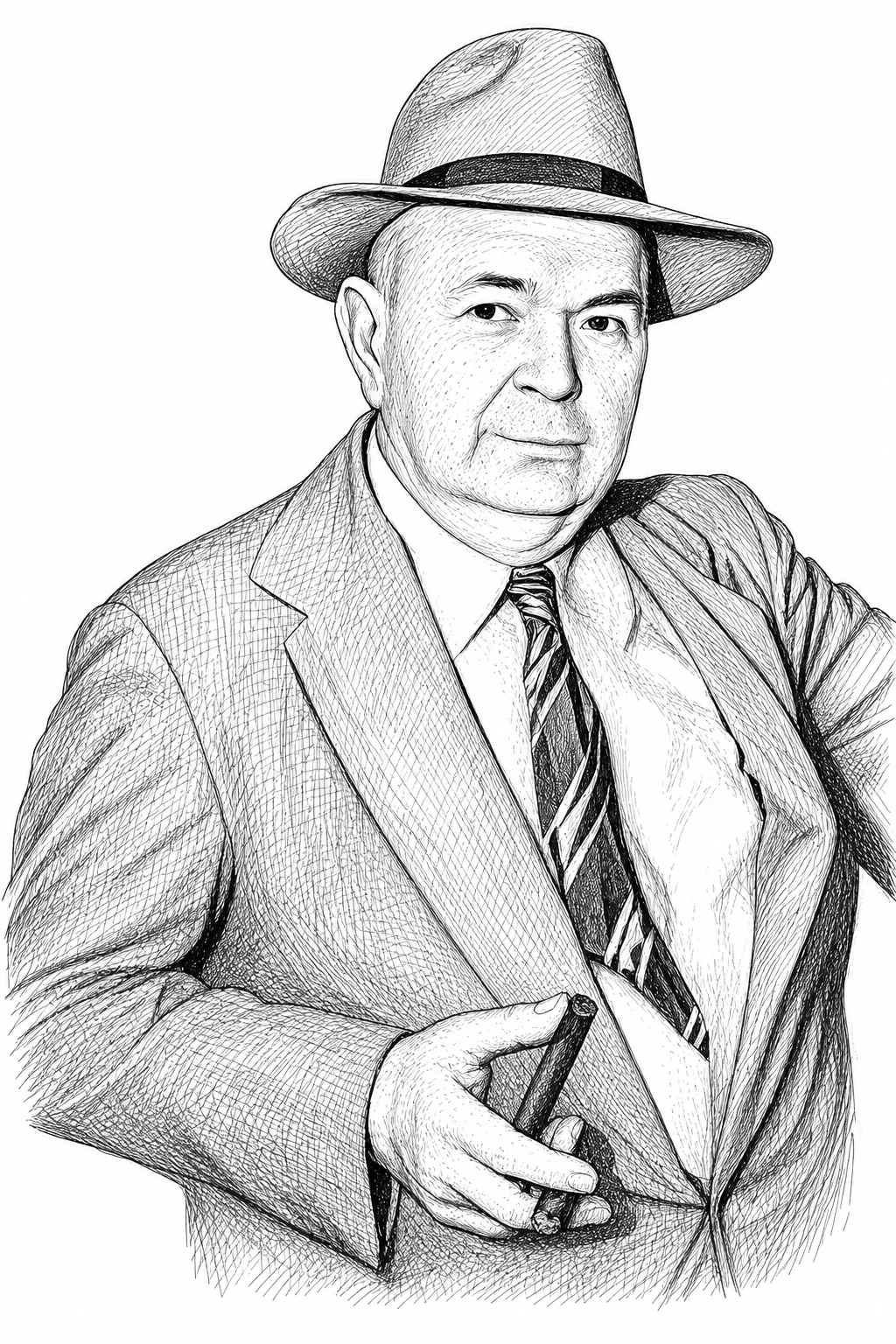
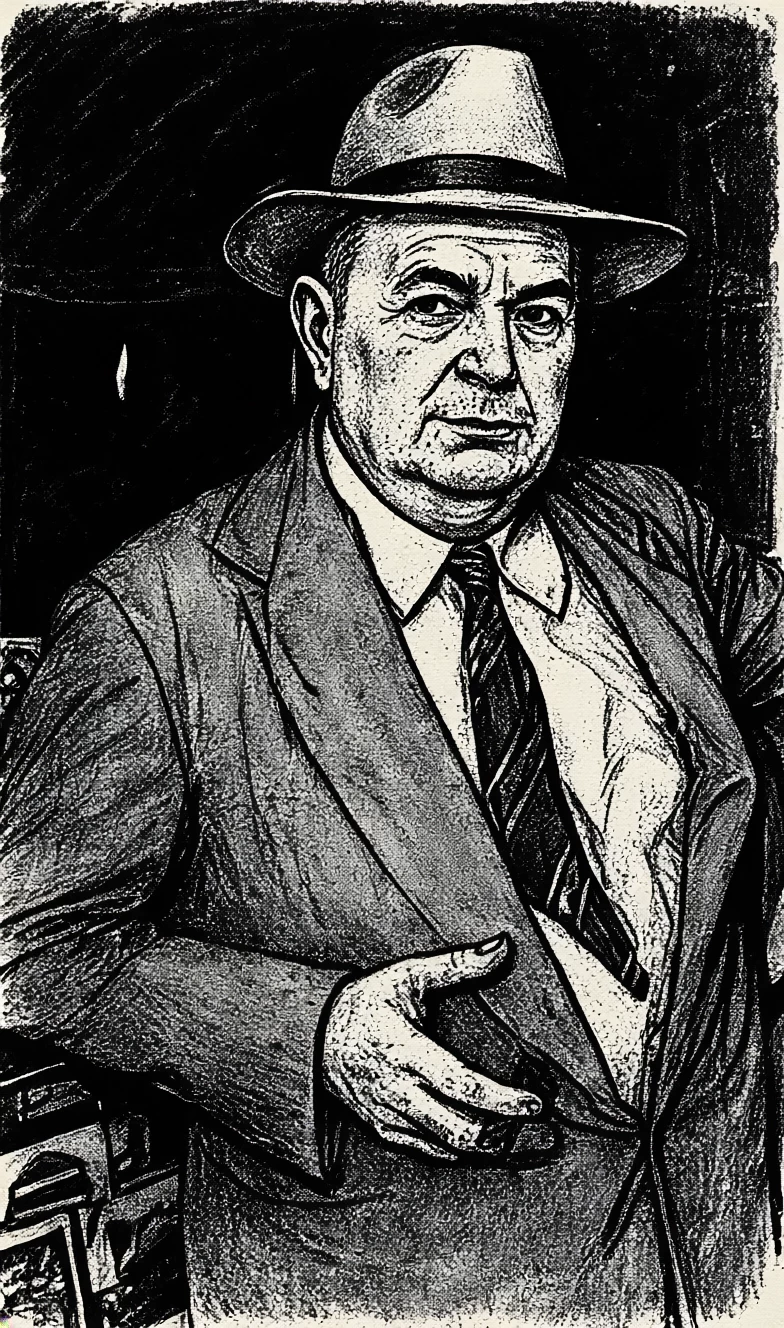
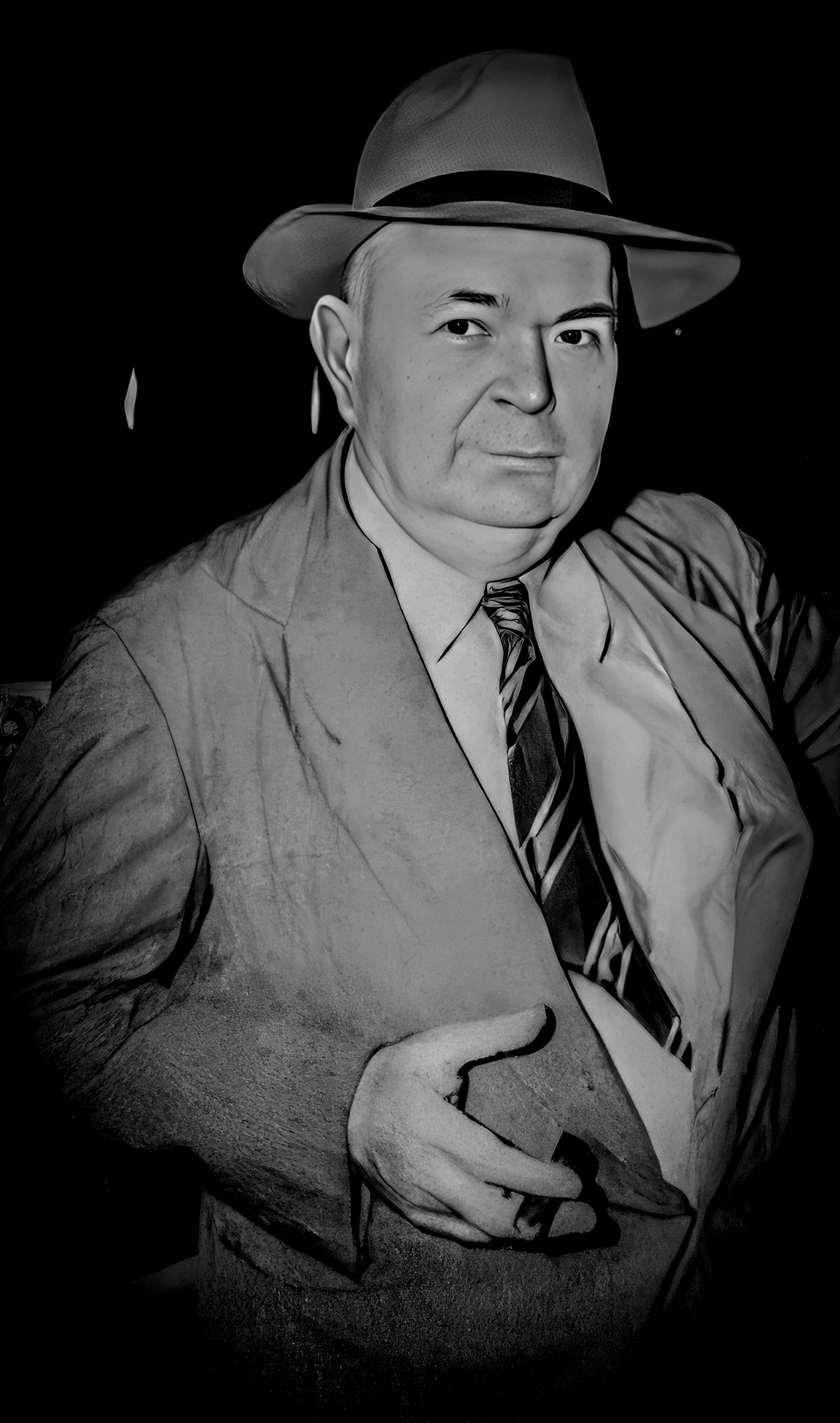
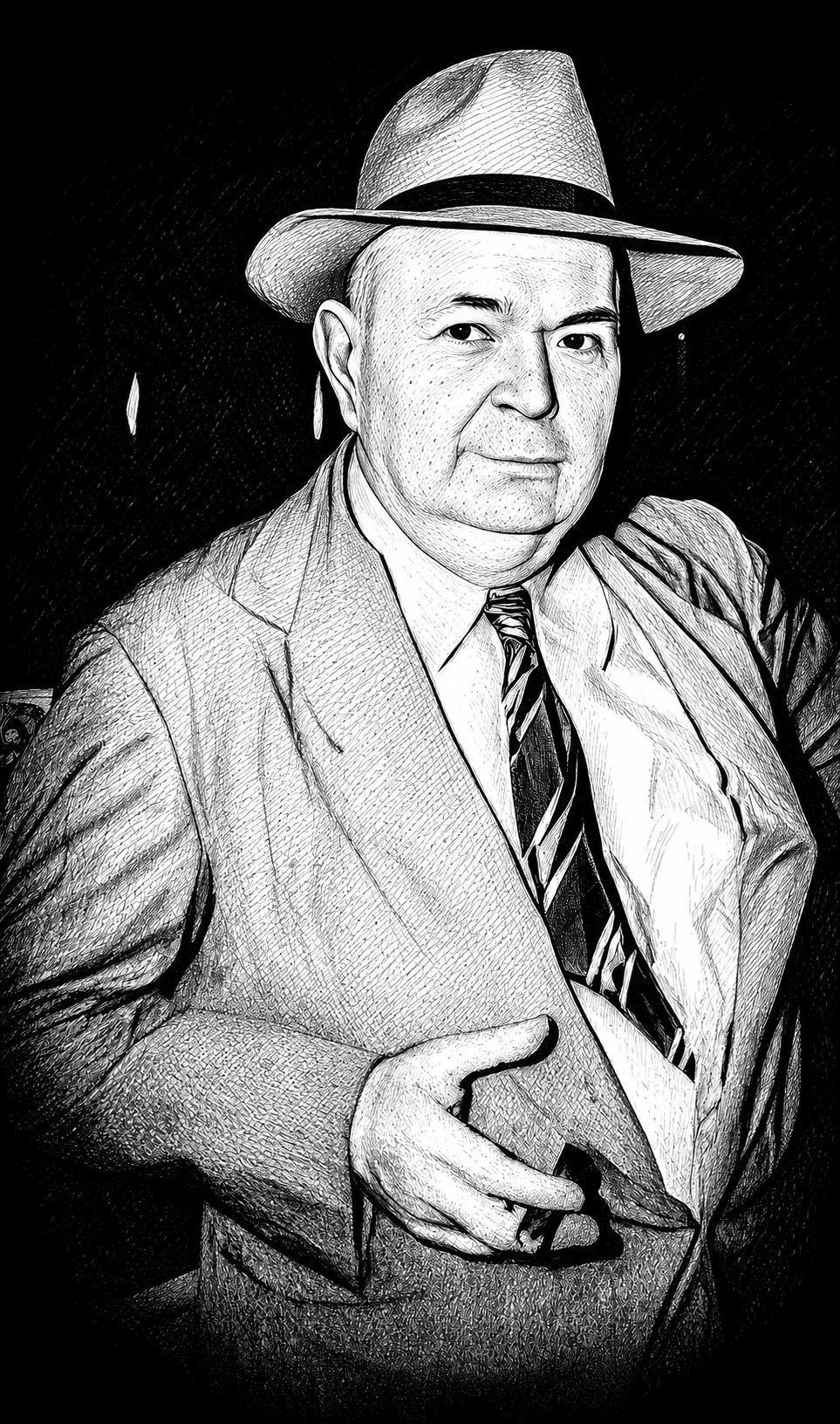
I buy credits. I should be able to get refunded when Firefly gets it really wrong. I asked it to turn an image into a pen and ink drawing in grayscale. It's a historic photo of a local man holding a cigar. In one image, Firefly gave him a mustache. In other tries, it removed the cigar. When I told it to preserve the cigar, it did but added a second, unlit cigar in the same hand!! I burned through a lot of credits and never got what I wanted.
Credits are the cost of each generation, so they can’t be refunded for unwanted outcomes. That said, we’d love to help you get closer to the results you’re aiming for.
For the render you wanted to apply, I upscaled the original image from the Edit tab using Upscale > Topaz Gigapixel (x2), which preserved the image completely while improving quality. I then used the upscaled image as a reference, selected the GPT Image 2 model, and applied this prompt:
"Preserve all elements in the image exactly as they are, render it as a pen-and-ink drawing with fine cross-hatching, high-contrast grayscale tones, and clean outlines for a technical illustration style."
The instructions emphasized:
Not altering the original image
Line styles
Level of detail
Grayscale range
The results were perfectly preserved and aligned with the instructions.
If you encounter results that don’t look accurate, consider refining your prompt to include enough detail to guide the model toward your desired outcome.
Note: Always avoid negative prompting. Focus on describing what you want to see, not what you don’t want.
Credits are the cost of each generation, so they can’t be refunded for unwanted outcomes. That said, we’d love to help you get closer to the results you’re aiming for.
For the render you wanted to apply, I upscaled the original image from the Edit tab using Upscale > Topaz Gigapixel (x2), which preserved the image completely while improving quality. I then used the upscaled image as a reference, selected the GPT Image 2 model, and applied this prompt:
"Preserve all elements in the image exactly as they are, render it as a pen-and-ink drawing with fine cross-hatching, high-contrast grayscale tones, and clean outlines for a technical illustration style."
The instructions emphasized:
Not altering the original image
Line styles
Level of detail
Grayscale range
The results were perfectly preserved and aligned with the instructions.
If you encounter results that don’t look accurate, consider refining your prompt to include enough detail to guide the model toward your desired outcome.
Note: Always avoid negative prompting. Focus on describing what you want to see, not what you don’t want.




 AdChoices