

Want to manage files in Adobe Scan app? We’re here to help!
PDF Creation for mobile devices has been modified with Adobe Scan. It turns your mobile device into an intelligent scanning and text-recognition tool, taking document creation to the next level
Adobe Scan turns your device into a powerful portable scanner that recognizes text automatically (OCR). Capture new images with your camera or grab any image from your device.
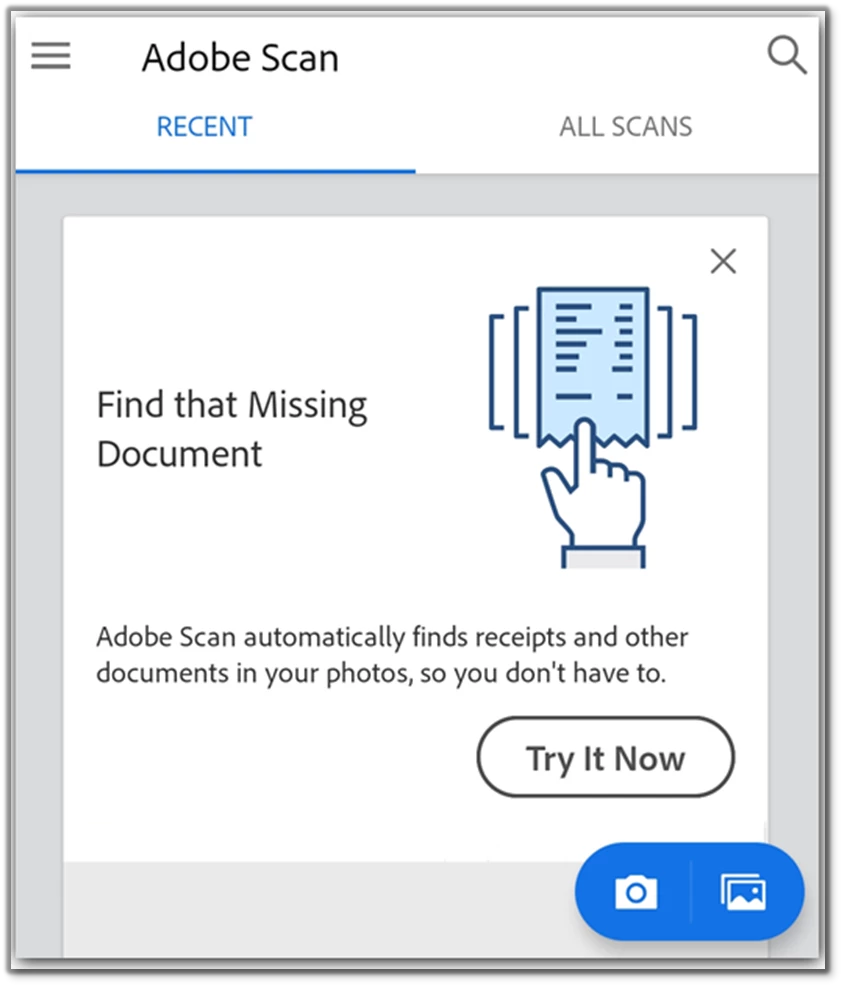
Images are converted to PDF and saved to Adobe Document Cloud. By default, the app automatically converts image text to real text by optical character recognition (OCR).
Edit your scanned document easily using Adobe Scan app, once you’re finished scanning, tap the documents thumbnail in the lower right-hand corner. From here, you can tap Save PDF or edit your scans.

These options allow you to Add images from your device, Reorder pages, Crop pages, Rotate pages, Adjust the color, Delete pages
If you are one of those who don’t like to click too much, then try our video tutorial and see if that help.
View all your recent files or scans in one place.
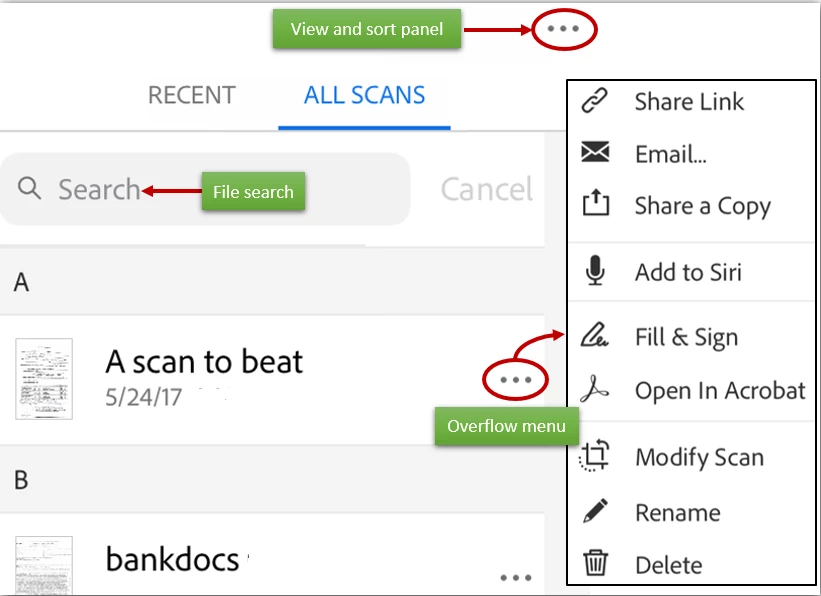
Tell us if these helped you use Adobe Scan better. Join the conversation here. We are listening!
To discover a host of other great features –
Go straight to: Adobe Scan FAQs | Adobe Scan app features | What’s New


 AdChoices