


karolinaf9798942
Participating Frequently
September 12, 2020
Question

After Effect error

  • September 12, 2020
  • 2 replies
  • 284 views

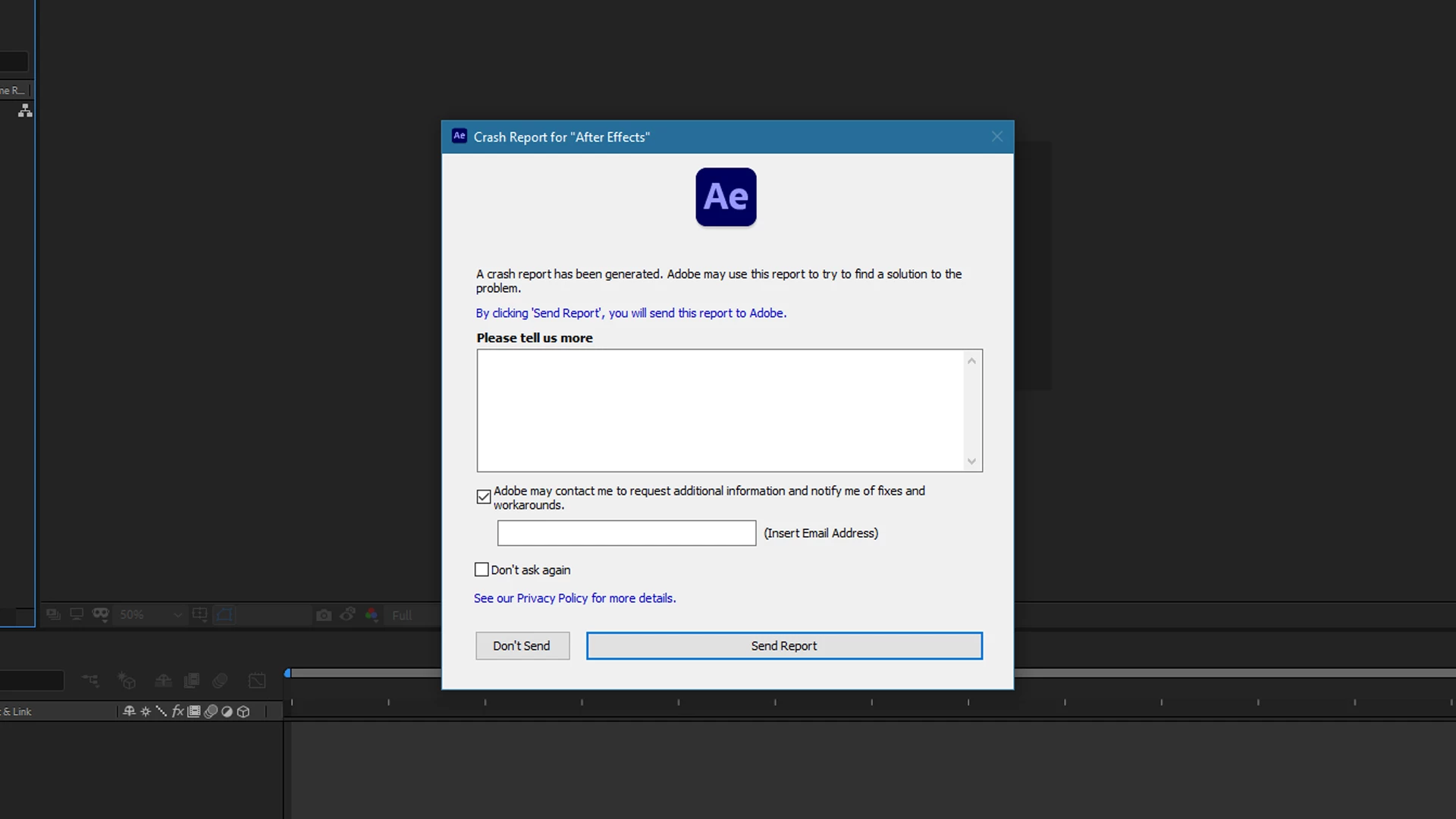
Hi, I wrote about After Effect problem. Yesterday I updated After Effect and problem get even worst. Earlier, when I tried import mp4 file, it showed an error, but now the program crash, and I can"t do anything. This version is so troublesome.
This topic has been closed for replies.

2 replies

nishu_kush
Community Manager
Community Manager
September 14, 2020

Hi karolinaf9798942,


Sorry for your issue with After Effects. As Mylenium mentioned, please share your system specifications (CPU, GPU, RAM, OS version) and the exact version of After Effects you're using. In the meantime, you can try resetting the preferences of After Effects. Here's how: https://community.adobe.com/t5/after-effects/faq-how-to-reset-trash-preferences-in-after-effects/td-p/10634342?page=1

Let us know if it helps.


Thanks,

Nishu

karolinaf9798942
Participating Frequently
September 14, 2020

Hi,

I use After Effect 2020 version 17.1.3

I'm also looking for solutions, I even uninstalled yesterday this version and I tried with to older version 16.1.3. and in After Effect 2019 everything was ok. Mp4 file was imported properly, but I would like to work with 2020 version

My computer specifications: Windows 10, 64 bit, 32 RAM, NIVIDIA GeForce RTX 2070, Inter Core i7-4790K 4GHz


Karolina

Mylenium
Legend
September 13, 2020

Without any system info we can't tell you much. Start by reinstalling the program with sufficient user permissions and update your system' graphics drivers.


Mylenium