Hi Nishu,
Good news!
I deactivated all fonts in Creative Cloud, but it didn't help - I had an immediate crash.
But... I deactivated all fonts installed externally on my Mac and I was able to open the files for the first time in 2 weeks!
In case it would help the others: I narrowed down which font was causing the crash - it was Book Antiqua. I took it out of Microsoft Office folder and installed on my Mac's Font Book, to have access to it in apps other than Microsoft Office. Probably shouldn't do it then.
Thank you so much for your help! Without it I think I would just lose my mind!
Agnieszka
Fonts! Fonts! Fonts! This is it.
The suggestion from @nishu_kush to deactivate all fonts from CC app did not helped ... becasue i had no fonts there.
I presumed that the fonts are causing my AE to crash but, which fonts?! I have more that 1000 fonts installed in Windows! I did not have the time to delete and try every each of them.
What worked for me:
- make a backup copy of c:\Windows\Fonts
- then delete all fonts from c:\Windows\Fonts. You won't be able to delete some of them because those are used by the system. Let them.
- Check if now you can open the AE Project. For me was a YES!
- From the BasckUp directory of the "c:\windows\fonts" copy only what you need. You can copy one type of fonts in one try. For instance i copied all True Type Fonts at once. I still had no issue.
I hope this will help some others with this problem.
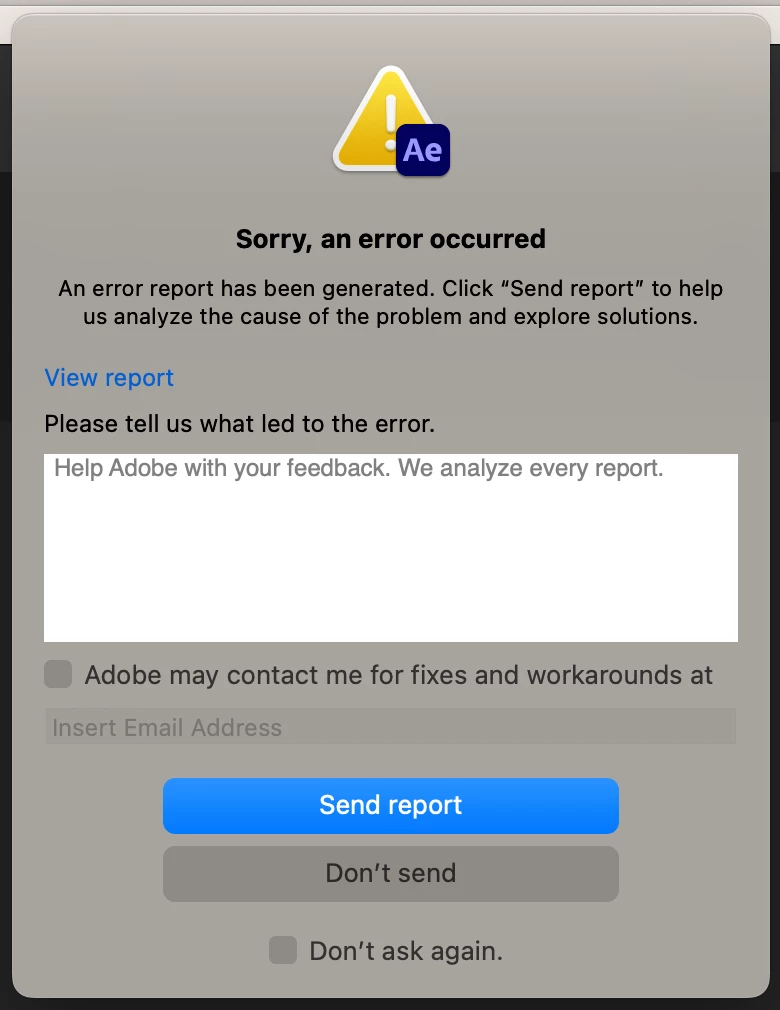
I would like to see Adobe comes with a solutions for these type of crashes. At least when the crash occurs, a Pop Up window should describe what exactly caused the crash, for instance here something like "After Effects crashed due an unssuported Font Type" and not just an ambiguous message like in my case "afterFX.exe crashed".



 AdChoices