


Participant
June 29, 2021
Answered

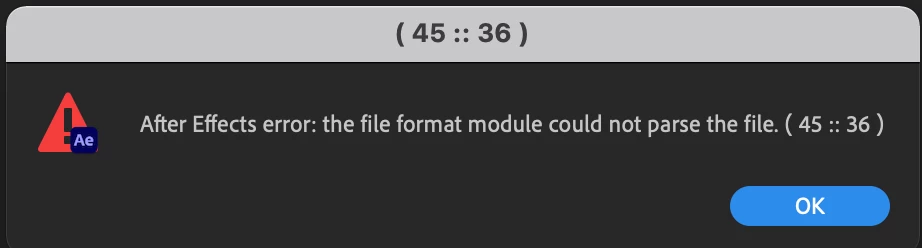
after effects error: the file format module could not parse the file

  • June 29, 2021
  • 3 replies
  • 1238 views

Have you encounter  "after effects error: the file format module could not parse the file"? Most of my AE template are having this error.  Can anyone share how did they manage to resolve.
 

This topic has been closed for replies.
Correct answer TobiT92

I have reported this error to Adobe over a month ago. They do not solve it.


I have created a videotutorial to help everyone fix the problem or go back to 18.1.

Feel free to share this video.


https://www.youtube.com/watch?v=T04R-83nSxM

3 replies

nishu_kush
Community Manager
Community Manager
July 6, 2021

Hi reichd15409700,


Sorry for your issue.

This has been reported as a bug and the engineers are working on fixing it: https://adobe-video.uservoice.com/forums/911311-after-effects/suggestions/43449300-bug-ae-18-2-on-macs-cannot-read-jpg-sequences-fi

Shout out to @TobiT92 to create a video to help users.

Let us know if there are any other questions.


Thanks,

Nishu

TobiT92Correct answer
Participant
July 6, 2021

I have reported this error to Adobe over a month ago. They do not solve it.


I have created a videotutorial to help everyone fix the problem or go back to 18.1.

Feel free to share this video.


https://www.youtube.com/watch?v=T04R-83nSxM

Community Expert
June 29, 2021

The template could include an asset that is in a format that is no longer supported. There could be a corrupted file. It could be a lot of things. Try importing the template instead of opening it. That might give you clue or a better indication of where the problem lies. 


It would help us if we knew more. What template are you using? Where did you get it? What are your OS, AE version, and system specs?