


mbelgil
Participant
January 18, 2022
Question

Best way to key out / keying out burning paper transition (flames/smoke)

  • January 18, 2022
  • 2 replies
  • 106 views

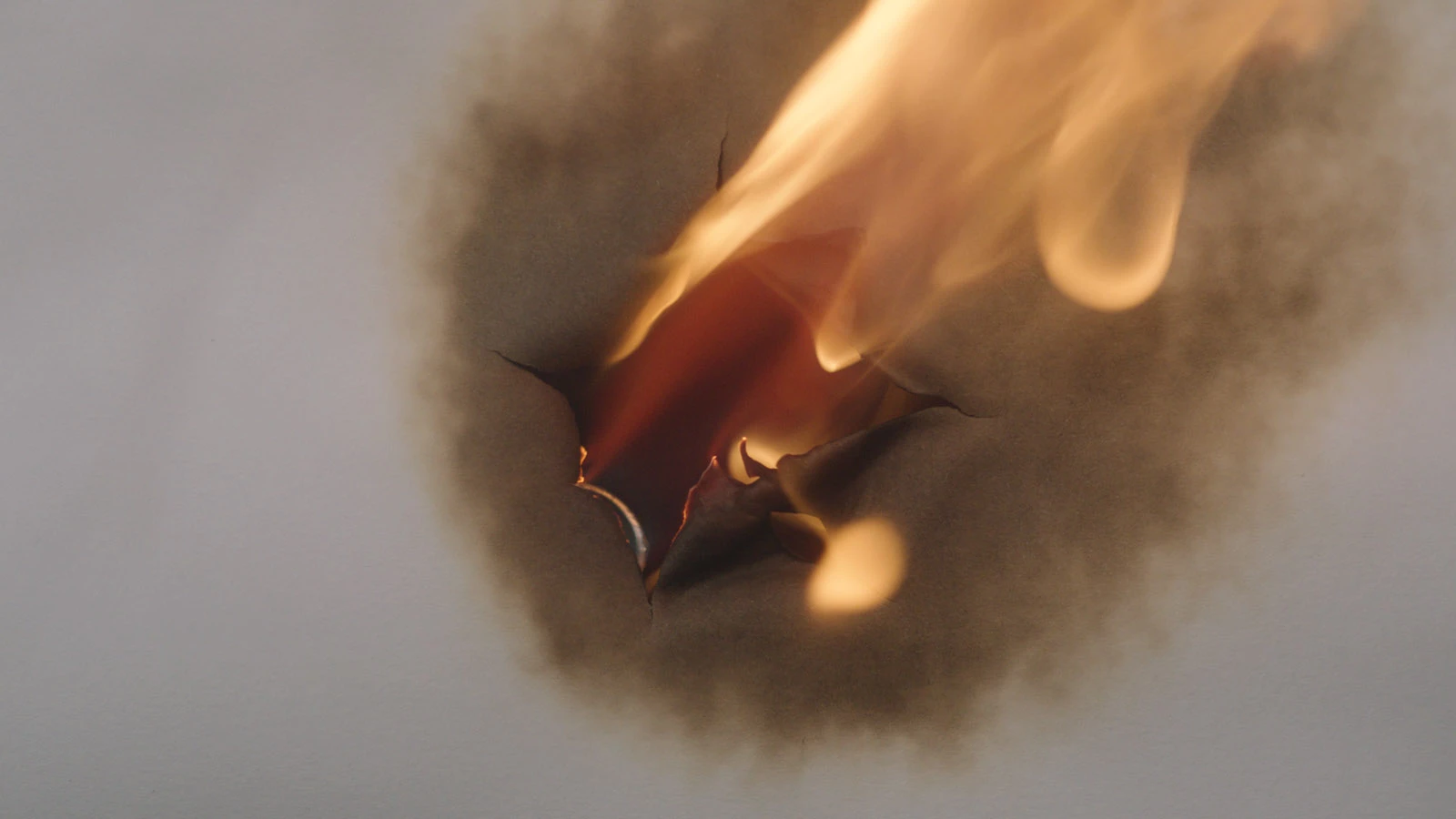
Hi, my client needs to key out the 'hole' created through a piece of burning paper, in order to make a transition to reveal an image/footage underneath. The issue is that the footage was shot on a black background (NOT green screen). Still image below:


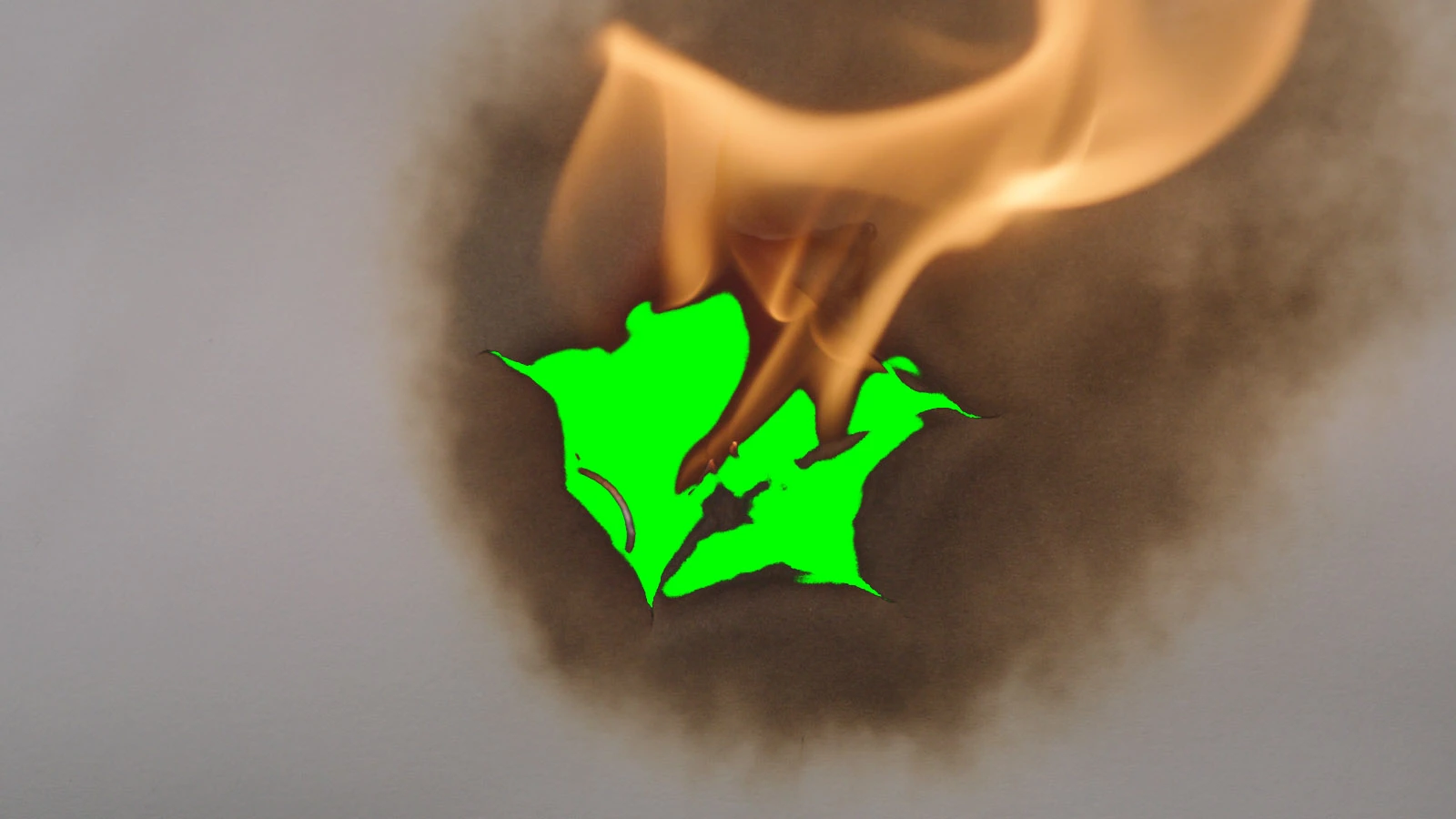
I have tried using different Keying effects in After Effects, but I can't seem to be able to separate the hole from the darker areas on the paper. Also, the flames appear as solid, not transparent. See image below:


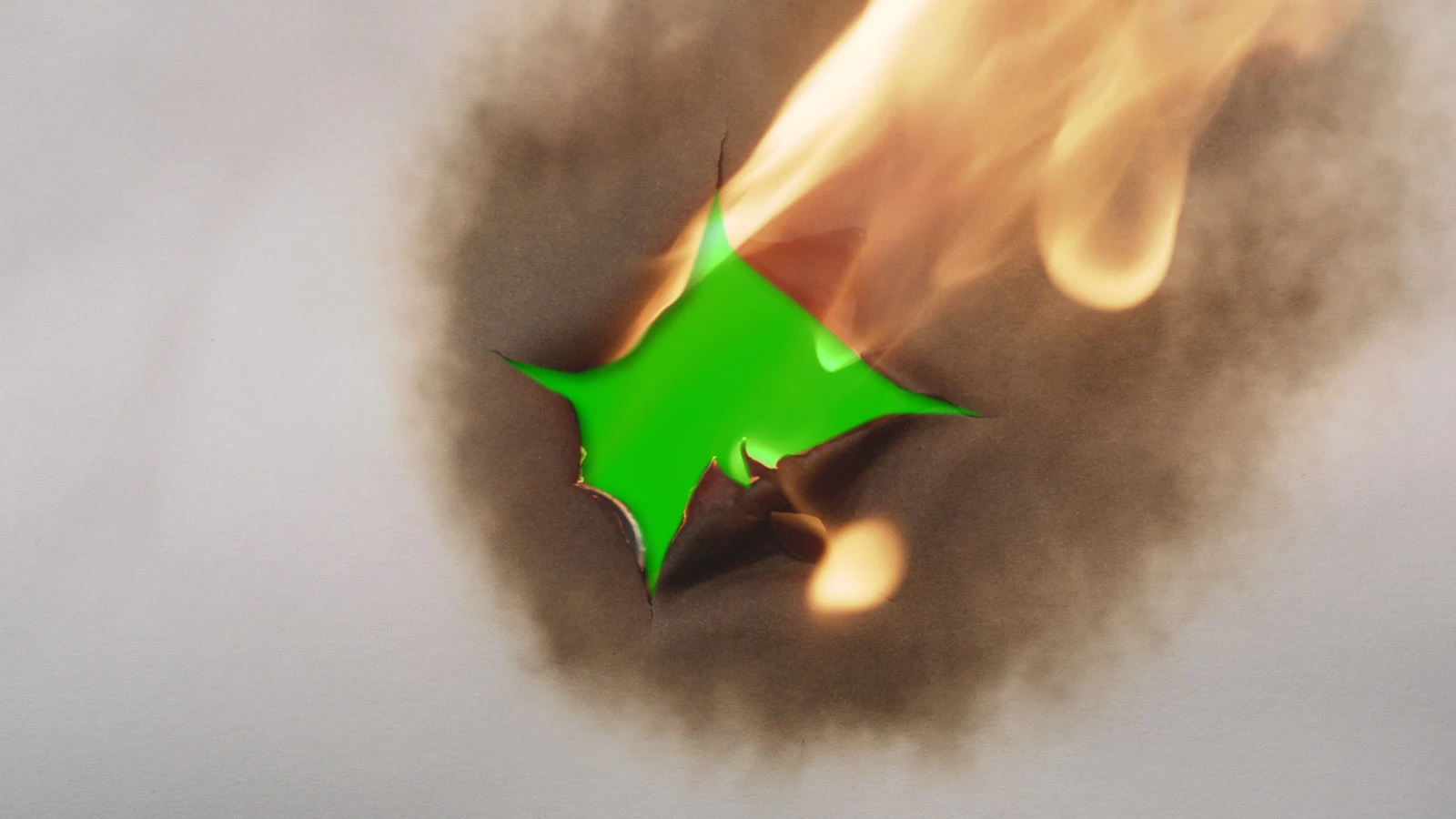
After doing various tests, the only way I can see that will work is to rotoscope around the hole to create a mask by hand, frame by frame. And then, overlay a luminance matte of the fire. Like so:


Obviously this is hugely time consuming, so I was wondering if anyone had any better (faster) solutions to this problem? Thanks! 🙂

This topic has been closed for replies.

2 replies

Mylenium
Legend
January 19, 2022

Yeah, you pretty much answered your own question. There might be a slim chance that there is some info that can be isolated via the red and green channels using channel operations, since the brown would not be full black, but even that would very likely require additional masking to mend holes and all that. It's simply going to be a roto job, though a few seconds of footage doesn't really sound that challenging. People just seem to be too afraid of this these days when the "magic" tools like Rotobrush or keying don't work...


Mylenium

Roland Kahlenberg
Legend
January 18, 2022

Poor decision to shoot on black since the burnt edges will have pixels that are similar or even identical. The conventional wisdom is to use Extract to key out Blacks or White areas. Without seeing the actual footage and duration and messing about with it, it's not possible to say what will work but a re-shoot is of course ideal.  🙂

Very Advanced After Effects Training | Adaptive & Responsive Toolkits | Intelligent Design Assets (IDAs) | MoGraph Design System DEV