That is a high-frequency moray pattern caused by the interaction of the pixel grid your monitor screen and the sensor grid size in your camera. It can happen with striped shirts, shingles on a roof, houndstooth sports coats. Anytime you have repeating patterns of detail you can get moray patterns with video cameras.
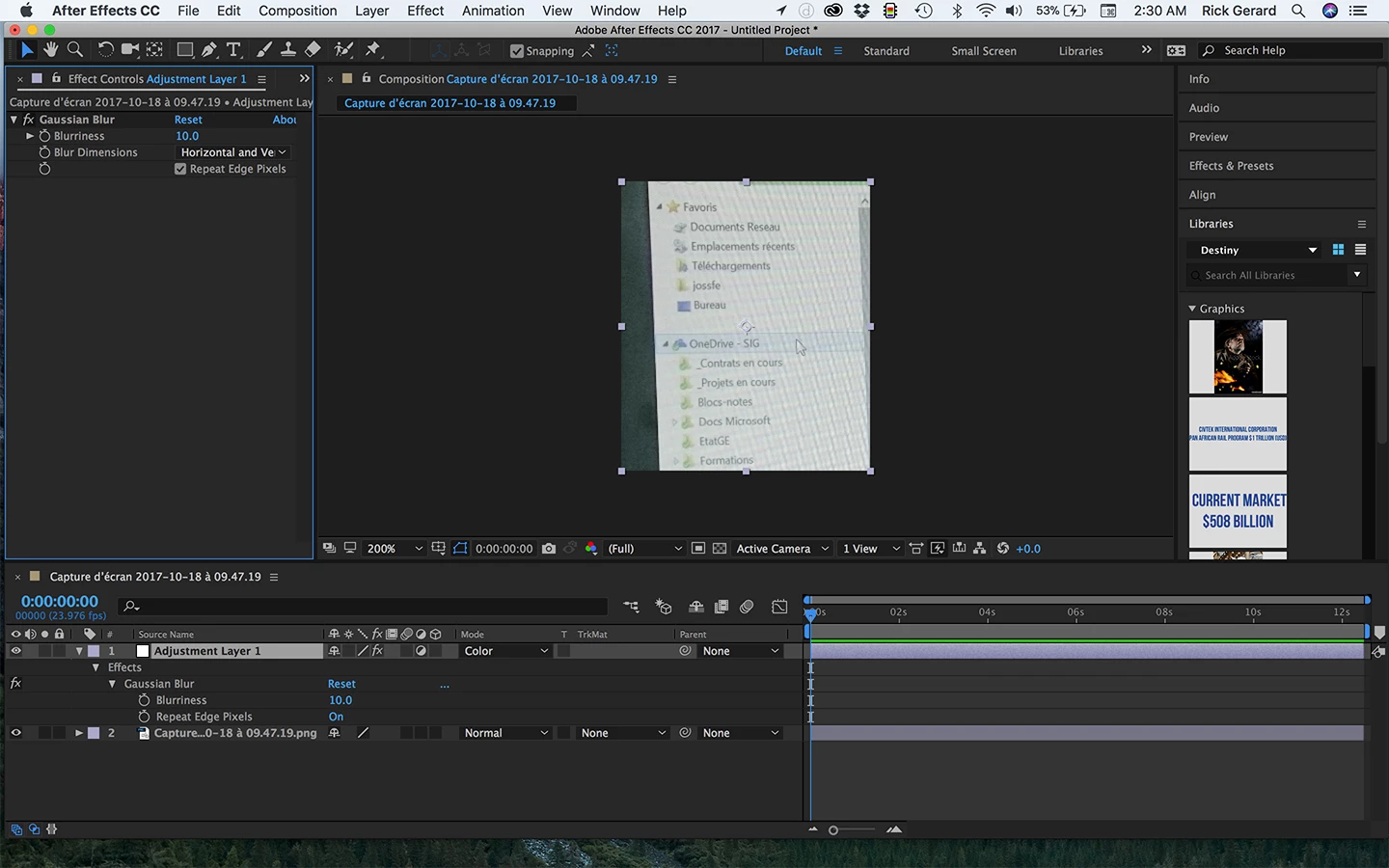
There are dozens of techniques that may help you reduce the moray patterns but there is no real good way to eliminate the problem completely without losing a significant amount of detail. You can try something as simple as adding an adjustment layer to your comp, changing the blend mode of the adjustment layer to color and then applying a bit of gaussian blur to the adjustment layer. This will blur the color of the layer but keep the luminance ( the black and white part of the image that has the detail) sharp. This will remove color fringes but your image is also showing a lot of luminance moray. I think you are kind of out of luck.
BTW, it's a lot easier just to drag your screenshots to the reply field of this forum than it is to post them somewhere else and create a link. When you are trying to get help with an AE project it's best to show the modified properties of all layers that are giving you problems by selecting the layer, pressing the "u" key twice and then just PrintScreen and paste to the forum. Cropped screenshots don't tell us anything useful about your workflow, your comp or your settings. If you are on a Mac you can just press Shift + Ctrl/Cmnd + 3 and drag the screenshot from the desktop to the forum. You may also be able to find the solution to a problem by just turning off or resetting modified properties until the problem goes away.
I would try a search for "removing moray patterns in After Effects" and try a few of the techniques out there. No solution is going to be perfect. If the shot is critical to your production you may have to track the screen and replace the content.

The color banding is gone but the lines remain. Maybe that's good enough:




 AdChoices