

Answered
initializing required components problem
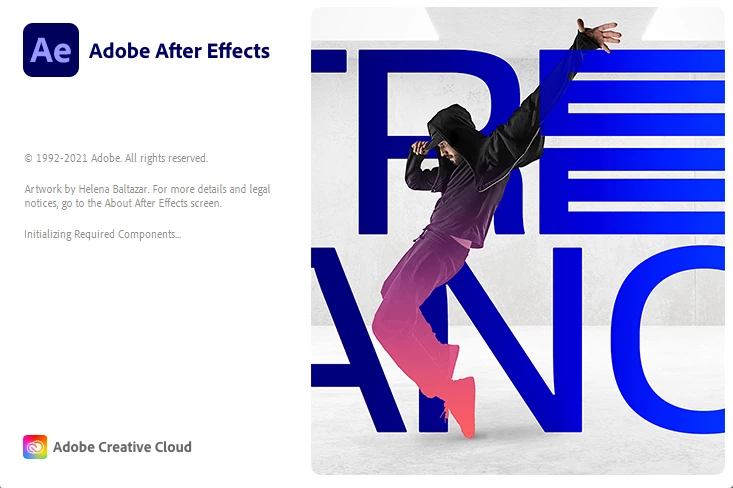

I was having the same issue running on windows 10. I found another post that suggested running in Windows 8 compatability mode. Its worked with no issues since!
just find the AfterFX.exe file (likely at, "C:\Program Files\Adobe\Adobe After Effects 2021\Support Files\AfterFX.exe") then right click the file, > Properties > "Compatability" Tab and check the box next to "Run this progam in compatability mode for:" and select Windows 8.
I have no idea why or how this works, but it fixed my issues opening After Effects, Audition and Illustrator. Hope this helps someone else!
Already have an account? Login
Enter your E-mail address. We'll send you an e-mail with instructions to reset your password.
 AdChoices